7. Press «Enter».
The message text has been entered.
8. Press «Enter».
The setting is applied.
8.8.2.3 Assign and activate the input
1. Use «Up» or «Down» to select the
DI
line.
2. Press «Enter».
The display for the currently set input flashes.
3. Use «Up» or «Down» to select the input.
4. Press «Enter».
The setting is applied.
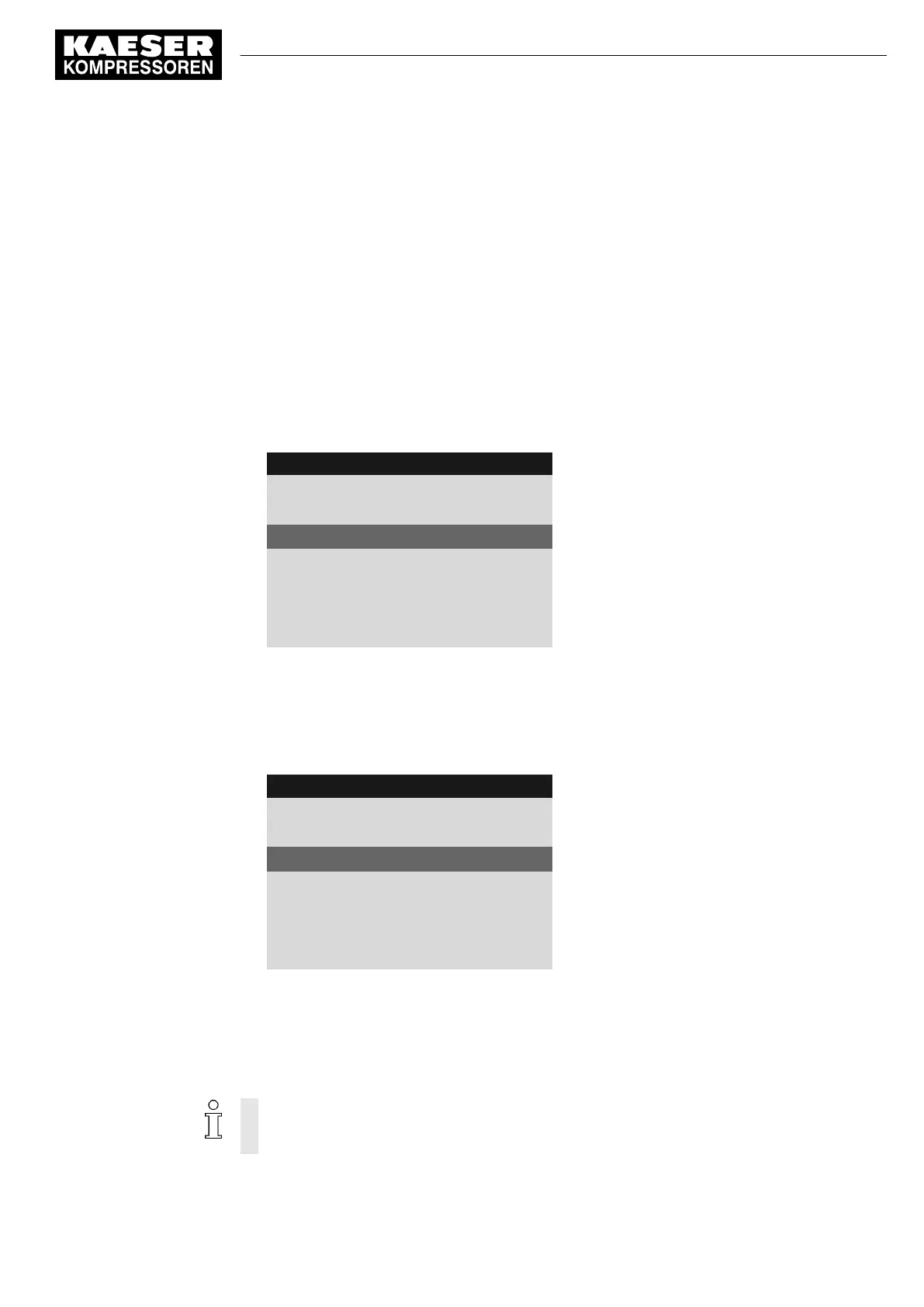
4 0 0 m b a r 0 8 : 1 5 A M 8 0 ° C
Header
5.10.2.1 External message 1
Menu
External message 1
Message text
DI1.07 ☐
The output has been selected.
td: 0s ¦ Logic : +
Logic
DOR1.04 ☐
Warning ☑
Message type (operational, alarm, warning)
5. Press the «Right» key.
6. Press «Enter».
The check box assigned to the input flashes.
7. Press the «Up» key.
The check box is activated.
4 0 0 m b a r 0 8 : 1 5 A M 8 0 ° C
Header
5.10.2.1 External message 1
Menu
External message 1
Message text
DI1.07 ok ☑
Input selected
td: 0s ¦ Logic : +
Logic
DOR1.04 ☐
Warning ☑
Message type (operational, alarm, warning)
8. Press «Enter».
ok
is displayed.
The input is assigned and activated.
8.8.2.4 Set the time delay
The delay can be set between 0 and 600 seconds. The delay is counted down from 600 in 1
second increments with the «DOWN» key and counted upwards from 0 (zero) in 1 second
increments with the «UP» key.
1. Use «Up» or «Down» to select the
td
line.
8 Initial Start-up
8.8 Setting input and output signals
No.: 901700 10 E
Service Manual Controller
SIGMA CONTROL 2 BLOWER ≥ 2.5.3
123


 To Next Page
 Loading...
