LABORIE Goby Owner’s Manual GOBY-UM02 26
7. In the
Device Manager
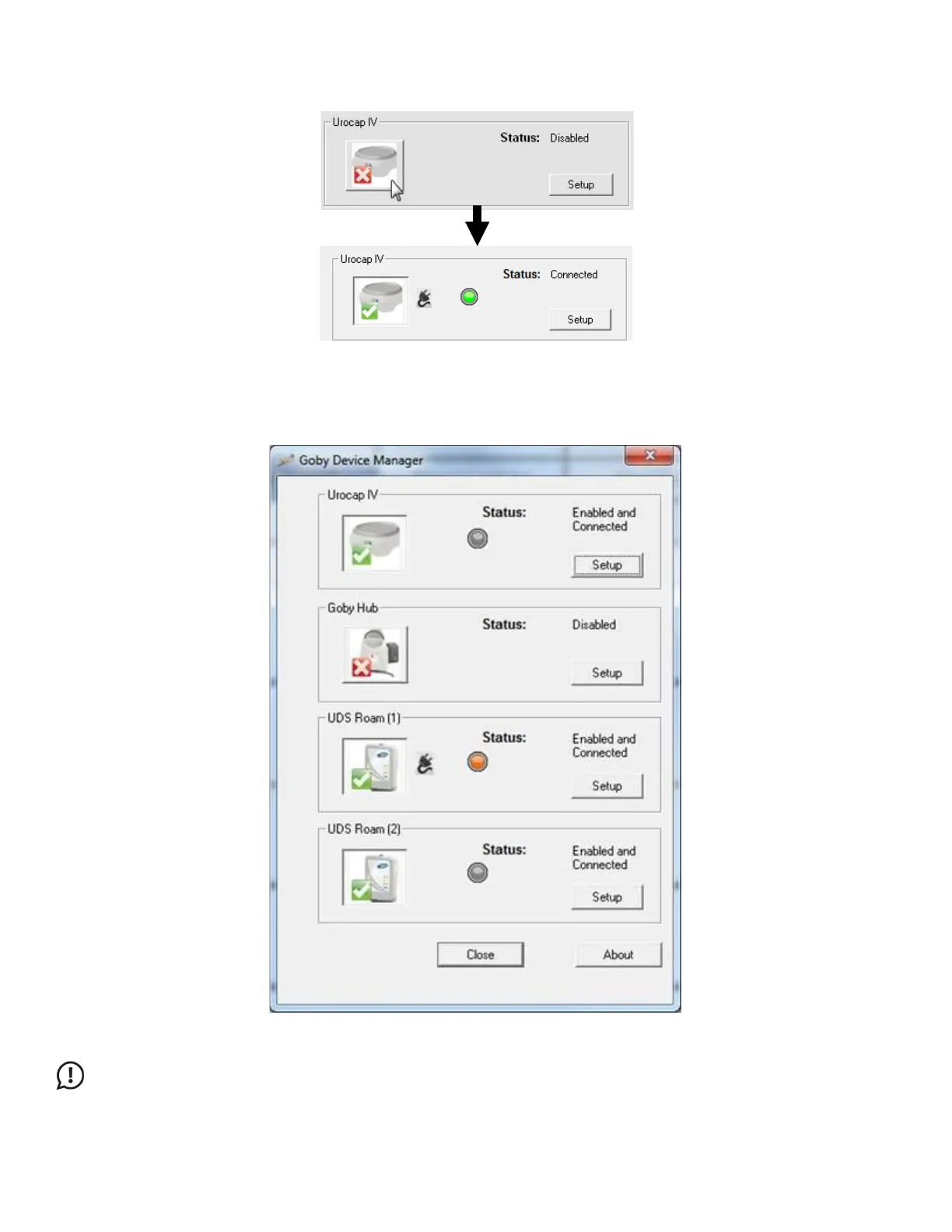
window click the device button for the Urocap™ IV, the Goby™ Hub, and the UDS
Roam™. Wait for the connection to establish and finalize as exemplified in Figure 21.
Figure 21: Finalizing Connection in the Device Manager
When all devices are connected and functioning, the Goby Device Manager window will look similar to Figure 22:
Figure 22: Goby Device Manager Window
IMPORTANT: Do not plug or unplug devices, pair or unpair Bluetooth devices, while the Goby system is in use with a
patient.



 To Next Page