LABORIE Goby Owner’s Manual GOBY-UM02 35
5.3 FILE MENU
The File menu contains items that allow you to view saved files as well as contact information for the LABORIE support
department.
Select
>
to open and view any saved
test files.
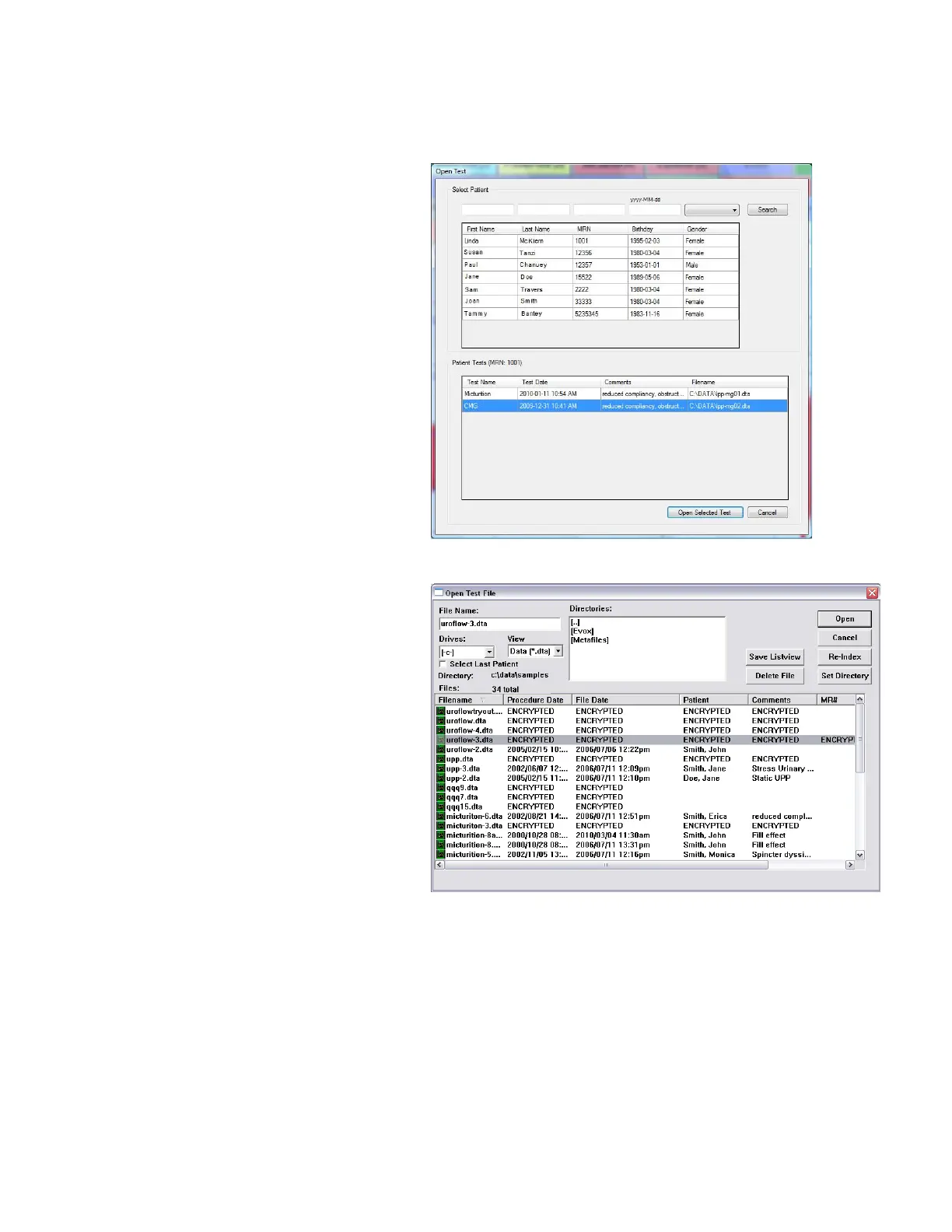
Click on a patient name to view all tests associated
with that particular patient.
To view a test, click on the test name in the lower-
half of the window and then click Open Selected
Test. Refer to Figure 33.
Figure 33: Open Test Window
Select
>
to view tests
that are saved in the DATA folder on your
computer.
•
Data Files can be conveniently sorted
according to Filename, Procedure Date, File
Date, Patient and Comments fields.
• The Re-
information stored in the Data Files.
• The Save Listview button allows you to save
a copy of the file list in notepad.
• The Set Directory button allows you to see
the location of the directory where all test
data is saved.
Refer to Figure 34.
Figure 34: Open Test File Window



 To Next Page