LABORIE Goby Owner’s Manual GOBY-UM02 52
The Liverpool Nomogram was developed to provide an accurate and reliable
indication of normal Uroflow rates.
x
Compare a patient’s pre-therapy and post-
therapy urinary flow rate against the built-in Liverpool Nomograms.
To view the Liverpool Nomogram
click
Info > X-Y Plot >
Liverpool Nomogram.
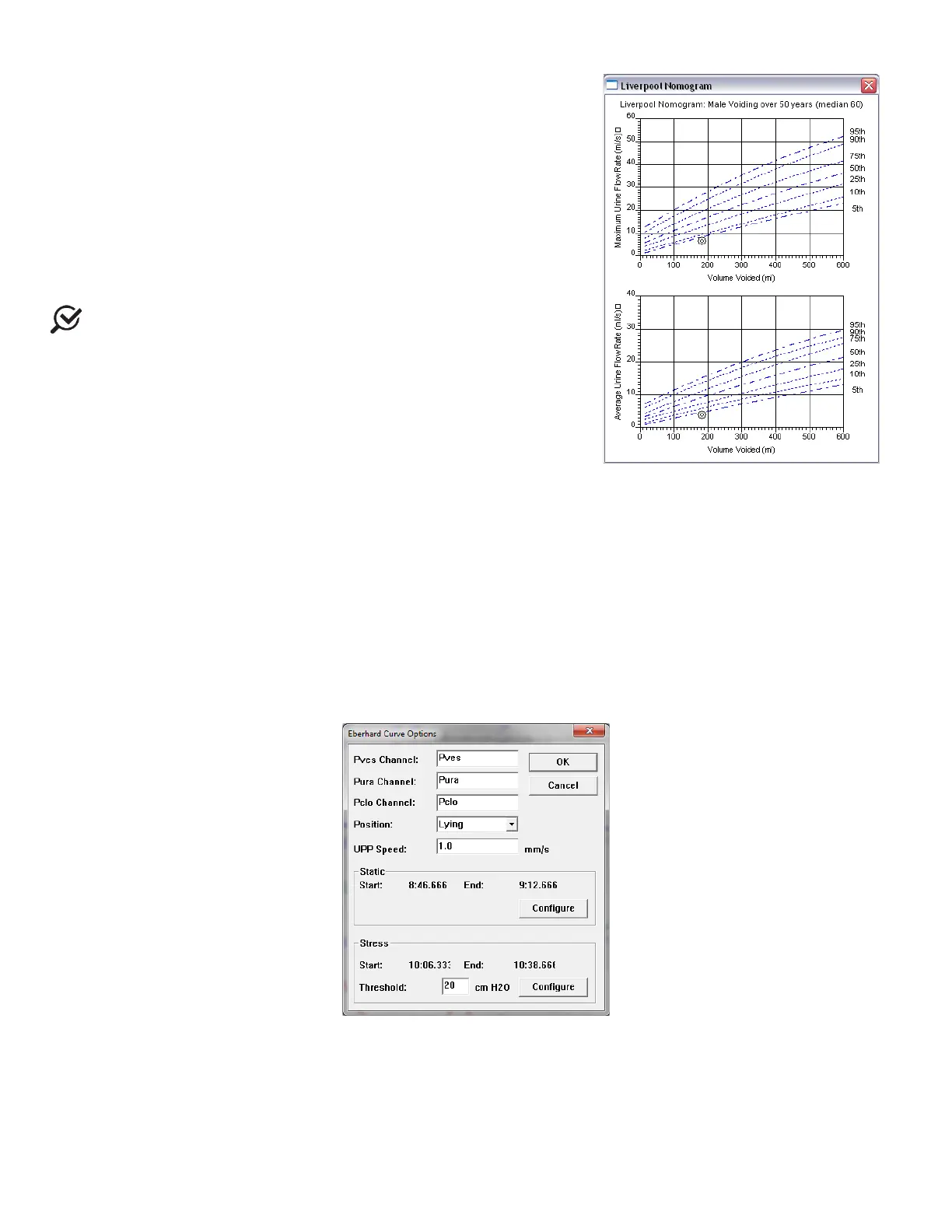
A window will open that contains the graphical representation of the Average
and Maximum flow rates as developed by Siroky et al (Figure 56).
NOTE: The Liverpool Nomogram is valid for male and female adult
patients only. Depending on the sex of the patient, the resulting Nomogram
window will appear for either the male or female averages.
From here, compare the average and maximum flow rates for the specific test.
The plotted circles on the graph represent where the patient lies on the curve.
Click the X in the upper-right corner to exit and return to the UDS graph
window.
Figure 56: Liverpool Nomogram Window
5.6.4 UPP
5.6.4.1 Eberhard Curves
The Eberhard feature measures the static and stress UPP profile for female patients.
This feature in the UDS software is based on the work of J. Eberhard and P. Lienhard.
xi
A complete copy of this article is
available upon request.
To access the Eberhard Curves Feature:
1. Click Info > UPP.
2. Select Eberhard Curves. The Eberhard Curve Options window will appear (Figure 57).
Figure 57: Eberhard Curves Options Window
3. Select the Static and the Stress UPP portions of the graph.
4. Click OK. The Eberhard window opens to display the curves along with Total Urethral Length, Pressures, Functional
Urethral Length, and change information.



 To Next Page