LABORIE Goby Owner’s Manual GOBY-UM02 27
4 EQUIPMENT STATUS INDICATORS AND BUTTONS
4.1 LED LIGHTS
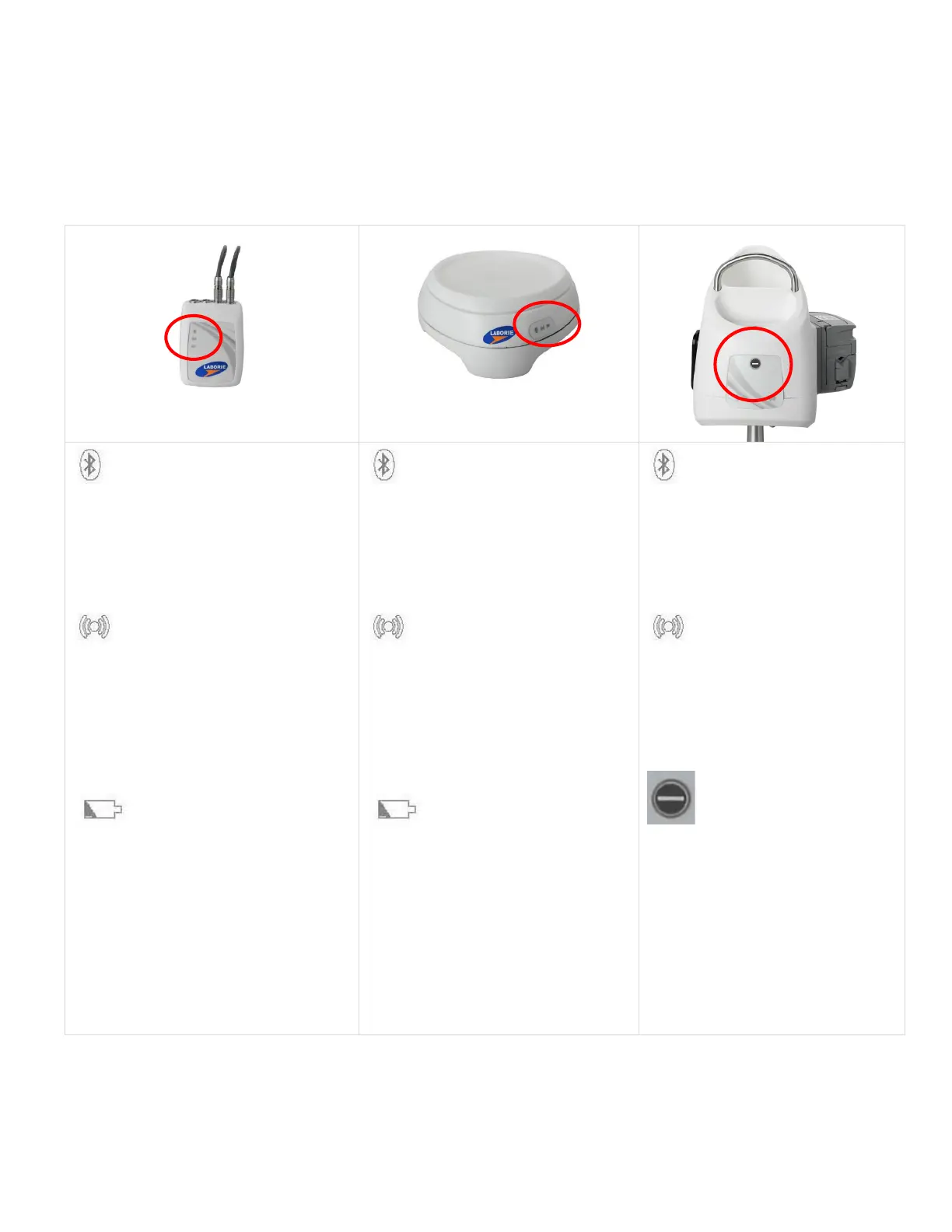
Once the components are assembled and plugged in, the LED lights on the UDS Roam™, the Urocap™ IV, and the
Goby™ Hub will flash their connection status. The LED lights for each device are located on the front of the device. The
status is also displayed in the Device Manager. Please see an overview of LED light signal statuses in
Table 1 below:
= connected
= system at work but not
connected
= system fault
= not connected
= connected
= connected and
sampling
= System fault
= not connected
= system off
= battery full and plugged
into charger
= battery good
= charger plugged and
battery charging; battery not fully
charged
= low battery; time
to charge
= battery empty; re-charge
= connected
= system at work but not
connected
= system fault
= not connected
= connected
= connected and
sampling
= System fault
= not connected
= system off
= battery full and plugged
into charger
= battery good
= charger plugged and
battery charging; battery not fully
charged
= low battery;
time to charge
= battery empty; re-
charge
= connected
= system at work but not
connected
= System fault
= not connected
= connected
= connected
and sampling
= System fault
= not connected
= pump/Goby™ stop
button
Table 1: LED Light Signals of Goby Components



 To Next Page