LABORIE Goby Owner’s Manual GOBY-UM02 66
To re-mark the UPP Segments:
1. Remove the UPP Segment that requires re-marking:
a. Right-click on the UDS graph to open a context menu.
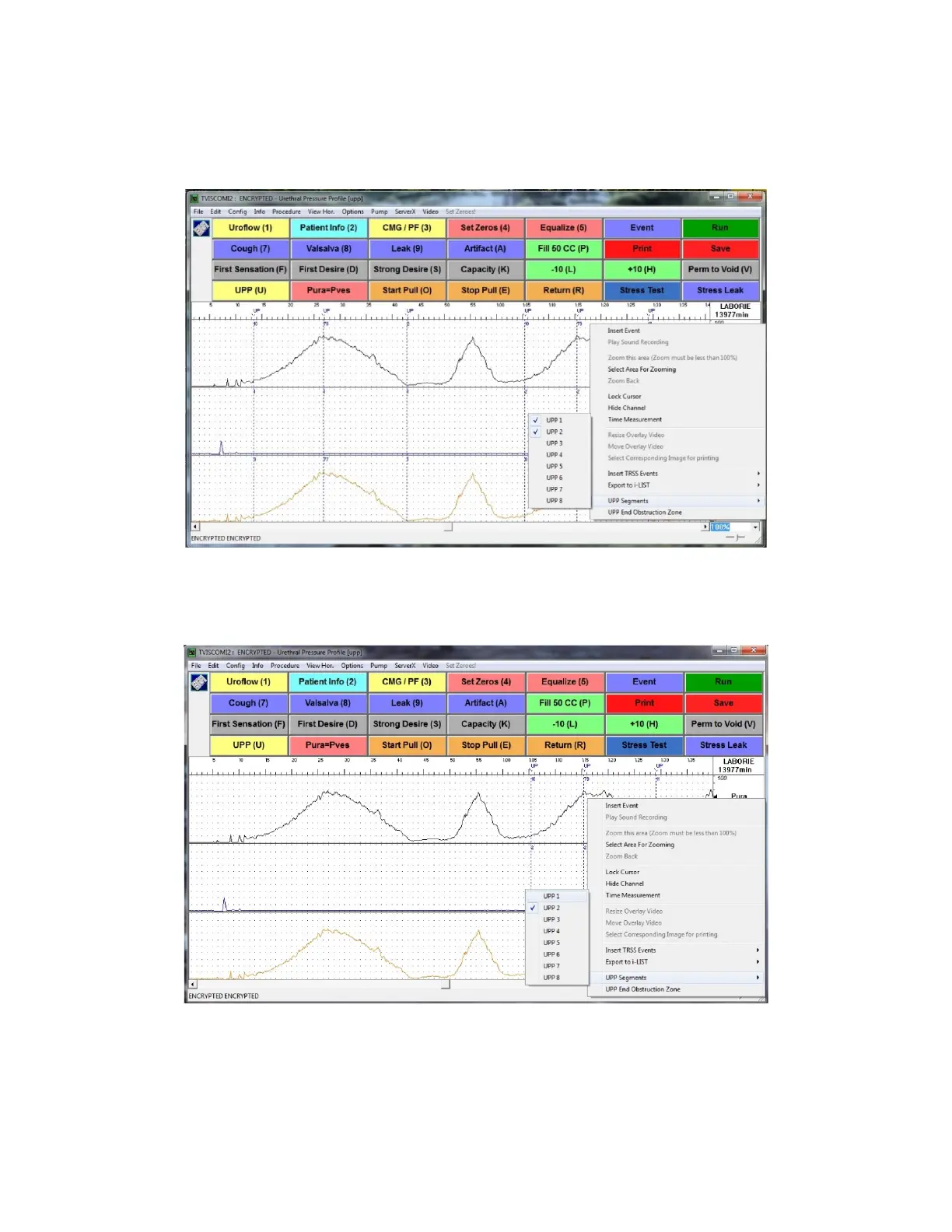
b. Click the UPP Segments option from the context menu to view all the UPP Pulls marked on the graph
(Figure 76).
Figure 76: UPP Segments Menu
c. Uncheck the UPP pull requiring re-marking and the event markings corresponding to that UPP pull will be
removed from the graph. Figure 77 shows the removal of event markings for UPP1.
Figure 77:UPP Segment Window – Removing UPP Events



 To Next Page