LABORIE Goby Owner’s Manual GOBY-UM02 64
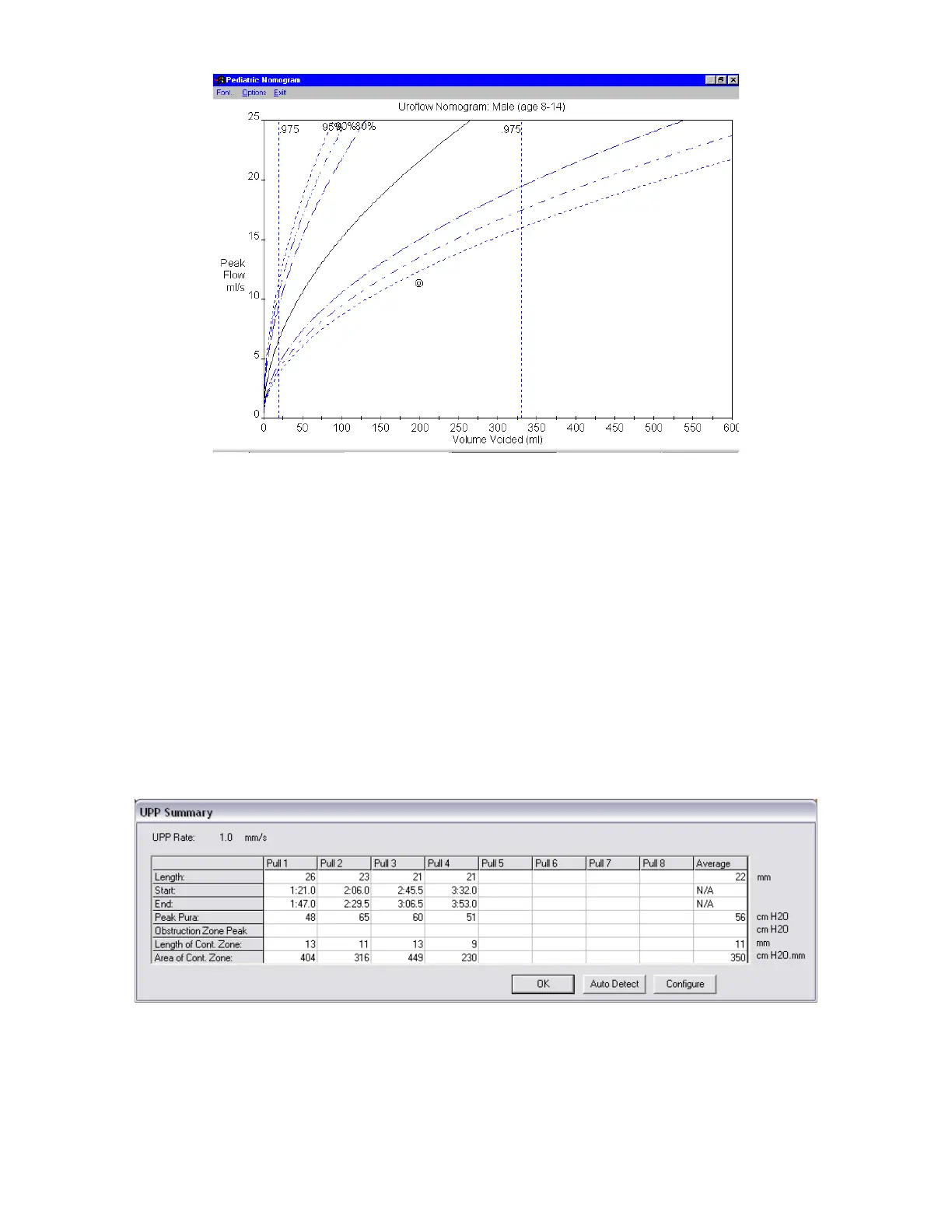
Figure 73: Pediatric Nomogram Window
2. View data in the Pediatric Nomogram and adjust settings as necessary in the window’s toolbar.
a. Change the font by using the Font menu.
b. Change the scales by using the Options menu.
c. Close the Pediatric Nomogram window by clicking Exit!.
5.6.8 UPP Summary
The UPP (Urethral Pressure Profile) test allows a clinician to assess and determine a patient’s urethral length and resistance.
Once the urethral pressure and the vesicle pressure data are obtained, the software can provide a UPP summary.
UPP start and stops are marked as events on the study graph. Pass the pointer over a UPP start or stop event and a ToolTip
will display the events. Reposition the event by clicking the line and moving it along the graph to a new location.
To Open the UPP Summary window:
Click Info from the menu bar and select UPP Summary. The UPP Summary window will appear (Figure 74). Each column
on the UPP Summary window represents a segment of the UPP test. From Pull start to Pull stop is one UPP segment or Pull
1. Additional Pulls are recorded in their own sequentially named columns.
Figure 74: UPP Summary Window



 To Next Page