X75HD/X75SD Installation and Operation Manual 245
Appendix B: Troubleshooting
2. Configure your PC's network setting to be on the same static
network, using the network addresses shown in Table B-2.
3. Connect a cross-over Ethernet cable between the X75HD/X75SD
and the PC directly, or a straight Ethernet cable when the PC and
X75HD/X75SD are on a network hub or a switch.
4. Ping
192.168.100.250, and then press the ENTER button on
your keyboard.
If the network connection is valid, the reply messages should be
returned.
5. Type the following text:
TELNET 192.168.100.250, and then
press ENTER.
6. Type the following case sensitive login information into the Telnet
session:
a. login:
leitch and then press ENTER
b. Password:
LeitchAdmin and then press ENTER
7. In the Telnet session, follow these steps:
a. In the .vxWorks shell, type:
m 0x4000000,2
and then press ENTER (there is a single space after the letter
m).
You will be prompted with: 0x4000000: xxxx
b. Type in:
6060
and then press ENTER
You will be prompted with: 0x4000002: xxxx -
c. Press ENTER.
You will be prompted with: 0x4000004: xxxx -
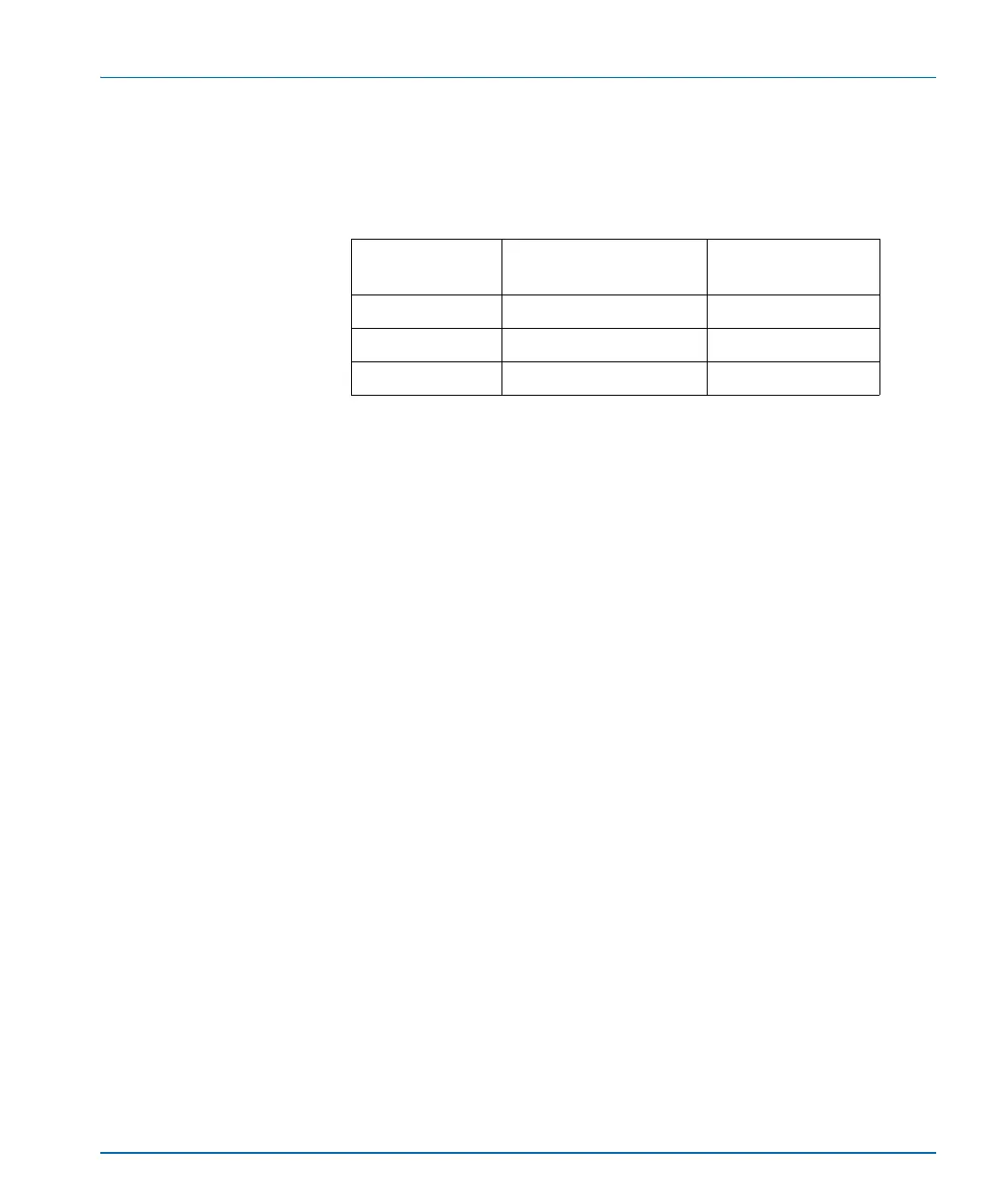
Table B-2. Network Addresses for Default IP and Fail-safe
Modes
Network
Settings
X75HD/X75SD Unit PC
IP Address 192.168.100.250 192.168.100.2
Subnet 255.255.255.0 255.255.255.0
Gateway 192.168.100.1 192.168.100.1



 To Next Page