Chapter 3: Displays
Software Version 3.05
41
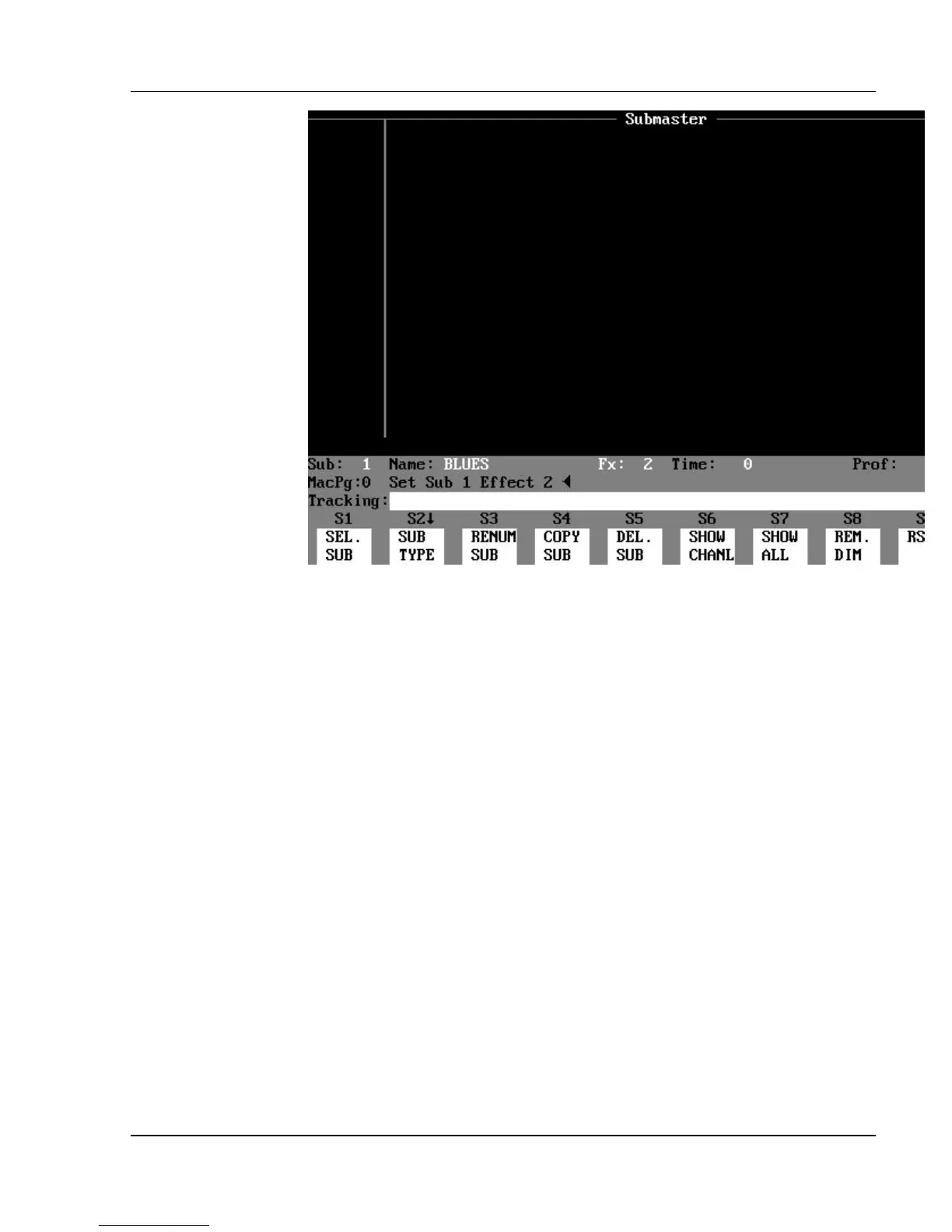
Figure 3.10, Effect Submaster Display
Contents of the Effect Submaster Display: The upper part of
the Effect Submaster display is blank - it shows neither channels nor levels.
(See Figure 3.10.)
Effect Submaster Status Bar: The only difference from the Normal
Submaster Status Bar is that the “sub type” field shows "Fx: #" in yellow
letters, indicating the effect number assigned to the submaster.



 To Next Page