103
Custom Buttons
How It Works:
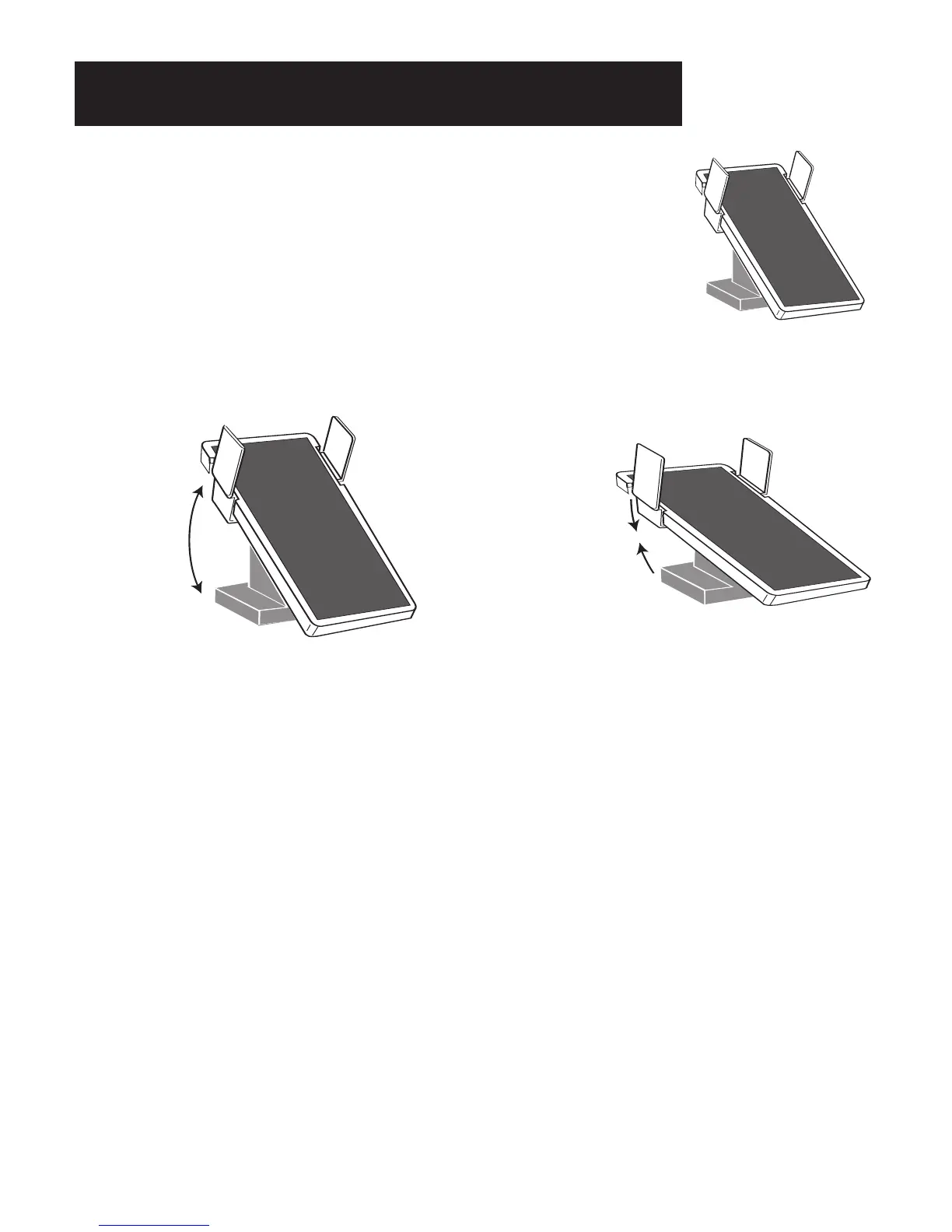
Pressing the pedal all the way down is maximum volume. Pressing the pedal all the way back is minimum
volume.
How To Use It:
The VOLUME PEDAL allows the player to add expression (changes in the volume level) to the music being
played on the organ. For details, refer to FEATURE PAGE 8 - VOLUME PEDAL SETTING on page 132.
A TIP FROM LOWREY:
The VOLUME PEDAL controls the overall volume level of the organ. The volume level of specific sections
is controlled by the individual volume level controls found on the panel and in the
GRAPHIC MIXER section
of the organ. If the overall maximum volume level of the organ is too loud, use the
MASTER buttons in the
GRAPHIC MIXER to adjust the maximum volume to your liking.
Pedal Set
to Minimum
Volume
Pedal Set
to Maximum
Volume
Pedal Set
to Minimum
Volume
Pedal Set
to Maximum
Volume
PREVIEW: The VOLUME PEDAL and the FOOT SWITCHES have been
described earlier in the Rhythm Plus Orchestration section and the Orchestral
and Solo section.
What It Does:
The VOLUME PEDAL performs many functions. It is recommended that your
right foot remain on the pedal while playing the organ. Moving this pedal
controls the overall volume level of the organ.
Volume Pedal








 To Next Page