33
Recording Your Music
3. Insert a new (blank) CD, or a CD with Prestige songs that has not been finalized.
4. Press the
RECORD button in the CD RECORDER/PLAYER section. The RECORD and PLAY/PAUSE
buttons will begin to flash.
5. Press the
DISPLAY button in the CD RECORDER/PLAYER section to display the CD control screen.
6. Press the flashing
PLAY/PAUSE button in the CD RECORDER/PLAYER section.
The
RECORD button will light continuously.
The
PLAY/PAUSE button will not be lighted.
The screen will display, in red, the word
RECORDING.
7. Immediately press the
PLAY/PAUSE button in the MUSIC RECORDER section for the MEMORY STICK to
begin playback of the music on the memory stick.
8. When the song is finished playing, press the
STOP button in the CD RECORDER/PLAYER section.
9. Repeat the procedure described in steps 6 through 8 until you have placed all the songs you desire on
the CD, or have filled the CD to capacity. The capacity of the CD is displayed on the screen when
you press the
DISPLAY button, located in the CD Recorder/Player section.
At this point, the recordings are on the CD, but can only be accessed from the Prestige. You may
remove the CD and add new songs to it later, by recording directly to the CD or by recording a song
from the memory stick to the CD. When you have recorded as many songs as you wish to be saved to the
CD (or until it will hold no more), you will need to
FINALIZE
the CD.
10. In order to playback the songs that have been placed on the CD on a player other than the Prestige,
you will need to
FINALIZE
the CD. Follow the steps on page 25. The finalize process permanently
burns’ the songs onto the CD.
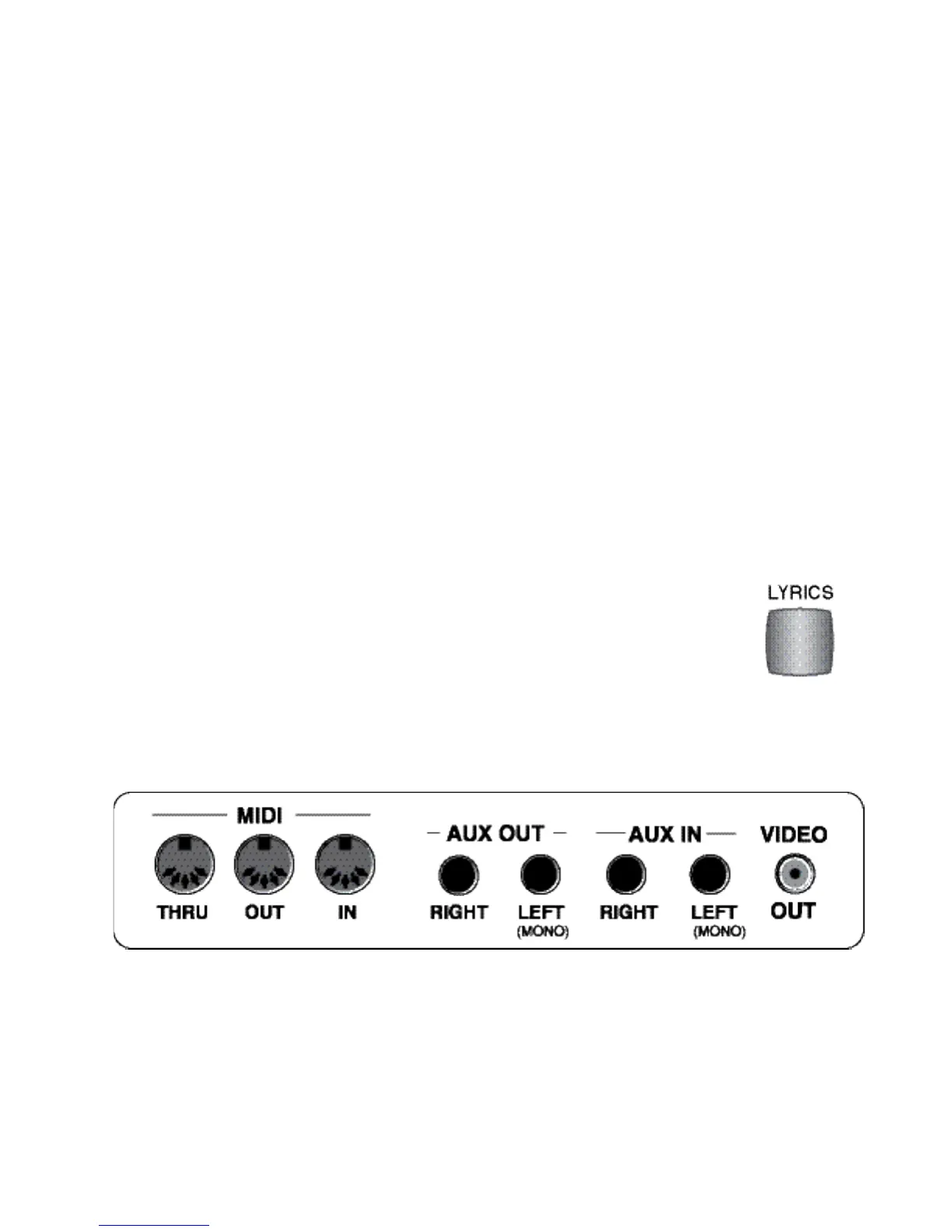
If you connect the
VIDEO OUT jack, on the rear panel of the Prestige, to the VIDEO IN jack on your television
set, the Lyrics will be displayed on the television so a group of friends can sing along while the organ plays
the song. Most television sets have
VIDEO IN/VIDEO OUT
jacks located on the back. Some have them con-
veniently located on the front.
If you have a VCR plugged into your television’s Video In jack then you may connect the Prestige’s
VIDEO
OUT
(rear panel of the organ) to the VIDEO IN jack on your VCR. You will need to set the VCR channel to
the appropriate
LINE CHANNEL
or
AUX CHANNEL
.
KARAOKE PLAYBACK
When playing MIDI files or Karaoke files (.mid or .kar), from a memory stick/ USB port,
that include lyrics, press the
LYRICS
button, located in the
MUSIC RECORDER
on the far
right side of the control panel. This will display the song lyrics on the
TOUCH SCREEN.








 To Next Page