43
Memory Stick
RENAME SONG
How It Works:
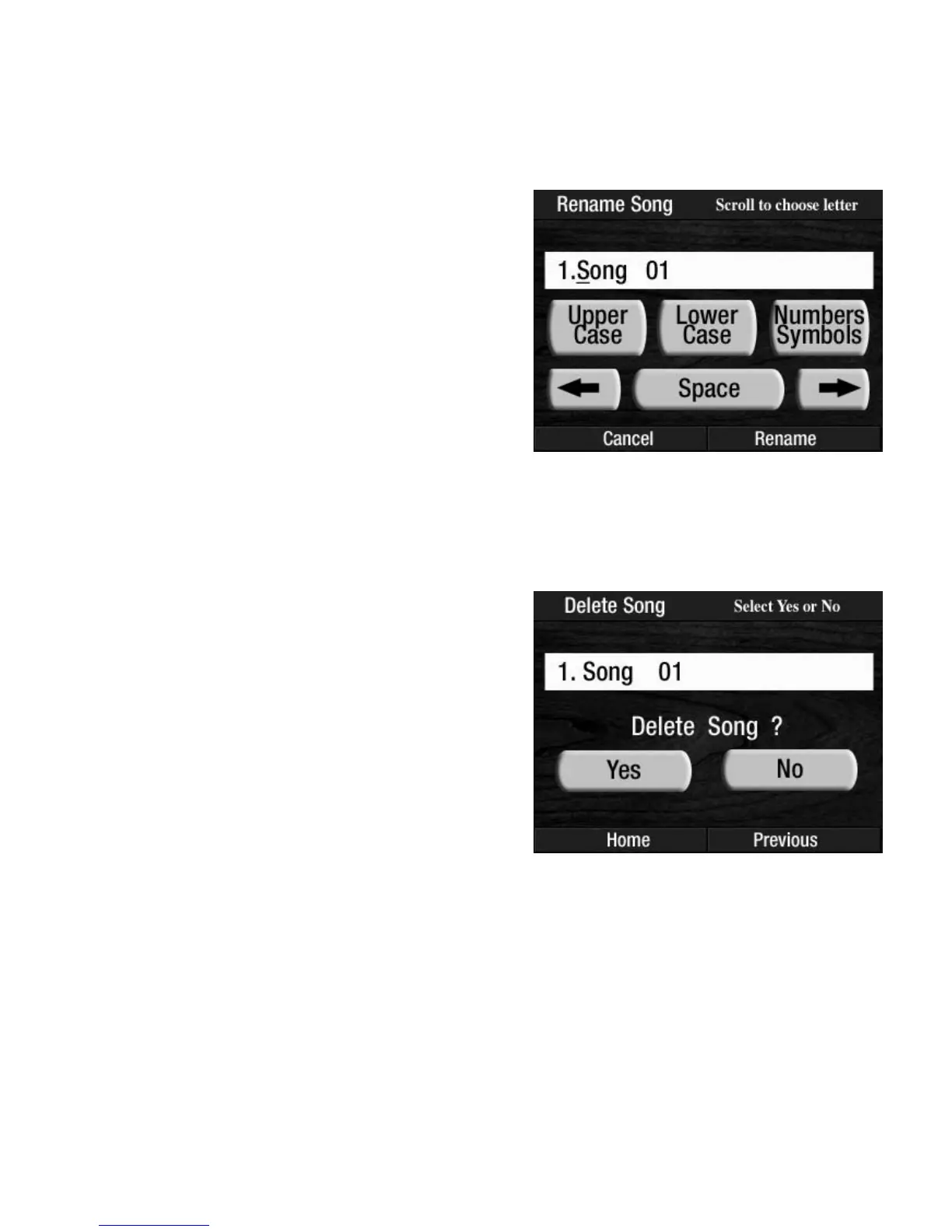
Press the words RENAME SONG on the screen to display the song titles on the memory stick. Titles are dis-
played four at a time on the screen. Press either
SCROLL button to display other titles that may be on the
memory stick. Press the song title, on the screen, that you wish to rename.
DELETE SONG
How It Works:
Press the words DELETE SONG on the screen to display the song titles on the memory stick. Titles are dis-
played four at a time on the screen. Press either SCROLL button to display other titles that may be on the
memory stick.
Press the song title, on the screen, that you wish to delete.
The screen will display the choices YES and NO.
Press
NO on the screen to cancel the procedure.
Press YES to delete the song title selected. The screen will
display
DELETING SONG and then SONG DELETED.
The screen will return to the POWER UP display.
How To Use It:
Use the DELETE SONG feature to eliminate unwanted
songs from a memory stick.
The screen will display the same screen used to title Preset
Groups in the
SAVE PRESETS section.
When you have finished renaming the song, press the
word RENAME SONG on the screen. The screen will dis-
play
SONG RENAMED and then return to the POWER UP
display.
How To Use It:
Use the RENAME SONG feature to put recognizable titles
on your songs.








 To Next Page