40
Prestige Owner’s Guide
RENAME PRESETS
How It Works:
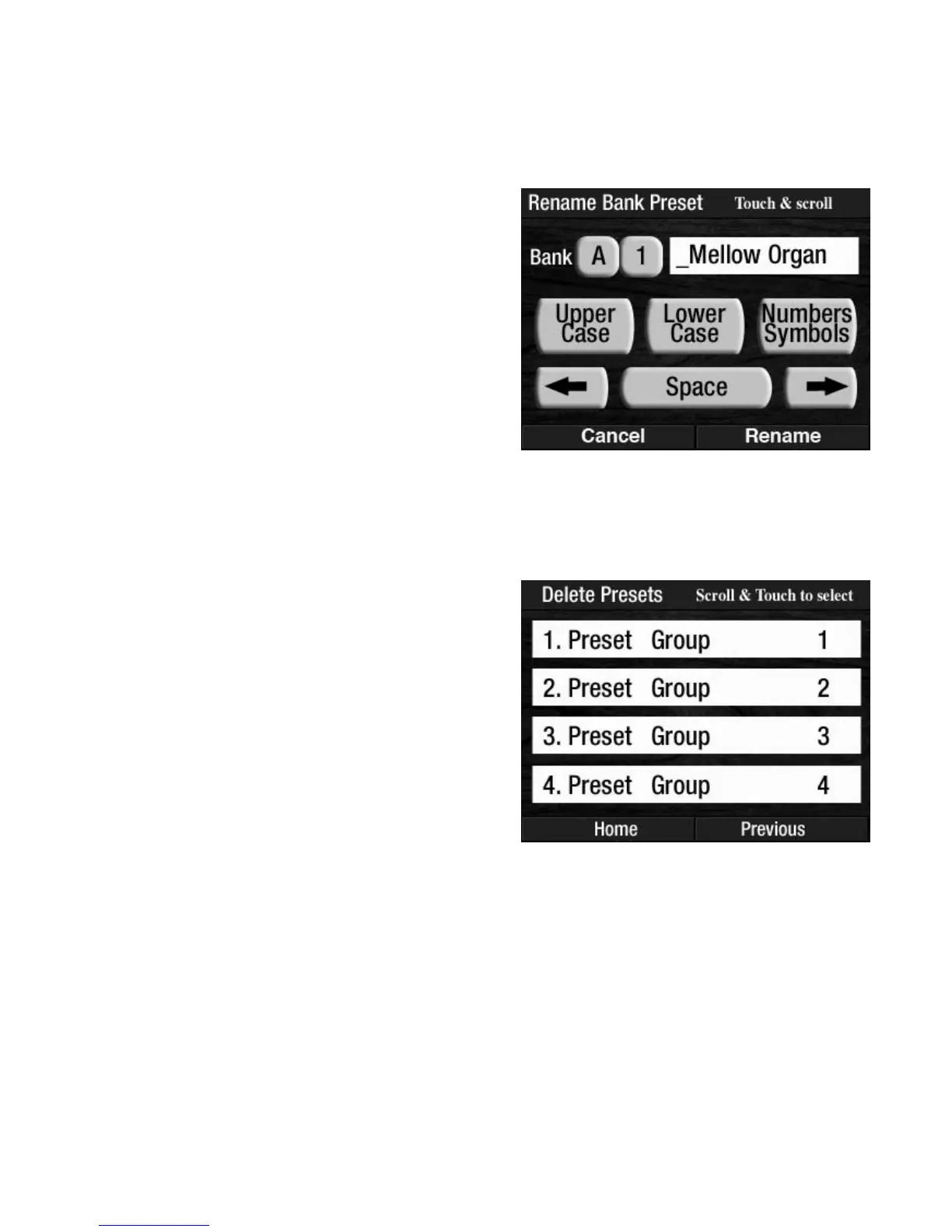
Pressing the words RENAME PRESETS on the screen displays the names of groups of Bank Presets saved on
the memory stick. Titles are displayed four at a time on the screen. Press either SCROLL button to display
other titles that may be saved on the memory stick.
How To Use It:
Use the RENAME PRESETS feature to title Preset Groups that you did not title during the SAVE PRESETS
procedure. Use it to title Preset Groups with recognizable, descriptive names.
DELETE PRESETS
The screen will display the option to DELETE the selected Preset Group. Pressing the word NO will return
the screen to the previous display and not Delete the Preset Group. Pressing the word YES will Delete the
selected Preset Group. The screen will display DELETING PRESETS, then PRESETS DELETED. The screen
will return to the
POWER UP display.
How To Use It:
Use the DELETE PRESETS feature to remove unwanted Preset Groups from a memory stick.
How It Works:
1. Insert the memory stick on which you have saved
some Presets into the
USB DATA PORT.
2. Press the screen button USB.
3. Press the words DELETE PRESETS on the screen to dis-
play the Preset Groups on the memory stick.
The screen will display up to four titles, or groups, at
once. Press either
SCROLL button to display the other
titles that may be on the memory stick.
4. Press the name, on the screen, of the Preset Group you
wish to delete from the memory stick.
Press the Group Preset title on the screen that you wish to
Rename. The screen will display the same screen used to
title Preset Groups in the SAVE PRESETS section.
When you have finished renaming the Preset Group, press
the word
RENAME on the screen. The screen will display
PRESETS RENAMED and then return to the POWER UP dis-
play.








 To Next Page