5
Let’s Get Started!
Detailed usage of the Color Touch Screen is found in each section of the manual as it applies to specific
features.
COLOR TOUCH SCREEN THEMES
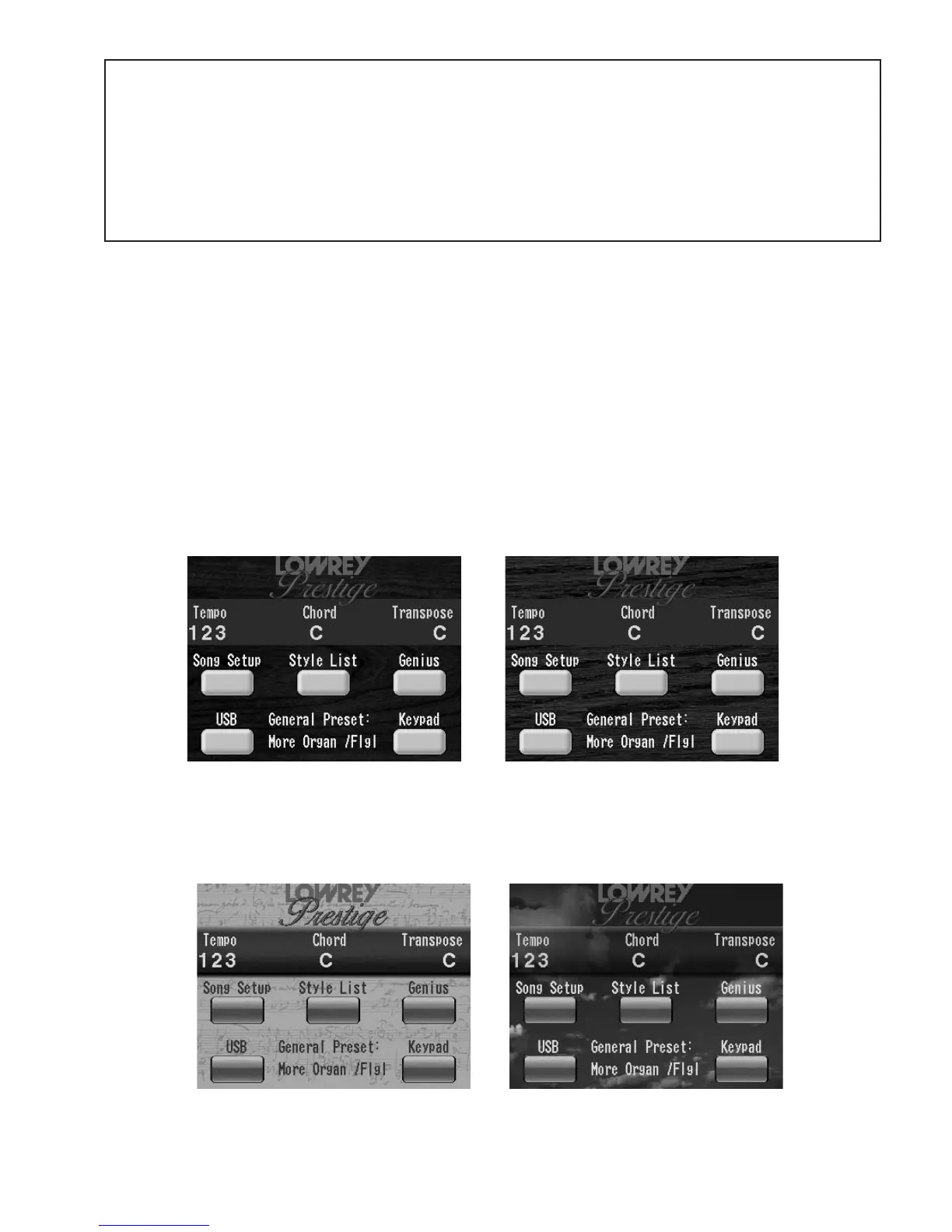
There are three screen themes from which you may choose for the COLOR TOUCH SCREEN. The theme you
select will appear in all screens you utilize. Here is how to select from among the different screen themes:
1. Press the
FEATURE/CLEAR button, located to the right of the COLOR TOUCH SCREEN.
2. Press either SCROLL button until FEATURE PAGE 11 appears. The title of the page appears at the top of
the screen.
3. Touch the box containing the word
SCREEN. The SCREEN/VIDEO feature page will appear.
4. Touch the box on the screen, next to the word THEME. The box will become highlighted.
5. Press either SCROLL button to display a different THEME name. When the theme you desire appears in
the box, simply press the
FEATURE/CLEAR button. The THEME you select will be applied
to all screens displayed in the COLOR TOUCH SCREEN.
CHERRY THEME OAK THEME
The THEME preset for your Prestige matches the finish color of the cabinet. If you purchased an Oak finish,
then the Oak Theme will be the preset theme. The Cherry theme is preset if you purchased a cherry finished
cabinet. The oak theme is not available in the cherry finished prestige, and the cherry theme is not available
in the oak finished unit.
SHEET MUSIC THEME SKY THEME
SCREEN CARE AND CLEANING
IMPORTANT NOTICE: Do not spray any type of liquid on the Touch Screen. To
clean the screen use a soft cloth slightly dampened with water
. Avoid allowing any
liquid to run to the edge of the screen.
Do not touch the screen with any sharp objects, such as a pencil point or pen tip. Use
your fingertip when making selections on the screen.








 To Next Page