87
Graphic Mixer
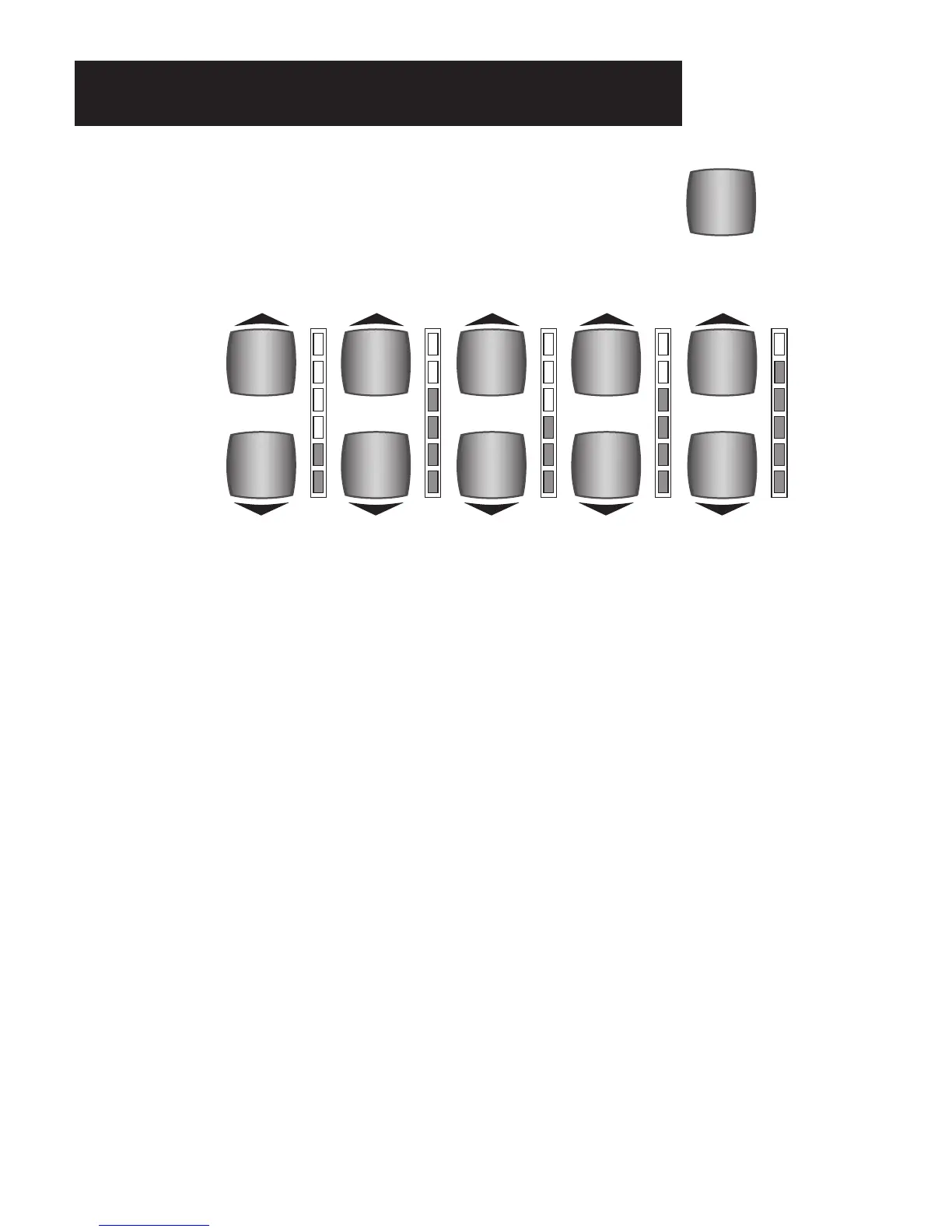
PREVIEW: The GRAPHIC MIXER section contains buttons that control the volume levels for certain sections
of the organ, the reverberation effect, and access to the Equalizer screen. Turning the organ on or pressing
the RESET button sets all levels to the “Power-Up” setting. Any changes made in this section can be saved
to a
BANK Preset. The Presets cause these settings to change.
What It Does:
The GRAPHIC MIXER lets you control the levels for the following sections of the organ.
MASTER Volume
MASTER VOLUME controls the overall volume level of the organ. Each section of the organ has a separate
volume control. Master Volume sets the maximum volume level of the entire organ. Once the Master
Volume has been set the volume of the organ is changed, while you play, with your right foot on the Volume
Pedal. Master Volume level remains at your setting, even if the organ is turned off or the
RESET button
pressed.
REVERB
Reverberation adds realism and resonance to the sounds of the organ. It’s the echo effect that occurs natu-
rally in large churches, music halls and theatres. The REVERB buttons control the amount of Reverb. The
organ features different types of reverb from which to choose. The type and amount of reverb is preset from
the Lowrey factory. See
FEATURE PAGE 9 - REVERB on page 137 for additional selections.
BASS
The orange BASS buttons control the volume of the Pedals or Bass sounds.
LOWER
The LOWER buttons control the overall volume of the Lower Keyboard sounds.
MASTER
VOLUME
REVERB
AMOUNT
BASS
VOLUME
LOWER
VOLUME
UPPER
STRING/VOCAL
VOLUME
EQUALIZER
GRAPHIC
MIXER
Graphic Mixer Section








 To Next Page