80
Prestige Owner’s Guide
FOOT SWITCH
How To Use It:
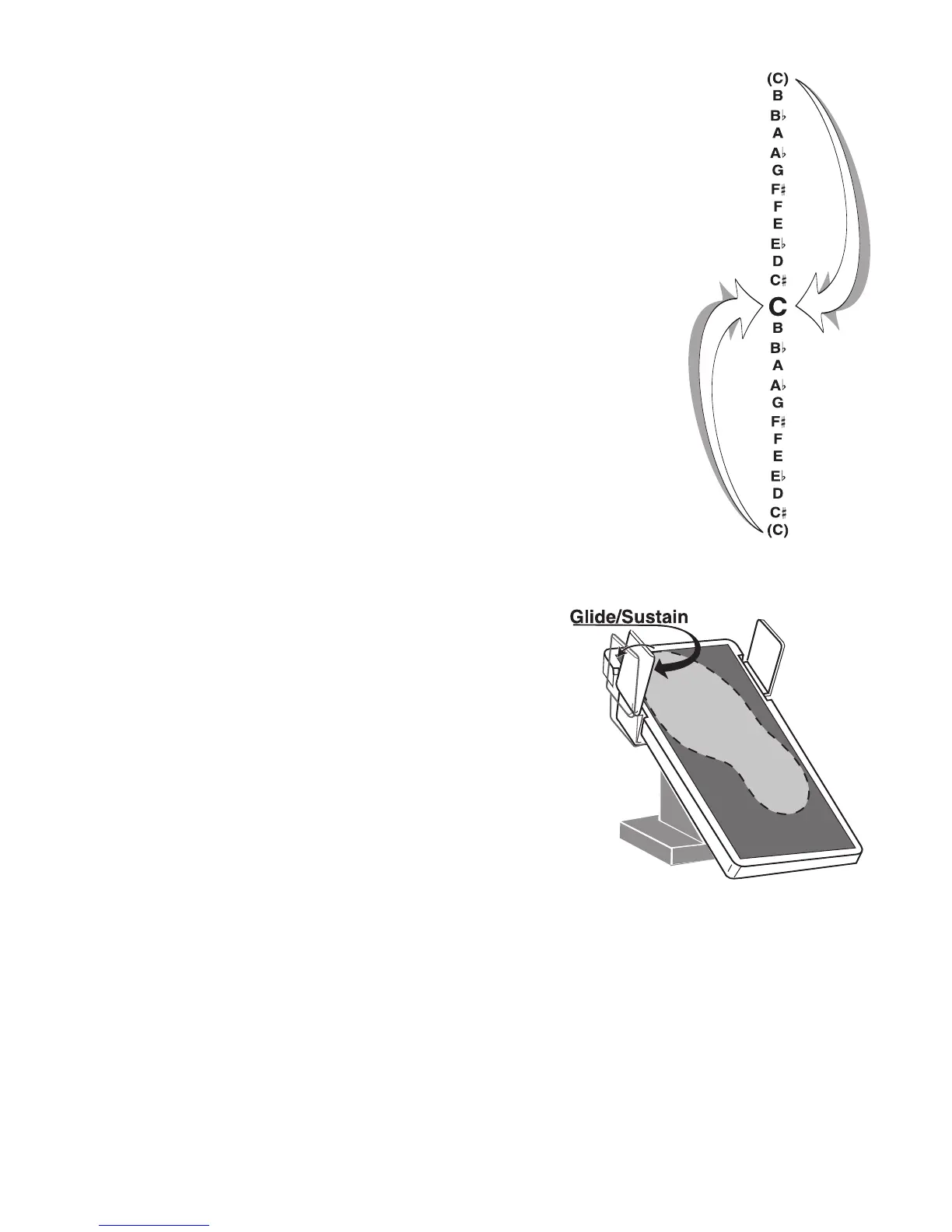
While playing the organ your right foot is placed on the Volume Pedal. Slide your foot to the left to activate
the Foot Switch. On sounds that use a Glide effect, like Hawaiian, press the Foot Switch, play the note(s)
you wish to Glide, then release the Foot Switch. The sound will Glide just like an actual Hawaiian Guitar.
On sounds that use Sustain, like Piano, press the Foot Switch before you release the notes played that you
wish to Sustain.
A variety of features may be assigned to both the Left and Right Foot Switches. See
FEATURE PAGE 9 on
page 135.
What It Does:
The LEFT FOOT SWITCH on the Volume Pedal has two factory
set functions that will affect certain Orchestral and Solo sounds
- the
GLIDE and SUSTAIN effects.
How It Works:
The organ assigns either the Glide or Sustain effect, depending
on the sound selected. For example, a Piano sound will Sustain
when this left foot switch is activated. The Glide effect will be
applied to a Trombone or Hawaiian Guitar sound. If you are
using an Orchestral and Solo sound together, the foot switch
assigns Glide or Sustain based on the Solo sound selected.
How To Use It:
Use this feature to change the pitch, or key, of the music you are playing. You
can sound like a pro by playing the song through one time and then pressing the
right (#) TRANSPOSE button once and repeating the song. Transpose comes in
handy for a sing along, or playing along with another musician playing an
instrument not pitched in the key of “C.”
The Prestige Transposer is cyclical. When you begin at “C” and Transpose up
(pr
essing the button labeled with the Sharp # symbol) through all 11 steps to
“B” the next step up will return the organ to the key of “C.” This is also true
when you Transpose down (pressing the button labeled with the Flat b symbol)
to C#.
Transpose changes can now be saved to a
BANK PRESET. See CUSTOMIZING
A BANK PRESET on page 20.








 To Next Page