111
Color Touch Screen
•Pressing the FEATURE(CLEAR) button again,causing the button light to turn off, will return the
Touch Screen to the
POWER UP screen.
•Pressing the FEATURE(CLEAR) button again returns the Touch Screen to the last Feature Page displayed.
Press the words
SUSTAIN LENGTHS on the screen. All of the Sustain choices available will be displayed on
the screen. Press the specific Sustain category, on the screen, you wish to change. It will become high-
lighted. Press either
SCROLL button to change the value of the selected Sustain Length.
Press the
FEATURE(CLEAR) button to return the Touch Screen to the POWER UP screen.
How To Use It:
Use the FEATURE PAGES to control and customize features on the organ. Any changes made can be saved
to a BANK PRESET.
1. Levels (Balance):
What It Does:
Levels are the volume level for sounds in the organ. Balance has to do with the relative volume level
between two sounds. For example, a particular Rhythm Style may be using low pitched drums (Bass Drum)
together with high pitched cymbals at the same volume. The Balance feature would give you the ability to
make the cymbals louder than the drums or the drums louder than the cymbals.
LEVELS range from 0 (off) to 100 (maximum volume).
BALANCE starts at 50 (all sounds equal volume). A number lower than 50 will make the low pitched sounds
louder. A number higher than 50 will make the high pitched sounds louder.
PREVIEW:
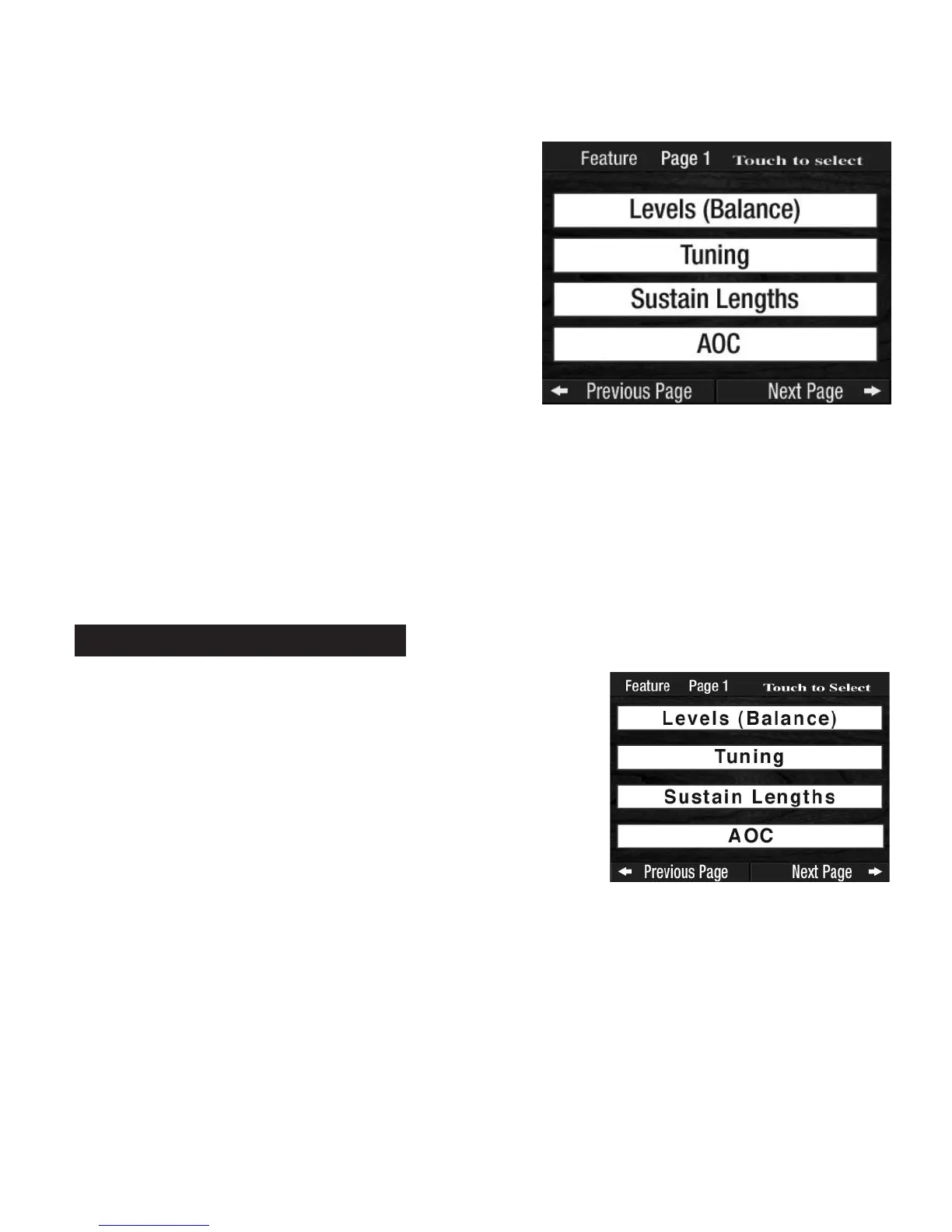
FEATURE PAGE 1 provides four control categories:
1.
LEVELS (BALANCE): Changes the volume level and/or balance
of various sections.
2. TUNING: Changes the pitch of various sounds.
3.
SUSTAIN LENGTHS: Changes how long it takes certain sounds to
fade away.
4.
AOC: Changes which sections of sounds will produce harmony
notes when using AOC-type harmonies.
Feature Page 1
Each of the FEATURE PAGE displays a different group of
features available to you.
•Press the
SCROLL buttons to display the page containing
the desired feature.
•Press the name of the feature, on the screen, that you wish
to use. The Touch Screen will change to display the
choices within that features.
•Continue to
PRESS AND SCROLL to obtain the desired
results.
For example,
FEATURE PAGE 1 displays four choices.








 To Next Page