53
Rhythm Plus Orchestration
How To Use It:
Use START/STOP when you wish to temporarily pause the Rhythm Style without changing the registration
of the organ. The Rhythm Style will always start again, on the “downbeat” of the measure (beat 1), when
you play a chord on the lower keyboard. Besides the red button on the panel, there are other ways of acti-
vating this feature in addition to the
START/STOP button on the panel. See FEATURE PAGE 9 on page 134.
TEMPO
How To Use It:
TEMPO is preset for each Rhythm Style. You can adjust the Tempo so that it is comfortable for you.
You can also press the button labeled KEYPAD on the Touch Screen. The display will change to a numer-
ic Keypad, allowing you to enter a numerical value for the Tempo. For example, to set the
TEMPO to 80,
touch the
KEYPAD button on the screen. Press 8, and then press 0 on the screen. Press either TEMPO button.
The Tempo will instantly be set at 80.
STYLE & LOCK
To the left of the RHYTHM PLUS ORCHESTRATION section is a small section titled STYLE & LOCK. Several
features that function in cooperation with the rhythm styles are found in this section.
ORCH. PLUS
VOLUME
STYLE & LOCK
TEMPO
HARMONY
CONTROL
AUTO BASS
ACCOMP
GENIE
ORCH PLUS
2
1
LOCK
What It Does:
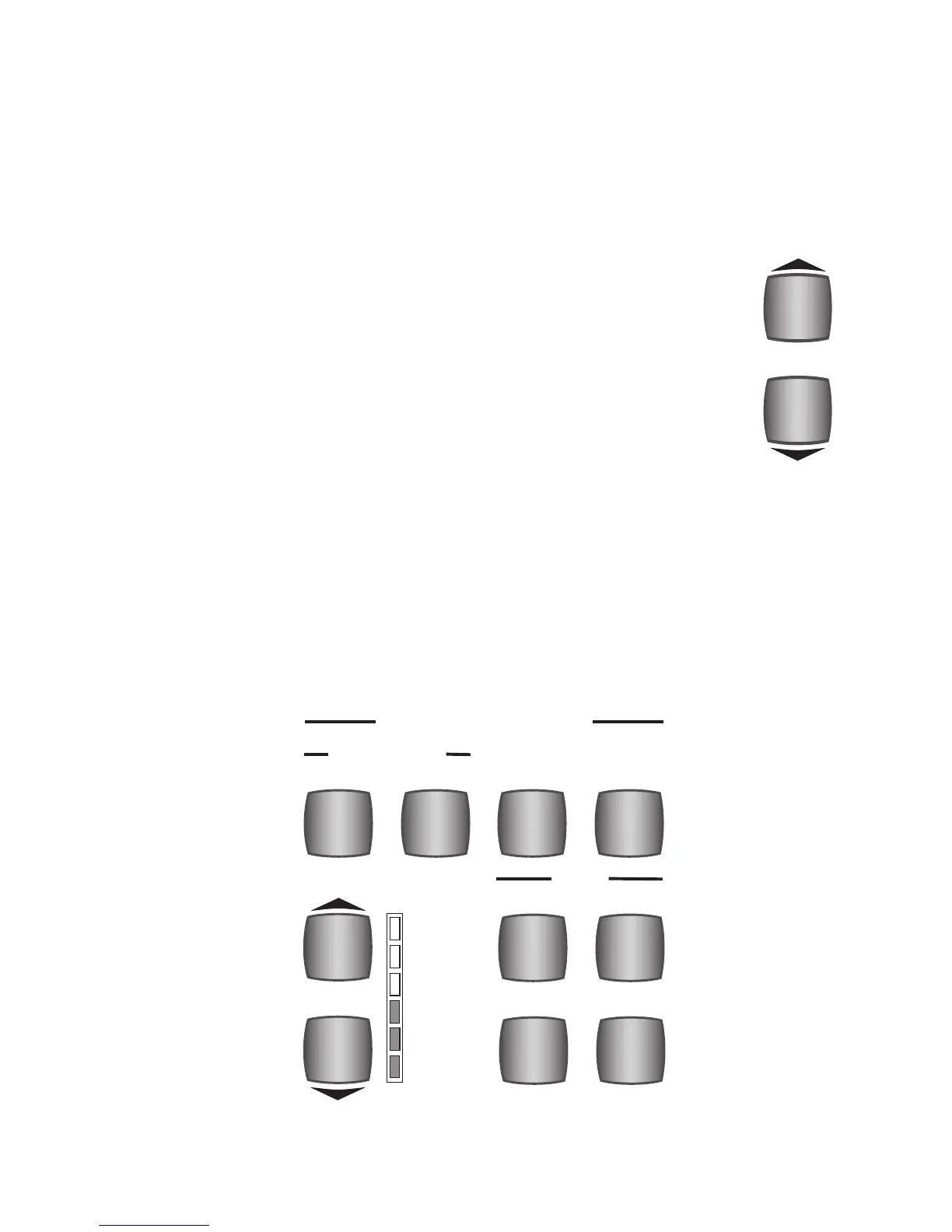
The two TEMPO buttons control the tempo of a Rhythm Style and the Golden
Harp. It also serves as part of the “beat” indicator along with the Drum Volume
buttons.
How It Works:
To increase the tempo, press the upper TEMPO button. To decrease the tempo,
press the lower TEMPO button. It may be necessary to press either button sev-
eral times in order to achieve the desired tempo.
You can also press and hold
either button until the desired tempo is reached. You can see the Tempo value dis-
played on the
TOUCH SCREEN under the word Tempo.








 To Next Page