23
Recording Your Music
PREVIEW: The Prestige gives you the capability to record, edit, playback, and distribute your own musial
performances. Share your songs with other Prestige owner’s by utilizing the
MEMORY STICK (included
with your Prestige organ). ‘Burn’ your music-making to a compact disk, with the Prestige’s
CD
RECORDER/PLAYER and play it back on any CD Player*, including the CD player on the Prestige.
*Some older/limited CD players do not have the capability to read the CD-R format.
There are two ways to record on the Prestige.
1. The
CD AUDIO RECORDER directly records what you play on the organ to a ‘read and write’ CD (CD-R
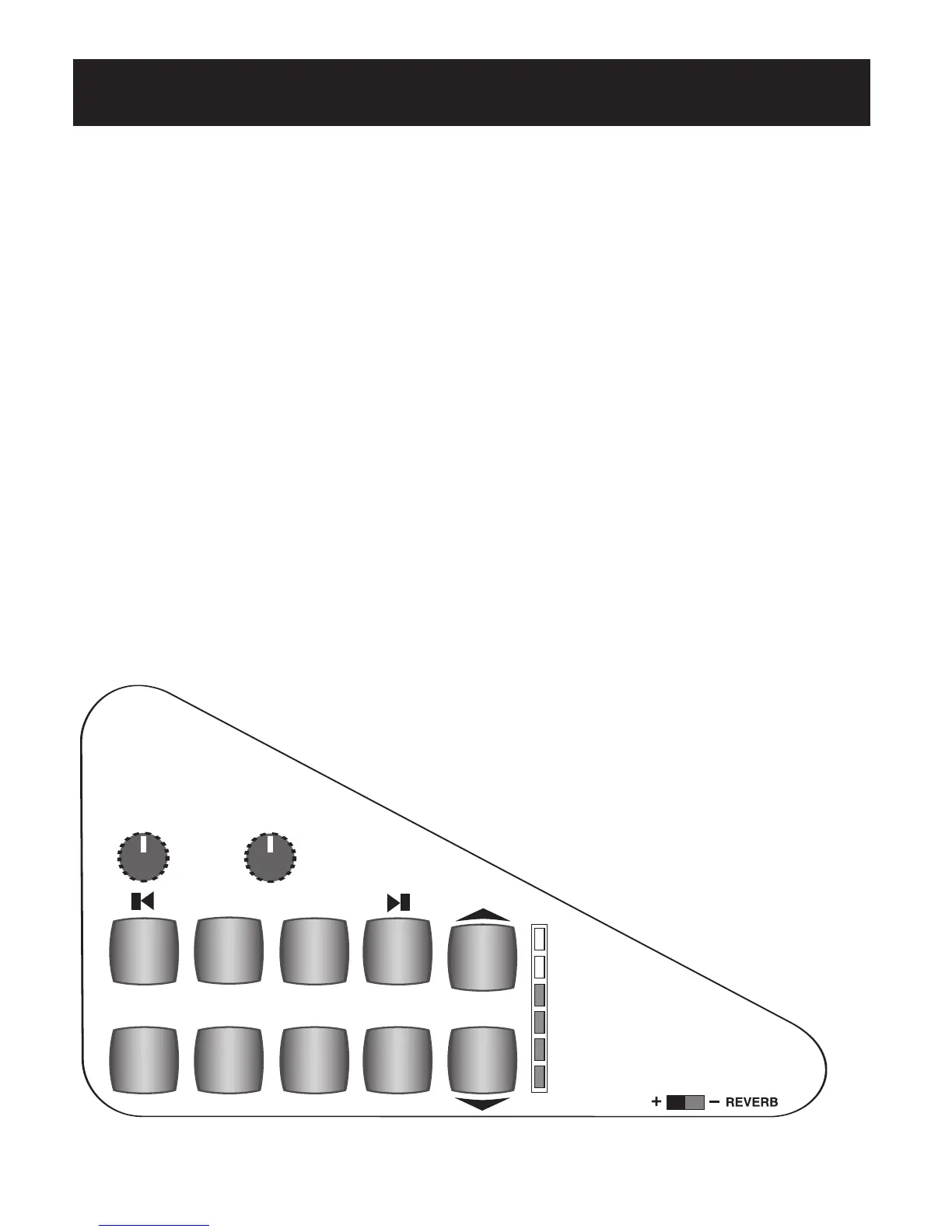
and CD-RW). The controls and CD Player/Recorder are located to the right of the keyboards, on the
right end block.
2. The
MUSIC RECORDER works along with the MEMORY STICK and the USB DATA PORT. The MUSIC
RECORDER controls are located on the right wing of the organ control panel, next to the HARMONY
buttons. The USB DATA PORT is located to the left of the keyboards, above the POWER button, in a
small drawer. A
MEMORY STICK is supplied with your Prestige organ.
THIS SECTION WILL ILLUSTRATE HOW BOTH RECORDERS FUNCTION AND THEN HOW TO INTEGRATE
THE MUSIC-MAKING FEATURES OF BOTH RECORDING DEVICES.
SHORTCUT - RECORDING A SONG
The following steps illustrate the process of recording a song. Each recording device function will be
reviewed, beginning with the CD Recorder/Player. After each recording device has been reviewed, how to
integrate the two will be covered, along with playback options. Be sure to review the complete
RECORDING
YOUR MUSIC section to take advantage of all the easy-to-use music-recording tools on the Prestige.
RECORDING A SONG ON A CD
The CD MUSIC RECORDER performs two functions: Record and Playback. Record your own personal per-
formances. Playback those performances or playback pre-recorded performances.
PLAY/
PAUSE
RECORD
STOPDISPLAY
MICROPHONE
INPUT
HEADPHONE
+
MONITOR
-VOLUME-
HEADPH
ONE
OUT
PUT
CD
PLAYBACK
CD RECORDER/PLAYER
MICROPHONE
VOLUME
>>
<<
RECORDING YOUR MUSIC








 To Next Page