34
Prestige Owner’s Guide
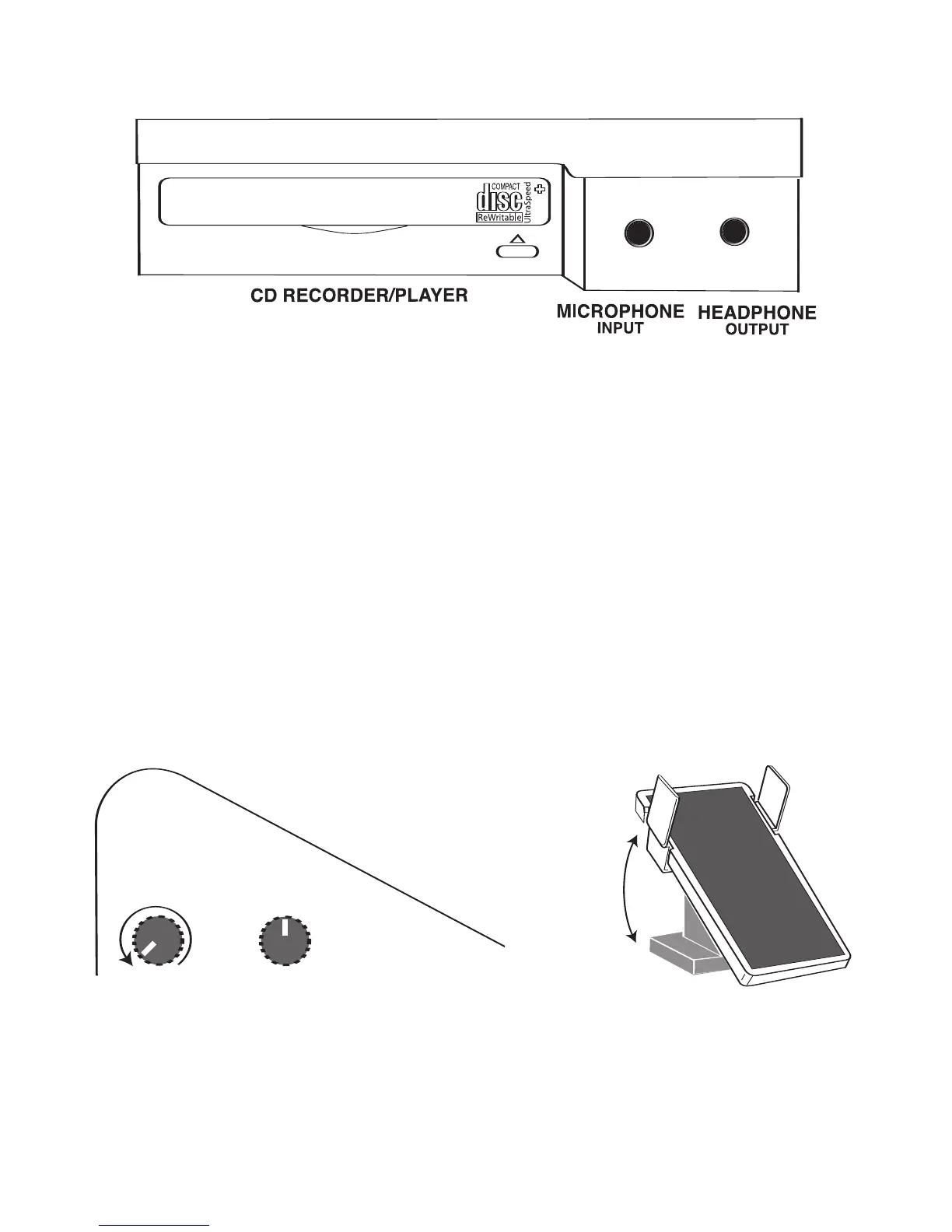
You have the option of plugging a Microphone into the MICROPHONE jack, located to the right of the Lower
Keyboard, to sing through the Prestige’s sound system.
MICROPHONE: The 1/4 inch microphone INPUT jack allows for HIGH IMPEDANCE monaural microphone
input and features separate Microphone Volume control. The volume pedal will not affect the level of the
microphone. Be sure the microphone
VOLUME level is set to minimum (knob turned to the left until it stops)
before plugging in a microphone. Slowly increase the Microphone Volume level while speaking into the
microphone to set a comfortable volume level.
The small switch labeled
REVERB, with a Plus (+) and a Minus (-) symbol, allows you to set the microphone
output with reverb (
+), or a very small amount of reverb(-).
HEADPHONE: You can plug a set of stereo headphones into the headphone OUTPUT jack so you can play in
private. When headphones are plugged in to the output jack the organ speaker system is muted. The vol-
ume knob labeled
VOLUME (MONITOR) now allows you to control the headphone volume.
IMPORTANT
: Before plugging headphones (stereo only) into the headphone OUTPUT jack, be sure the vol-
ume knob labeled VOLUME (MONITOR) and the EXPRESSION PEDAL are set to minimum volume. Turn the
knob to the left until it stops. Place the expression pedal in the toe side up, heel side down position. After
plugging the headphones in and placing them on your ears, hold a note or play a rhythm style, and slowly
increase the volume to a comfortable level.
Exposure to high volume levels can cause hearing damage and loss.
Pedal Set
to Minimum
Volume
HEADPHONE
+
MONITOR
-VOLUME-
CD RECORDER/PLAYER
MICROPHONE
HEADPHONE
+
MONITOR
-VOLUME-
CD RECORD
ER/PLAYER
MICROPHONE
HEADPHONE
+
MONITOR
CD RECORDE
R/PLAYER








 To Next Page