50
Prestige Owner’s Guide
How To Use It:
Press a blue Rhythm Style button and then press the DRUM ONLY button. To start the rhythm Style play a
full chord on the Lower Keyboard or press the
START STOP button. You will only hear the drum beat, no
“Easy-play” features are on. The General, Category, and Bank Presets can be used with this feature for reg-
istrations.
DRUM VOLUME
How To Use It:
The DRUM VOLUME is preset for each Rhythm Style and each Rhythm Preset. The feature allows you to
adjust the volume of the drums to your liking.
You can also press the button labeled
KEYPAD on the Touch Screen. The display will change to a numer-
ic Keypad, allowing you to enter a numerical value for the Drum Volume. 0 is minimum volume, 100 is max-
imum volume.
For example, to set the
DRUM VOLUME to 50 (half volume), touch the button labeled KEYPAD on the screen.
Press
5, and then press 0 on the screen. Press either DRUM VOLUME button. The volume level will instant-
ly be set at 50.
A TIP FROM LOWREY
The Prestige not only gives you the ability to control the volume of the Drum section, it also gives you the
ability to “Balance” the drum sounds. For example, any particular drum pattern might include a snare drum
and a cymbal. The Volume control raises and lowers the volume of these two sounds simultaneously. The
Balance feature allows you to control the volume of each sound separately so the snare drum could be made
softer while keeping the volume of the cymbal unchanged.
For details on levels and balance see Feature Page1 on page 119.
INTRO / ENDING 1&2
What It Does:
There are two purple buttons in the Rhythm Plus Orchestration section:
INTRO/ENDING 1 and INTRO/ENDING 2. Both add a professional sounding intro-
duction and ending to each of the 216 Rhythm Styles.
What It Does:
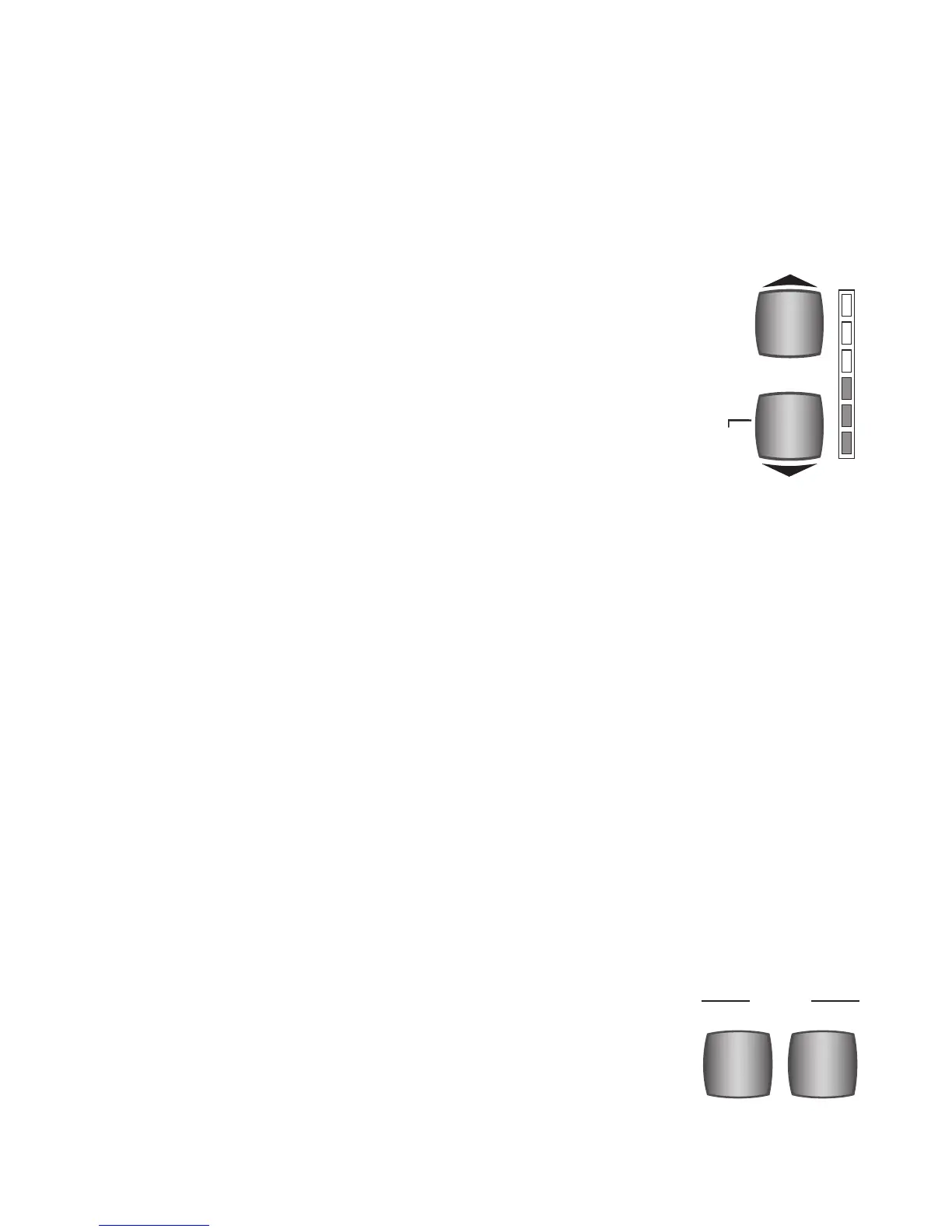
DRUM VOLUME controls the volume of the drum sounds in a Rhythm Style and the
THEATRE DRUMS. It also serves as part of the “beat” indicator along with the two
Tempo buttons. Notice the words
DOWN BEAT to the left of the bottom blue but-
ton.
How It Works:
To raise the volume, press the top button. To lower the volume, press the bottom
button. It may be necessary to press the button several times to achieve the desired
volume level. You can also hold the button until the desired level is reached. The
overall amount of volume is indicated by the vertical column of lights to the right
of the buttons. All the lights illuminated (red) indicates maximum volume.








 To Next Page