27
Recording Your Music
3. Place the Music CD on the CD tray of the
CD RECORDER/PLAYER.
4. Press the OPEN/CLOSE screen button, or press the button on the front of the
CD RECORDER/PLAYER, or push the front of the CD tray in until it starts to close on its own.
5. After a few moments TRACK 01 will be displayed under the TRACK # heading on the COLOR TOUCH
SCREEN
. Press the PLAY button to begin playback at track #1, or press either TRACK button to select
from the tracks on the music CD.
MUSIC RECORDER & MEMORY STICK
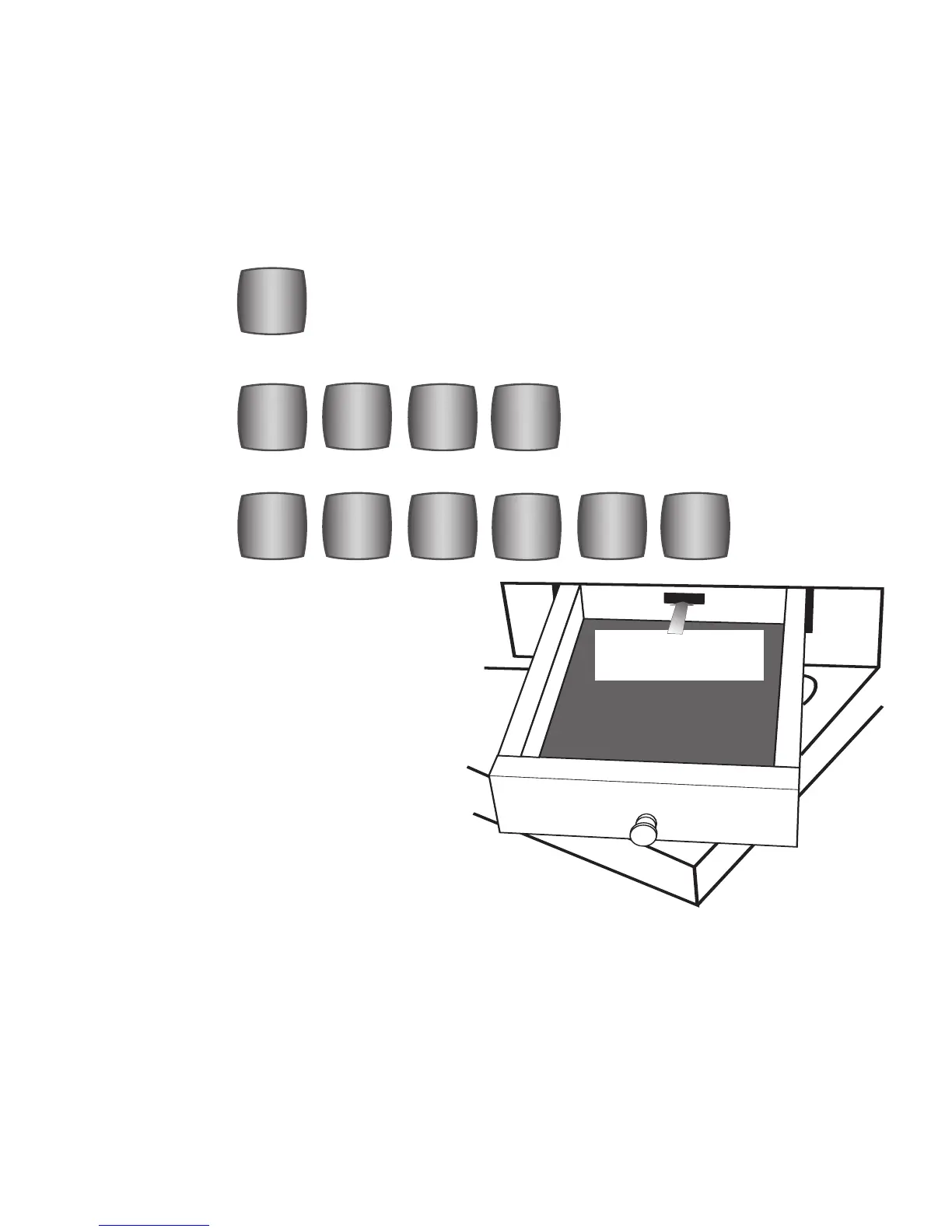
The USB DATA PORT, into which your memory stick is plugged, is located in a small drawer to the left of
the keyboards.
USB Data Port
For Memory Stick
The MUSIC RECORDER performs two functions:
Record and Playback. Record your own person-
al performances. Playback those performances
and playback the pre-recorded performances
loaded onto your ‘Lowrey Prestige’ memory
stick. All 50 songs from the Lowrey songbook
that accompanied your Prestige organ are
recorded on the Lowrey supplied memory stick.
Much like a player piano roll, the memory stick
does not contain an audio recording from the
Music Recorder. It simply tells the organ how to
play a particular song. The memory stick will
not play music in your computer.
LYRICS
MUSIC
RECORDER
ERASE
>>
<<
PLAY/
PAUSE
STOP
REGIS-
TRATION
BASS
LOWER UPPER
RECORD
LYRICS
MUSIC
RECORDER
ERASE
>>
<<
PLAY/
PAUSE
STOP
REGIS-
TRATION
BASS
LOWER UPPER
RECORD








 To Next Page