48
Prestige Owner’s Guide
ALPHABET TOUCH SCREEN
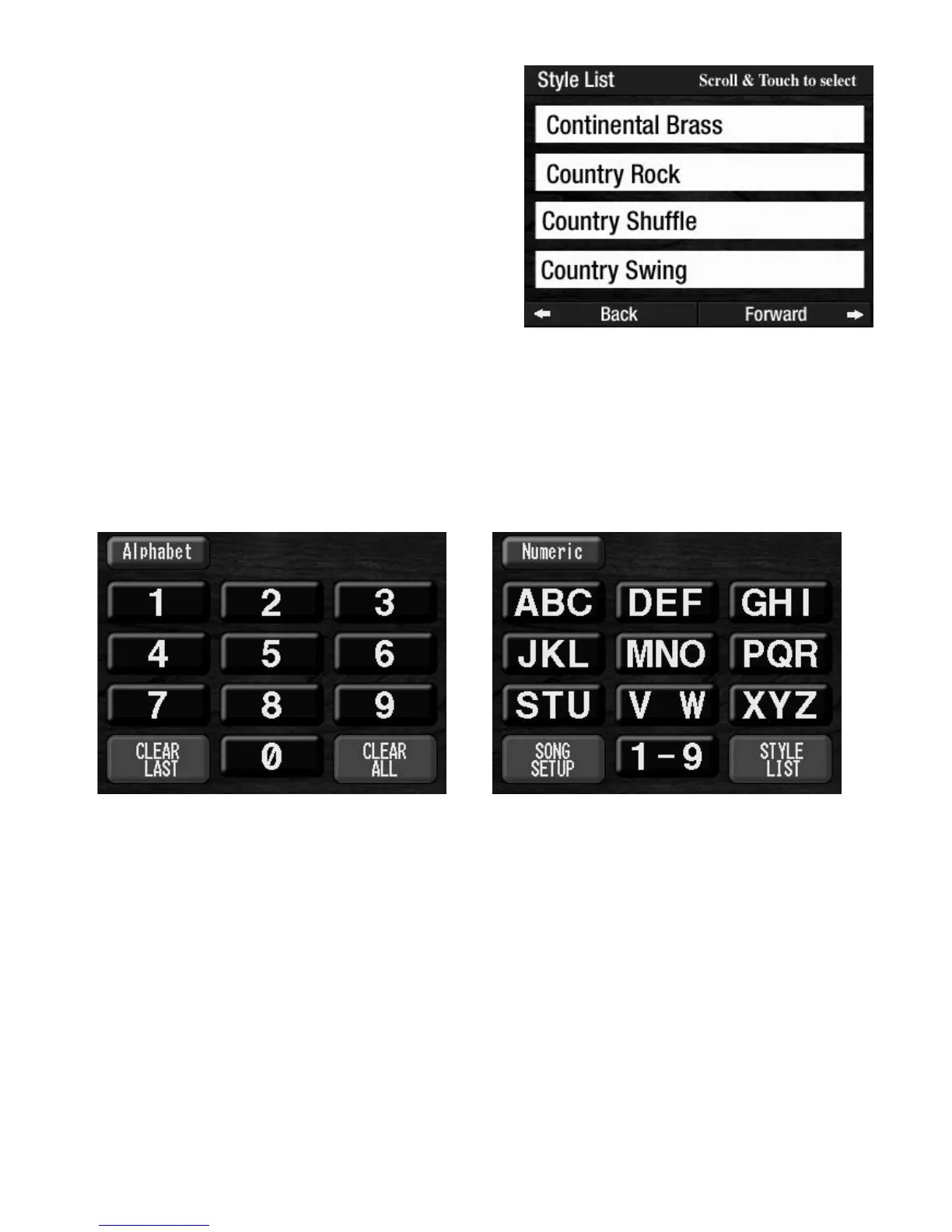
The ALPHABET TOUCH SCREEN feature makes searching among the lists of Rhythm Styles (and Song Set
Up Presets) much easier. Rather than using the Scroll buttons to navigate the long lists of options, you can
use the
ALPHABET KEYPAD to zero in on the desired title. Follow these steps to see how the feature oper-
ates.
1. Touch the Keypad button on the Color Touch Screen. The numeric Keypad will appear.
2.
In the upper left corner of the screen, touch the word Alphabet. The Alphabet Keypad will appear,
along with screen buttons labeled Song Set Up and Style List.
Here is an example of how the Alphabet Keypad can be used to quickly find the Rhythm Style
Obladi-Polka from among all the styles…
1.
Press the Alphabet Keypad button labeled MNO three times. The letter O will be displayed at the
top of the touch screen.
2. Press the red colored screen button labeled Style List located in the bottom right corner of the screen.
The first rhythm style titles, in alphabetical order
, from the Style List that begin with the letter O will
appear
.
3. Touch the title Obladi-Polka on the screen to choose that rhythm style.
For example, to activate the Rhythm Style COUNTRY
ROCK
, which is under the ROCK ’N ROLL rhythm button,
press the top SCROLL button several times until the name
appears on the screen. Touch the COUNTRY ROCK name
on the screen.
REMEMBER: There are 11 Normal Rhythm Presets, 11
Organ Rhythm Presets, plus Category, Bank, and General
Presets that can be used along with the Rhythm Styles.








 To Next Page