105
Volume Pedal
What It Does:
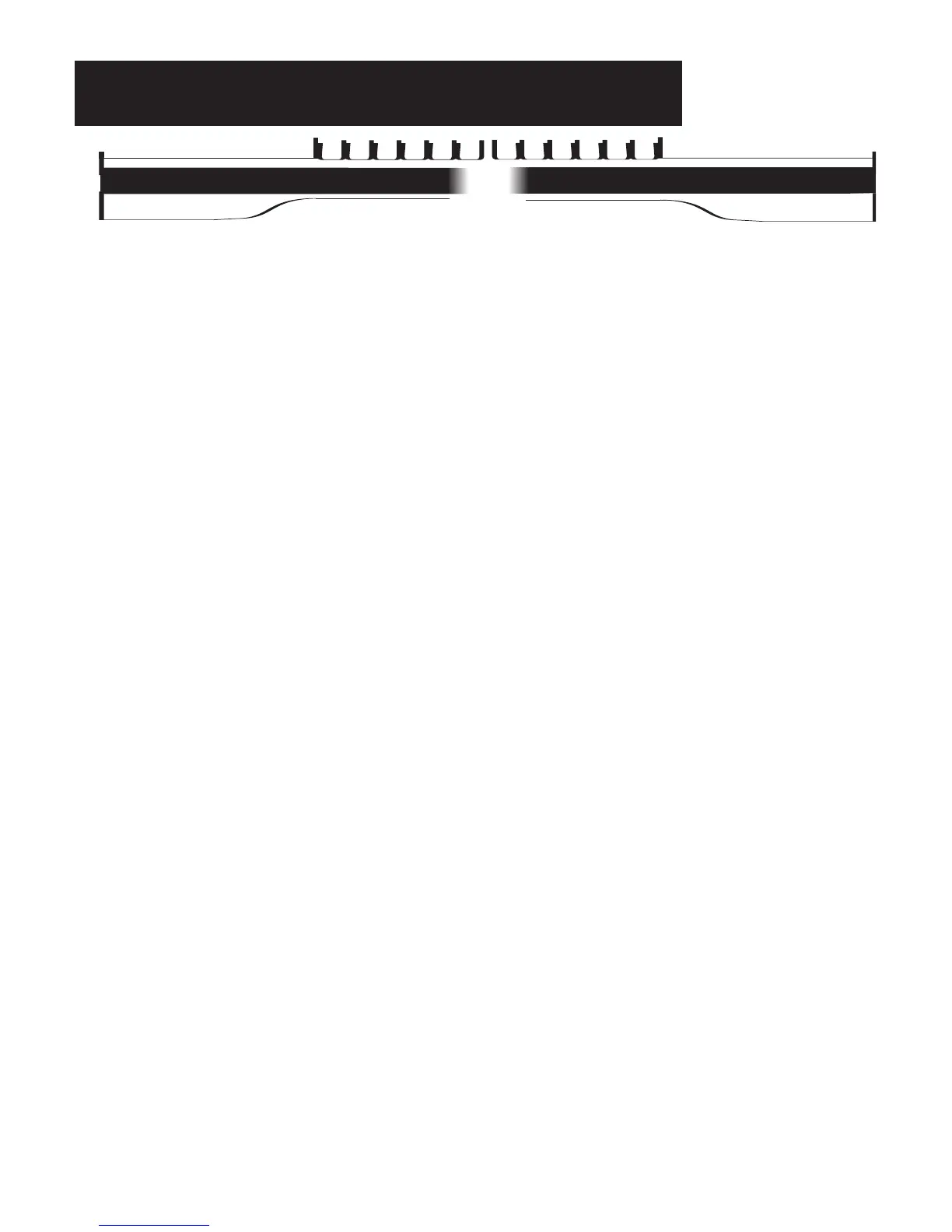
The TOUCH BARS are the black strips below the lower keyboard that are divided at the third F# key. Each
side has a different factory preset function. A selection of 19 functions plus the Next Preset feature may be
assigned to either Touch Bar.
How It Works:
The Touch Bars are touch sensitive and are activated with to the touch of a finger.
The factory preset function of the LEFT TOUCH BAR is the FX feature.
The factory preset function of the RIGHT TOUCH BAR is the GLIDE/SUSTAIN feature.
How To Use It:
Use the Touch Bars to access features easily, with the touch of your finger.
For Touch Bar function options see FEATURE PAGE 9 - TOUCH BAR on page 135.
RIGHT TOUCH BAR
RIGHT T
OUCH BAR
LEFT TOUCH BAR
LEFT TOUCH BAR
Touch Bars-Left & Right








 To Next Page