76
Prestige Owner’s Guide
PREVIEW: In addition to the beautiful organ, strings and vocal sound, found in the Organ Tabs Section, the
Prestige features hundreds of authentic instrumental sounds! These sounds can be played alone or in com-
bination with the tab sounds.
What It Does:
Provides you with additional sounds, primarily for use with the right hand on the upper keyboard. In addi-
tion to sounds, this entire section also controls effects such as Repeat, Portamento, Transpose, and Keyboard
Split, to name a few. The Genius 1 & 2 buttons in the Orchestral and Solo sections add hundreds of sounds
from the
GENIUS VOICE LIST on page 144.
How It Works:
Pressing a button causes it to light, indicating it is on. Pressing a lighted button turns it off.
How To Use It:
These buttons and features will allow you to create your favorite registrations. Remember that many of the
Presets shown in the beginning of this book have used combinations of the sounds and features from this sec-
tion. Even if you are creating your own registrations, it is best to start with a factory preset and then make
changes to your liking. For example, if you are creating Big Band registrations, start with the Big Band
Category Presets and then make changes. Save those changes to a
BANK PRESET.
A TIP FROM LOWREY:
When you turn on the Prestige the upper keyboard Flute 16 & Flute 4 tabs are on. There may be times when
you do not wish to use these Flute sounds together with any Orchestral and Solo sounds. To hear Orchestral
and Solo sounds alone press off any upper Flutes, Strings and Vocal tabs that may be on.
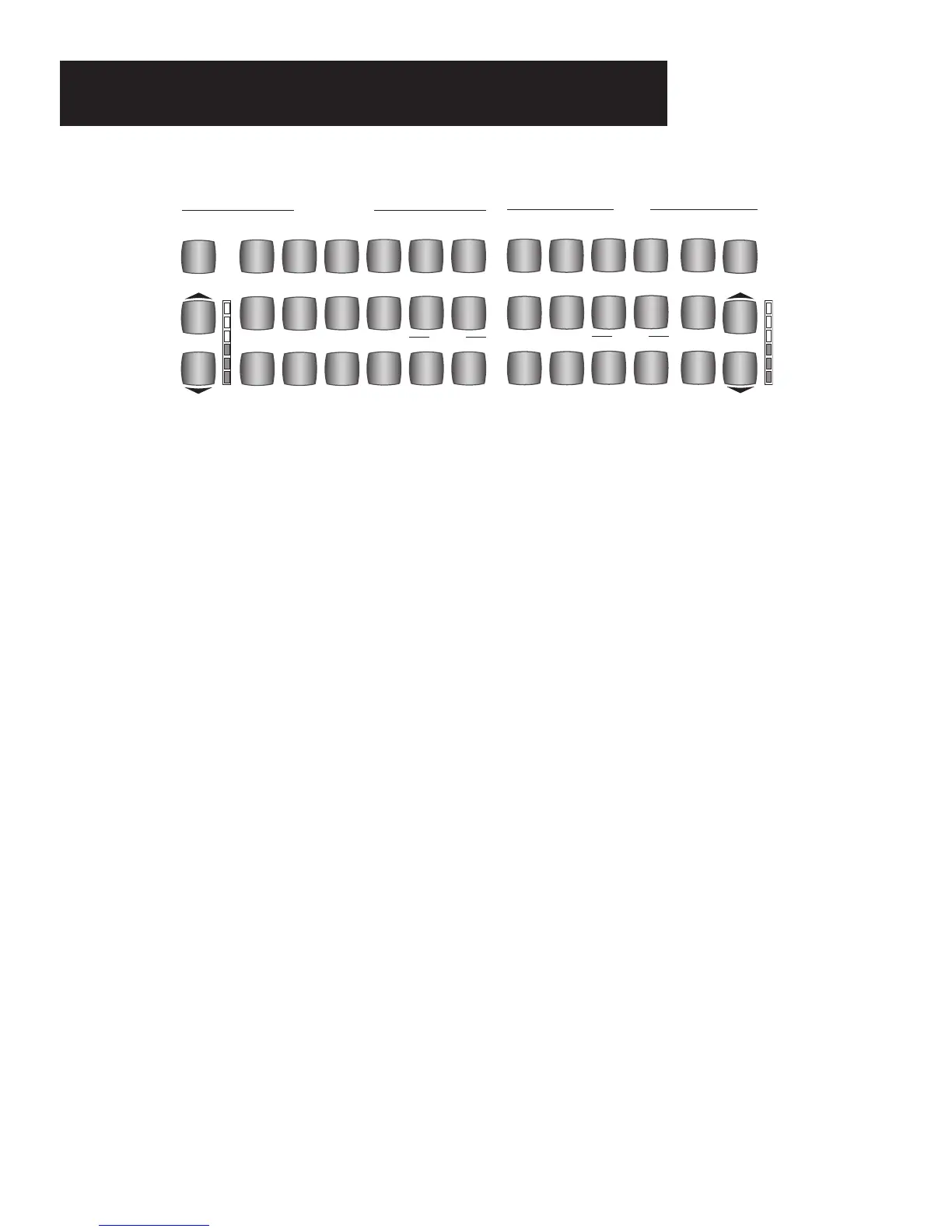
AN OVERVIEW OF THE ORCHESTRAL & SOLO SECTION:
1. There are 27 sound buttons: 15 red-colored Orchestral buttons and 12 blue-colored Solo buttons.
All the other buttons in this section affect these 27 buttons.
2. These 27 buttons can be used alone or in combinations and with the Tab sounds. Many of the Presets
combine sounds from both tabs and buttons.
3. Among the 15 Orchestral buttons are the red-colored
GENIUS 1 and GENIUS 2 buttons. Among the
12 Solo buttons are the blue-colored GENIUS 1 and GENIUS 2 buttons. The Genius 1 and
Genius 2 buttons operate the same way as the Upper, Lower, and Pedal Genius tabs.
4. The
GENIUS 1 & 2 buttons will always have sounds in them. In many cases, the Presets assign
different sounds to the Genius tabs and buttons. The
GENIUS VOICE LIST on page 144 lists all the
sounds available for the genius tabs and buttons.
5. Other buttons in this section modify the sounds in some way: Portamento, Repeat, T
ranspose, Upper
Octave, Lower Octave, and Dynamic Keying.
UPPER
ON
LOWER
OCTAVE
LOWER
RIGHT
BELLS
TRUMPET
SOCIETY
PIANO
SAX
CLARINETCHIMES
JAZZ
FLUTE
SCAT
VIOLIN
HAR-
MONICA
1
2
SOLO
VOLUME
PORTA
MENTO
GENIUS
SOLO
UPPER
ON
LOWER
LEFT
LOWER
RIGHT
ELEC.
PIANO
JAZZ
GUITAR
PIANO
COUNTRY
GUITAR
HAWAI-
IAN
HARP
STRINGS
ACCOR-
DION
BANJO
TROM-
BONE
1
BIG BAND
ENSEMBLE
MARIMBA
VIBES
2
ORCH.
VOLUME
REPEAT
GENIUS
ORCHESTRAL
Orchestral & Solo Section








 To Next Page