45
Rhythm Plus Orchestration
The
RHYTHM PLUS ORCHESTRATION section is one of the most exciting sections on the Prestige. For con-
venience, we will refer to the Rhythm Plus Orchestration Styles as simply Rhythm Styles. Many of Lowrey’s
most popular Rhythm Styles are included along with many new and exciting ones.
Each button and function for the Rhythm Plus Orchestration section is fully detailed in the following pages.
You will find that many of the buttons and functions are automatic. For example, pressing any Rhythm Style
button, like Gospel, Country, or Rock’N Roll, turns on the features: Rhythm Preset, Genie, Orch Plus, Auto
Bass 1, MCS, Memory, Easy, Start/Stop, and Downbeat. Just pressing one Rhythm Style button means the
organ is ready to be played.
What It Does:
RHYTHM PLUS ORCHESTRATION provides the player with 216 fully-orchestrated Rhythm Styles. Each
Rhythm Style features a Bass Player, a Drummer, and the rest of the Band. Imagine having a l940’s Big Band
playing along with you... or a Country Band... or perhaps a small Rock group. The Rhythm Style Table at
the back of the book lists all 216 Rhythm Styles.
How It Works:
All of this happens simply by pressing a Rhythm Style button and playing a chord with the left hand on the
lower keyboard. It doesn’t matter how you play your left hand chord.
Pressing a Rhythm Style button automatically activates other Lowrey features. One such feature is
MCS -
MUSIC CHORD SYSTEM - which gives you the option of playing one-finger, easy-play chords or multi-fin-
gered, traditional chords. The pedals play automatically. MCS is also activated when you press the
EASY
button. A complete listing of MCS chord formations is in the back of this book.
Each Rhythm Style has a preset tempo (speed). Use the purple
TEMPO buttons to adjust the Tempo to a speed
with which you are comfortable. The screen will display the tempo.
Pressing a Rhythm Style button sets up the sounds for the lower keyboard and Bass (Pedals). What about
sounds on the upper keyboard (the melody)? Use the NORMAL RHYTHM PRESETS, ORGAN RHYTHM
PRESETS, GENERAL PRESETS, CATEGORY PRESETS,
or BANK PRESETS!
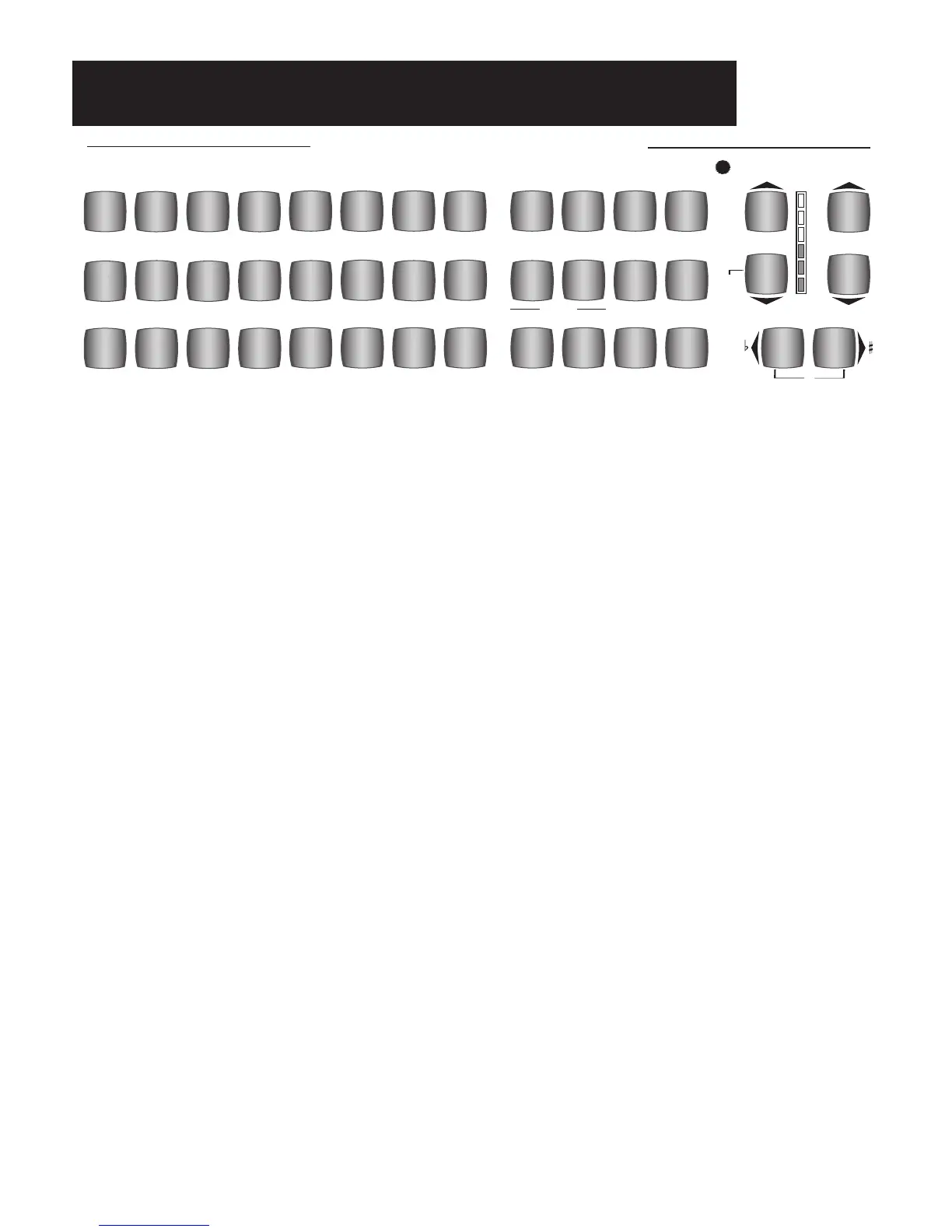
RHYTHM PLUS ORCHESTRATION
FOX
TROT
COUNTRY
1
BIG
BAND
COUNTRY
2
GOSPEL
SWING
MARCH
SOFT &
EASY
BROAD
WAY
BALLAD
HAWAI-
IANPOLKA
CON-
TEMPO
LATIN
1
ROCK’N
ROLL
LATIN
2
RHY
THM &
BLUESPOP
WALTZ
2
TRADI-
TIONAL
WALTZ
1
CLASSIC
SPECIAL
RAG-
TIME
VARI-
ATIONS
MEMORY
MCS
ALTER
STYLE
INTRO
ENDING
1
FADE
IN / OUT
DRUM
VARIATION
EASY
DRUMS
ONLY
FX
START
STOP2
DRUMS
VOLUME
TEMPO
VOLUME
TRANSPOSE
C
DOWN
BEAT
PAN
EL LIGHTS
(STYLES)
Rhythm Plus Orchestration








 To Next Page