139
Feature Pages
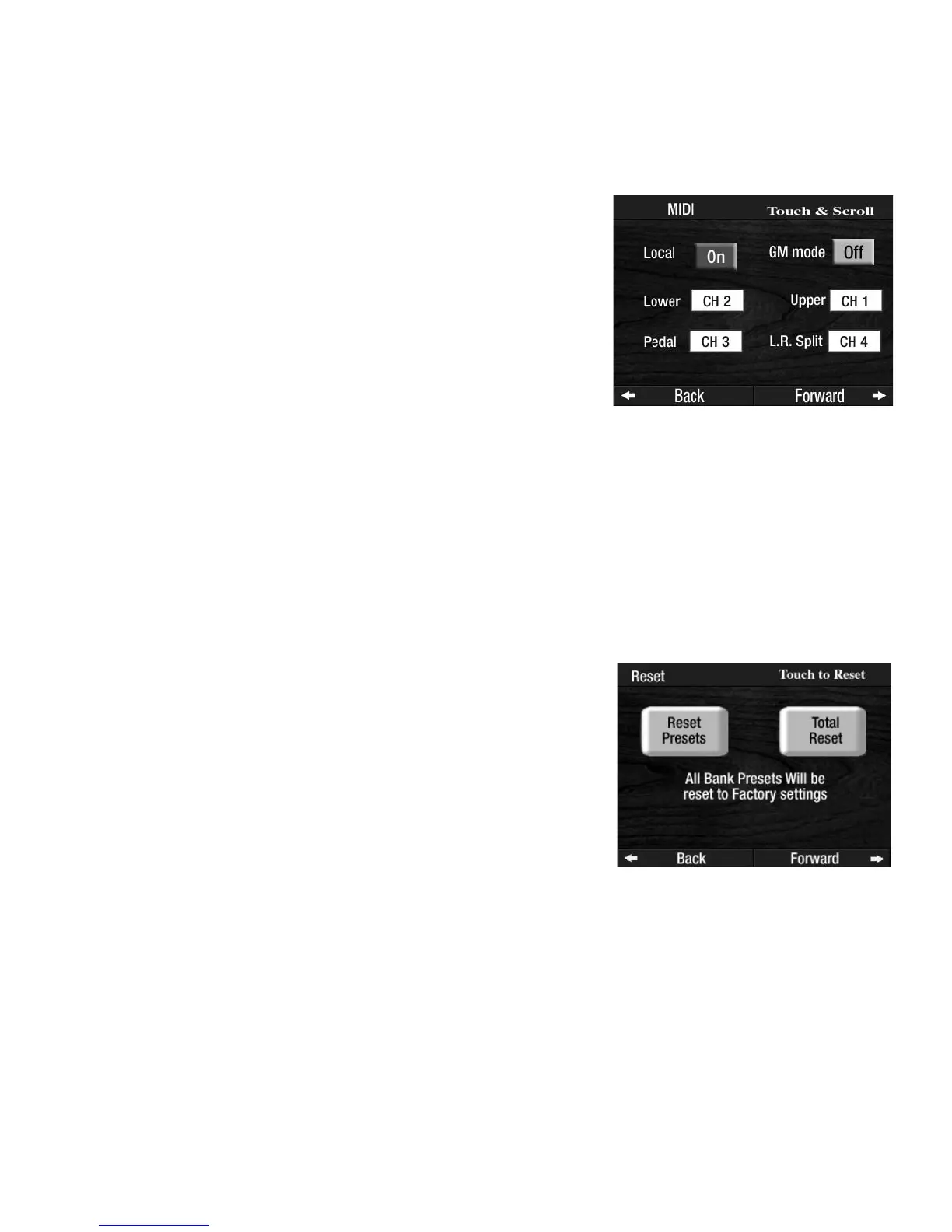
3. MIDI
What It Does:
Controls the MIDI features on the organ. MIDI (Musical Instrument Digital Interface) is an industry stan-
dardized method for allowing other MIDI equipped devices to communicate with one another. You will
never need to use this section to fully enjoy your Prestige.
How To Use It:
As was mentioned above, this feature is only for those familiar with MIDI capabilities and want to use this
instrument as a receiver or source for sounds. You will enjoy your Prestige without ever using this feature.
Consult your Lowrey dealer for more information on MIDI, if necessary.
Press the lighted
FEATURE(CLEAR) button to return to the POWER-UP screen.
4. Reset.
What It Does:
The RESET feature allows you to return any customized settings made to the organ to the original factory
settings. This reset procedure goes deeper than the Reset button on the left end block.
Press the Reset choice, on the screen, you desire. The screen will require that you confirm your Reset choice.
At this point, if you decide not to implement the Reset function, press the FEATURE(CLEAR) button to aban-
don the procedure. If you wish to continue, press the screen to confirm.
How To Use It:
This feature is used to return the organ to the original factory settings. The examples given in this manual
are all based on using the factory settings.
Press the lighted
FEATURE(CLEAR) button to return to the POWER-UP screen.
How It Works:
Press the word PRESET on the screen to display two Reset options.
RESET PRESETS: Resets the BANK A, B, C, D or E PRESETS to the
factory original settings.
TOTAL RESET: Resets all of the features on the organ to the factory
original settings.
How It Works:
Touching this choice changes the display to show you the factory set-
tings and to activate various channels of information. This display
works in conjunction with the MIDI jacks behind the organ.
Note: With
LOCAL set to OFF the keyboards and pedals will not play
any notes.
Touching a box will highlight it and allow you to scroll to the desired
channel.








 To Next Page