109
Bench
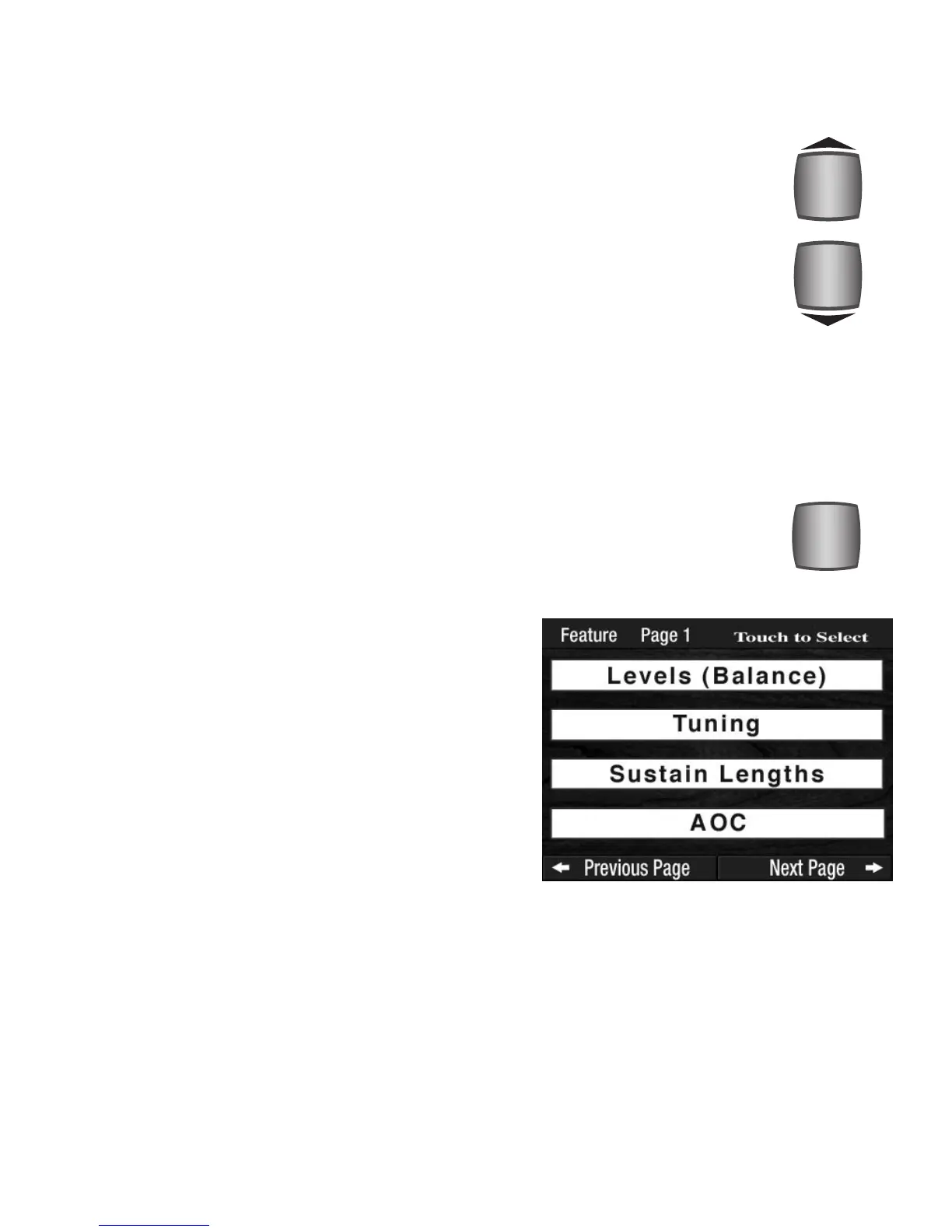
SCROLL BUTTONS
FEATURE (CLEAR) BUTTON
The FEATURE (CLEAR) button and the SCROLL buttons are used to access numerous control features on the
organ. All of these features are preset from the factory and need not be adjusted.
A simple rule to remember when using the TOUCH SCREEN pages is:
TOUCH THEN SCROLL
How To Use It:
Press the FEATURE (CLEAR) button. It will light up and the
first
FEATURE PAGE will be displayed. Press the top
SCROLL button one time to view the second Feature Page.
Each time you press the top Scroll button the next Feature
Page is displayed.
Pressing the
FEATURE (CLEAR) button when it is lighted
turns the button off and returns (clears) the screen to the
“Power-Up” screen.
What It Does:
The FEATURE (CLEAR) button enables and initiates numerous features on the organ.
It can also return the
TOUCH SCREEN to its standard display.
How It Works:
There are 11 Feature Pages of controls and features on the Prestige. Pressing the FEA-
TURE (CLEAR) button displays the first of these 11Feature Pages, or the last page you
were on before your returned to the Power Up screen.
What It Does:
The SCROLL buttons allow you to view and change information displayed on the TOUCH
SCREEN
. The Scroll function is used frequently with many features on the Prestige.
How It Works:
The top button always increases a number or moves up through a list of choices. The
bottom button always decreases a number or moves down through a list of choices.
How To Use It:
Use the SCROLL buttons to view options and make changes to features displayed on the
TOUCH SCREEN.



 To Next Page