18
Prestige Owner’s Guide
Sometimes selecting a Rhythm Style and registration for a song is easy. For example, if you are going to
play a Hawaiian song, you would use one of the many Hawaiian Rhythm Styles and Rhythm Preset. If you
are going to play a Polka, you would use one of the Polka Rhythm Styles and Rhythm Preset. If your song
is in 3/4 time, you would select one of the many Waltz Rhythm Styles and Rhythm Preset.
In the event that you have a song in mind but are not sure what style it falls within, check the
SONG SET UP
database in your organ. For example, you want to play Put On a Happy Face but there is no Rhythm Style
button labeled Put On a Happy Face. Use the
SONG SET UP feature.
How To Use It:
SONG SET UP takes the guess work out of what rhythm style button to use, plus it adds
a complete registration.
Note: The preset given for a song title can be used for other songs. For example, the pre-
set for
Abide With Me can be used for many hymn titles. Sheet music for the 750 song
titles is not provided.
SONG SET UP takes the guess work out of what Rhythm Style button to use. The 750
song titles in the
SONG SET UP database are listed in the back of the book in alphabetical
order.
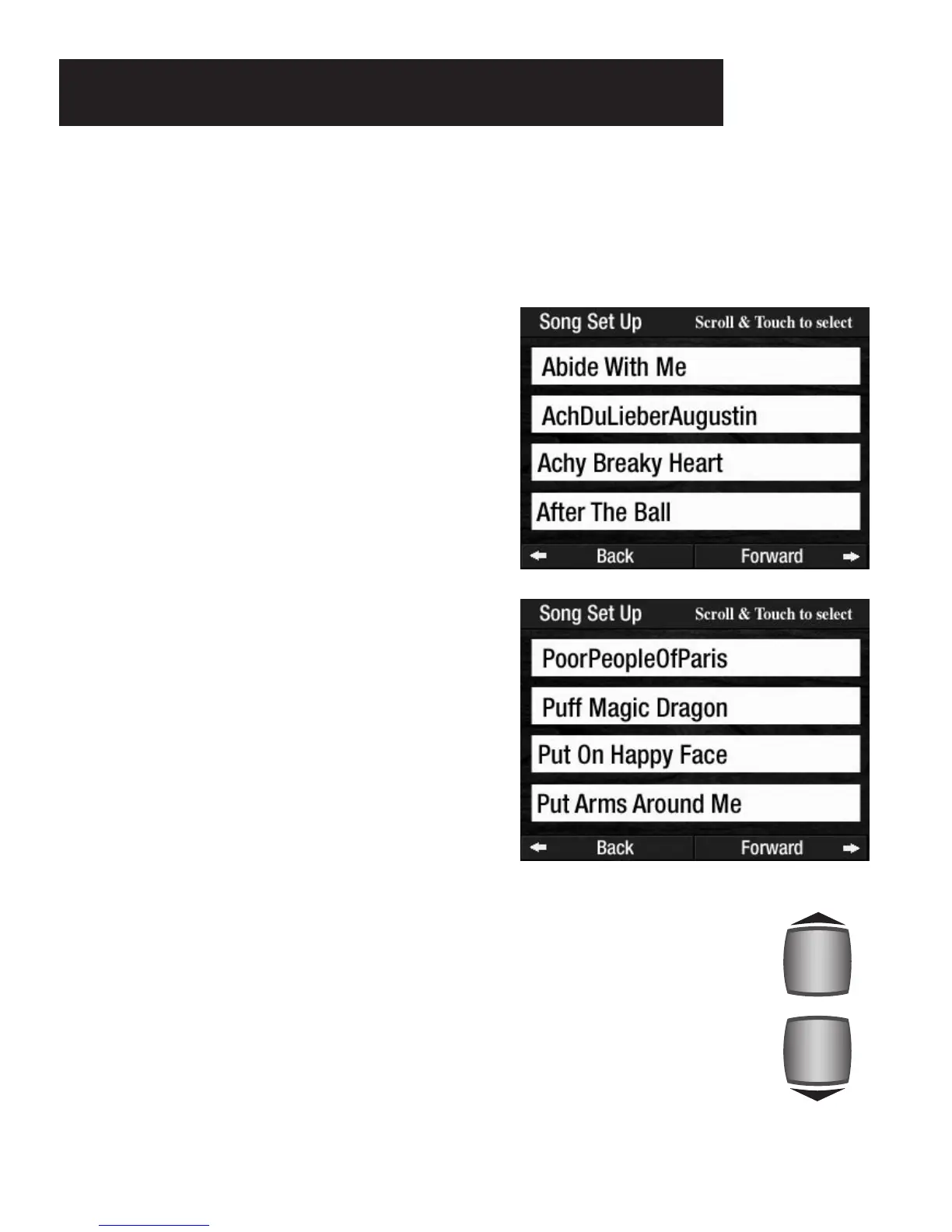
The songs are listed in alphabetical order. Press the screen
button NEXT PAGE or PREVIOUS PAGE to display four
more song titles.
You may also press either
SCROLL button to move through
the song list. Press and hold either SCROLL button to
move rapidly through the song list. The SCROLL buttons
are located to the right of the screen.
Press the song title, on the screen, you desire. The organ
will be set up and ready to play with a Rhythm Style and
registration. To return the screen to the regular display,
press the
FEATURE (CLEAR) button.
What It Does:
SONG SET UP gives you a selection of 750 song titles from
which to choose. Each title is preset with an appropriate
Rhythm Style and a beautiful registration for the melody.
How It Works:
Press the screen button SONG SET UP on the COLOR
TOUCH SCREEN
. Four song titles will appear on the
screen.
Song Set Up Presets








 To Next Page