59
Rhythm Plus Orchestration
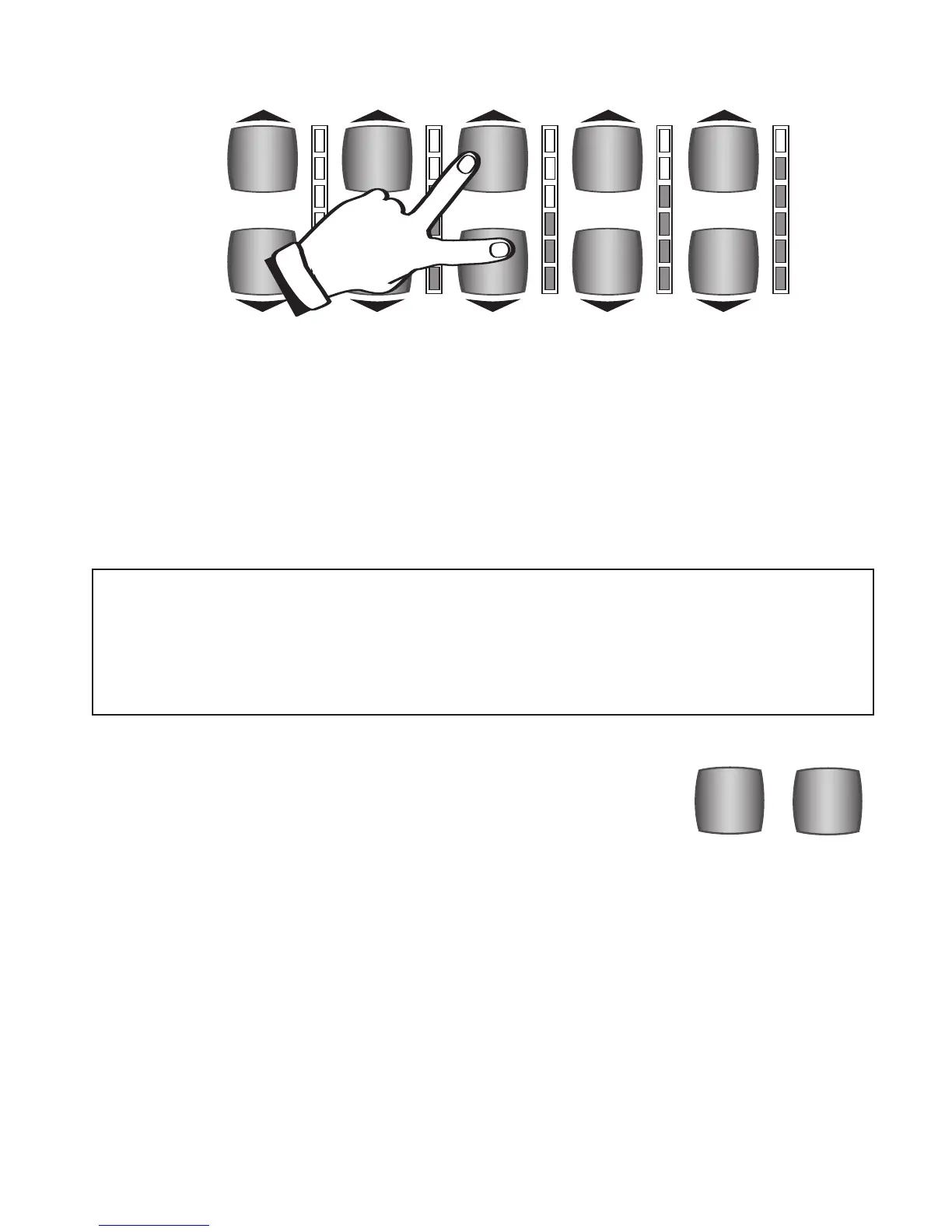
With these volume level sections locked, choosing among different presets will NOT
change the volume level for the locked sections.
3. To unlock the volume section press either the top or bottom volume control button one time.
The volume indicator lights will change from yellow to red and green.
This lock feature is useful in many ways. For example, set the Lower volume levels a bit higher if you want
the left hand chord on the lower keyboard to stand out to help you hear your chord changes. Lock the Lower
volume level so it does not change when you select a dif
ferent preset. If you feel the bass volume is too
loud, set the volume level lower and lock it so it will stay at that level.
More regarding the Graphic Mixer section can be found on page 87.
What It Does:
A RHYTHM PRESET takes the guess work out of setting up the organ and provides a complete registration
(sounds, volumes, effects, etc.) on the upper keyboard for each of the 216 Rhythm Styles. Each Rhythm
Preset button holds a total of 11 Rhythm Presets for each of the 216 Rhythm Styles (4,752 registrations in
all; 2,376 Normal plus 2,376 Organ Rhythm Presets).
How It Works:
Press a Rhythm Style button. That’s it! The RHYTHM PRESET NORMAL button lights up red, letting you
know the organ is completely set and ready to play. Each of the ten
GENERAL PRESET buttons now become
ten more NORMAL RHYTHM PRESET registrations (rhythm presets normally found on Lowrey organs).
ORGAN
NORMAL
RHYTHM PRESETS
RHYTHM PRESET
RHYTHM PRESET was covered in detail earlier in the “Let’s Get Started”
section. While the
RHYTHM PRESET buttons are not located in the Rhythm
Plus Orchestration section of the button panel, it is an important Rhythm
feature.
Note: DO NOT use the LOCK features if you wish to playback a pre-recorded memory stick, and hear
it as it was originally recorded. Lock settings are not recorded by the MUSIC RECORDER.
When you create a sound set up and you are using any of the
LOCK features, and you wish to record
with that set up, save the set up in a BANK PRESET, turn off the LOCK(S) and then record your song
using those
BANK PRESETS.
MASTER
VOLUME
REVERB
AMOUNT
BASS
VOLUME
LOWER
VOLUME
UPPER
STRING/VOCAL
VOLUME








 To Next Page