39
Memory Stick
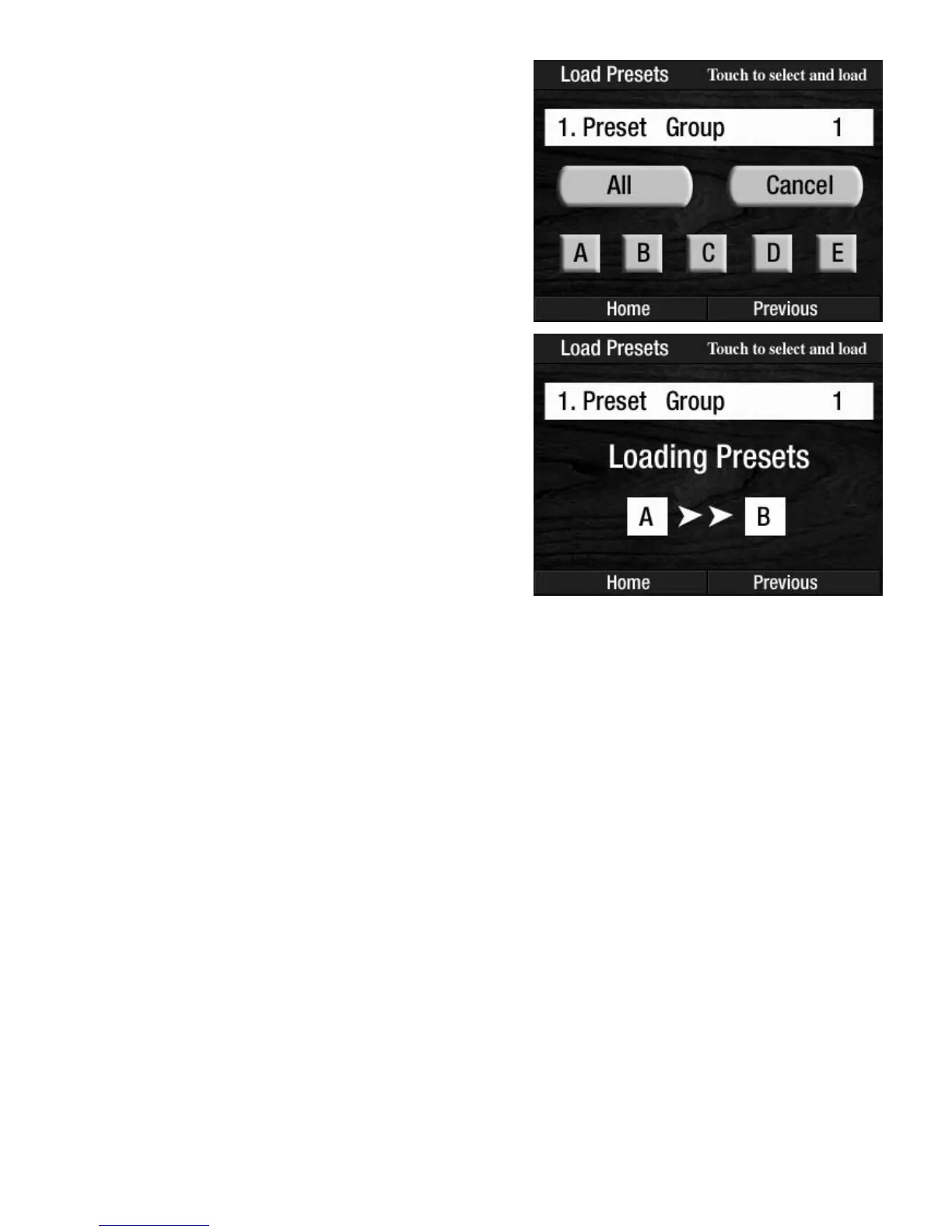
6. Press the Bank Preset letter on the screen. The screen will confirm that the Preset Group was loaded
and then return to the
POWER UP display.
How To Use It:
The LOAD PRESETS feature quickly loads your customized Presets, saved on a memory stick, back into the
organ so you can use them.
NOTE: The presets currently in the organ’s BANK PRESETS will be replaced by the Presets being loaded from
the memory stick.
5. After selecting the Bank letter the screen will display
choices for which Bank on the organ you wish the
Presets (from the memory stick) to be loaded.
For example, you could load
BANK A from the
memory stick into
BANK B on the organ.
ALL: Pressing the words ALL on the screen will load the
entire Preset Group (
A - B - C - D - E) into the BANK PRE-
SETS
.
CANCEL: Pressing the words CANCEL on the screen can-
cels the procedure, leaving the presets in the organs
unchanged.
A - B - C - D - E: You may load a specific Bank of Presets
by pressing the Bank letter for the presets, on the memory
stick, you wish to load into the organ.








 To Next Page