142
Prestige Owner’s Guide
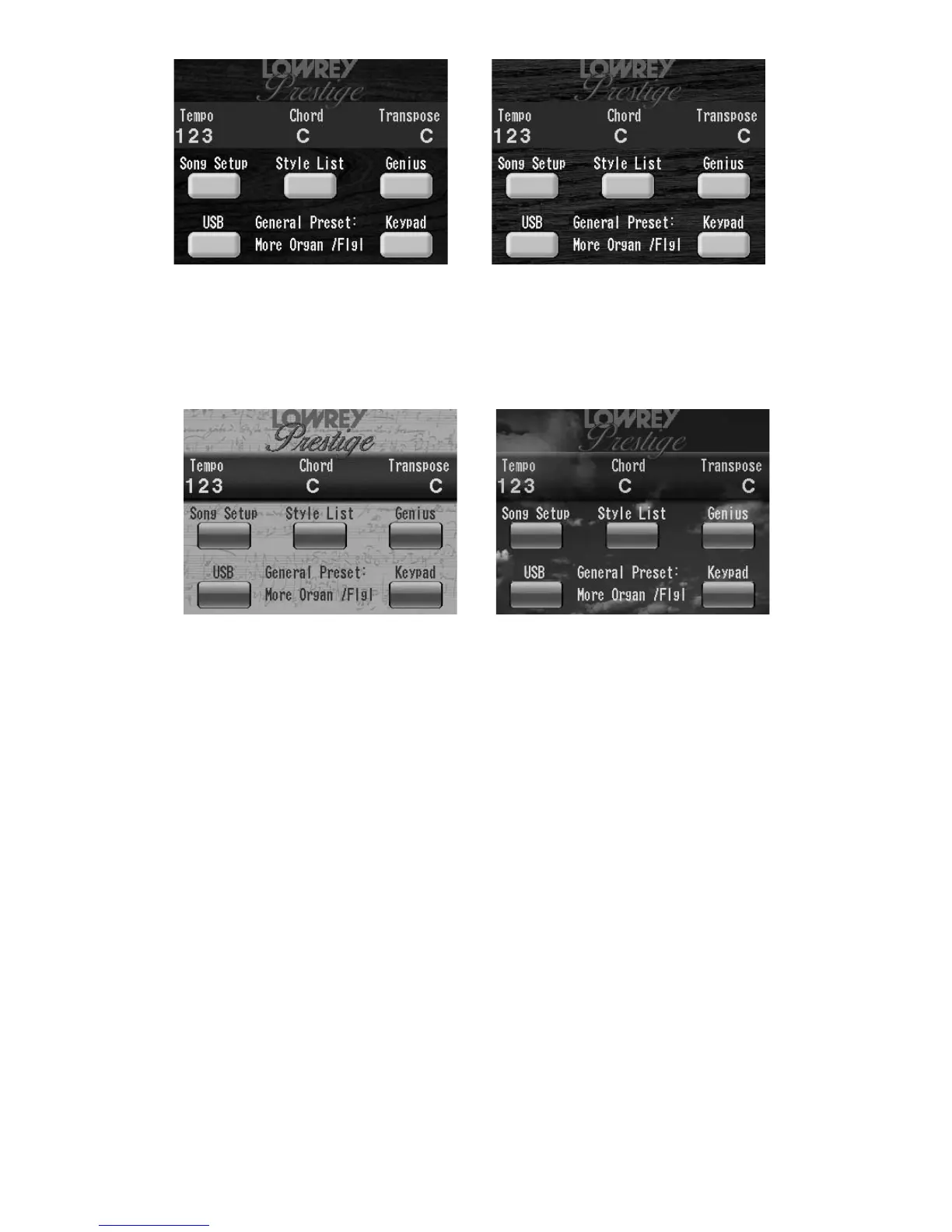
CHERRY THEME OAK THEME
The THEME preset for your Prestige matches the finish color of the cabinet. If you purchased an Oak finish,
then the Oak Theme will be the preset theme. The Cherry theme is preset if you purchased a cherry finish
cabinet. The oak theme is not available in the cherry prestige, and the cherry theme is not available in the
oak unit. To return to the factory preset screen, follow the steps above, changing the theme to the finish of
the organ you own.
SHEET MUSIC THEME SKY THEME
Video Out
NORMAL- Displays on a television screen what is on the organ screen.
PRESTIGE LOGO - Displays the Prestige image that is seen when the organ is first turned on.
Connect a television (
VIDEO IN) to the organ (VIDEO OUT).
Press the word SCREEN on Feature Page 11.
Touch the rectangle on the screen to the right of the words
VIDEO OUT, then press either Scroll button to dis-
play the choice desired: NORMAL or PRESTIGE LOGO.
How To Use It:
Use the feature to select a screen background that you enjoy and let others see the organ’s screens while you
play.








 To Next Page