21
Presets
5. If you are NOT using any of the
RHYTHM STYLES and/or the TRANSPOSE feature as part of your
registration you may skip step four and simply press the red
MEMORIZE button, turning it off, with the
word ‘No’ displayed under ‘With Style’ and ‘With Transpose.’
You may abort the procedure at any time before completion by pressing the
FEATURE (CLEAR) button.
How To Use It:
Use the CUSTOMIZE A BANK PRESET feature to save your favorite registrations for future use. The instru-
ment has the capability of holding 55 separate registrations for you to recall and enjoy at the touch of a but-
ton. Your custom registrations will remain, even if you press the RESET button or turn the organ off.
TIP FROM LOWREY: Even though the organ has the capacity of holding 55 customized presets, it’s hard
to keep track of so many presets. One way is to name your customized presets. with a familiar title. See
pages 40 and 128
-
RENAME BANK PRESETS.
Another way is to customize the 11 presets in
A BANK for one song, the B BANK for another song, the C BANK
for a third song, and so on. Also, if you use five or fewer presets for a song you can place two songs in each
bank: A0 through A5 = Presets for one song. A6 through A10 = Presets for another song.
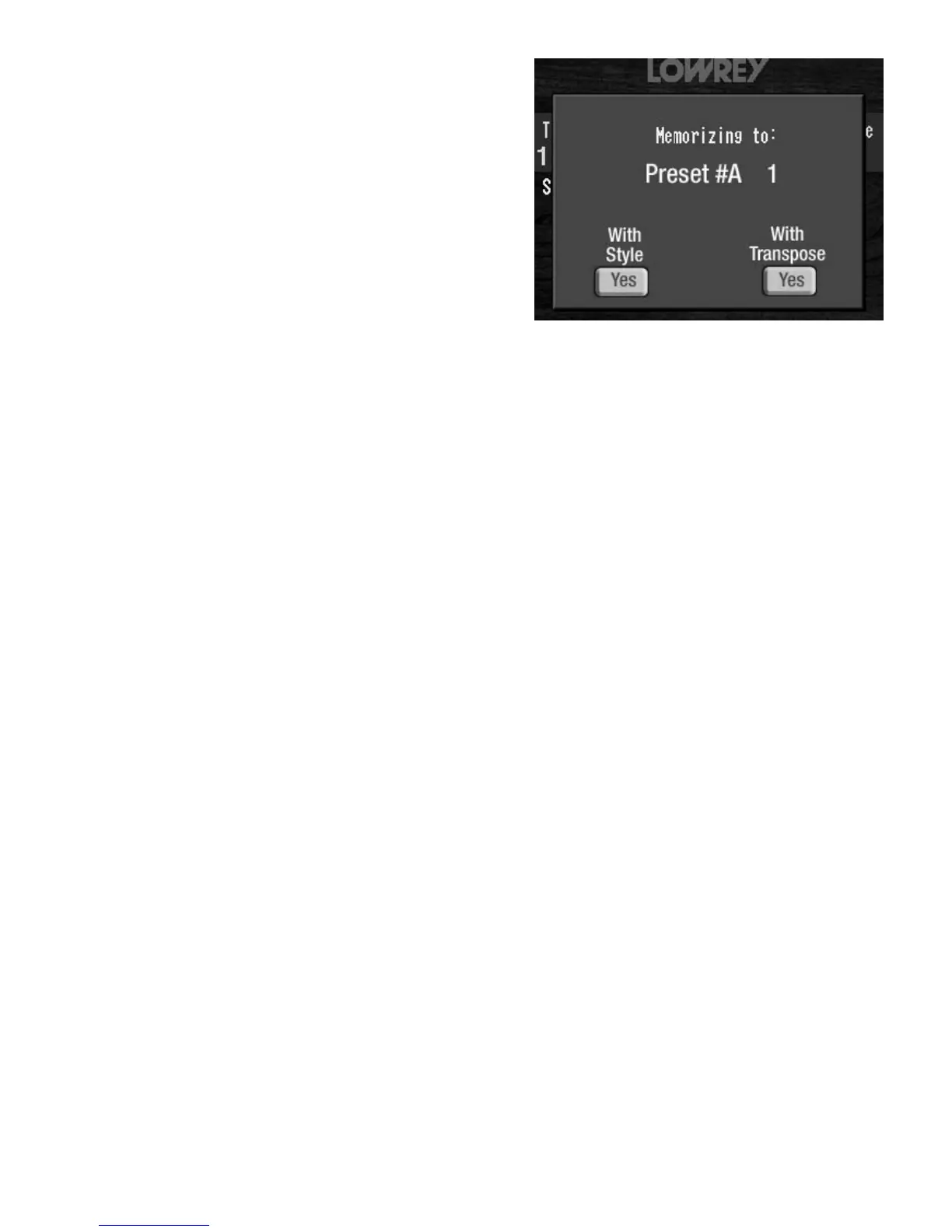
When the RHYTHM STYLES and/or the TRANSPOSE
screen buttons contain the word YES press the red
MEMORIZE button, turning it off. The COLOR TOUCH
SCREEN
will read:








 To Next Page