71
SHORTCUTS:
A. When you know the numerical amount of Sustain that you want to apply to a particular tab, use the Keypad
screen button.
1. Press the screen button labeled KEYPAD.
2. Press the desired number(s) on the Keypad and then press the
SUSTAIN tab you wish to change.
5. Press top
SCROLL button to increase the sustain length. Press the bottom SCROLL button to decrease the
sustain length. Play a note on the keyboard from the section for which you are changing the Sustain level
in order to hear the new level applied.
6. The number displayed next to the Sustain category on the screen is now the level for that Sustain Tab.
7. Press the
FEATURE (CLEAR) button to return the screen to the standard display.
The Sustain settings can be saved to a
BANK PRESET. Turning the organ off or pressing the Reset button
returns the Sustain settings back to factory preset levels.
5. The number displayed next to the Sustain category on the screen is now the new level for that Sustain
Tab.
6. Press the
FEATURE (CLEAR) button to return the screen to the standard display
How To Use It:
All Sustain levels are preset on the Prestige. Use either method to change the amount of sustain for any of
the Sustain tabs.
To change the sustain length of the PEDAL GENIUS sound:
1. Press and hold the FEATURE (CLEAR) button with your
right hand.
2. Press the orange
PEDAL GENIUS button with your left
hand. The screen display will change.
3. Touch the box on the screen labeled
SUSTAIN. It will
become highlighted.
4. Press top SCROLL button to increase the Sustain
length. Press the bottom
SCROLL button to decrease
the sustain length.
B. When you do not know the numerical value for the
amount of Sustain you want:
1. Press and hold the
FEATURE (CLEAR) button (to the
right of the Touch Screen).
2. While holding the
FEATURE (CLEAR) button press the
Sustain tab you wish to change.
3. Release the FEATURE (CLEAR) button. The Touch
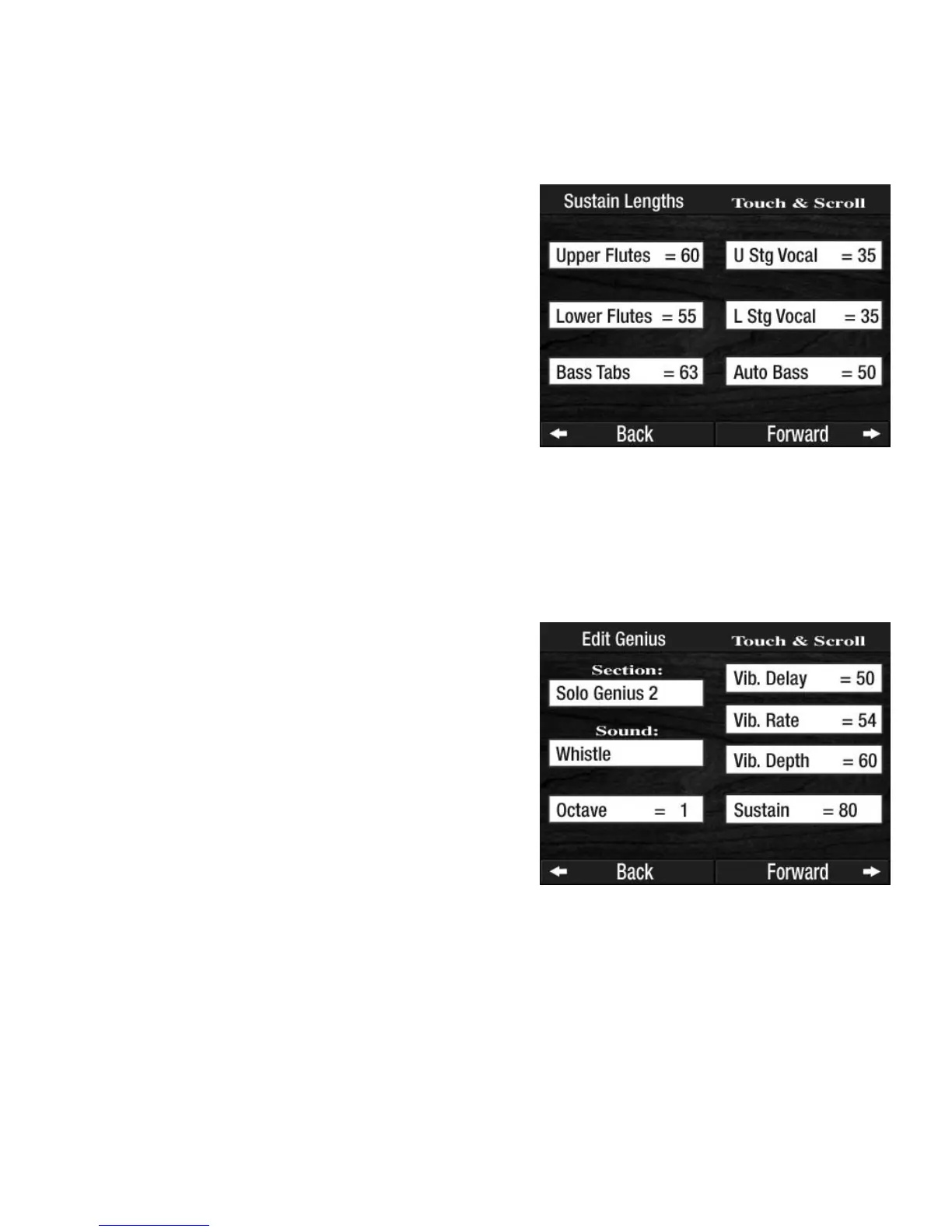
Screen now shows a variety of Sustain choices with
each followed by a number that indicates the preset
factory sustain setting.
4. Touch the box on the screen you wish to change. The
box will become highlighted.








 To Next Page