4. Parameters
4-62
4.4.4 Input/Output Contact Point Parameter Setting
(1) Position Operation Parameter Setting
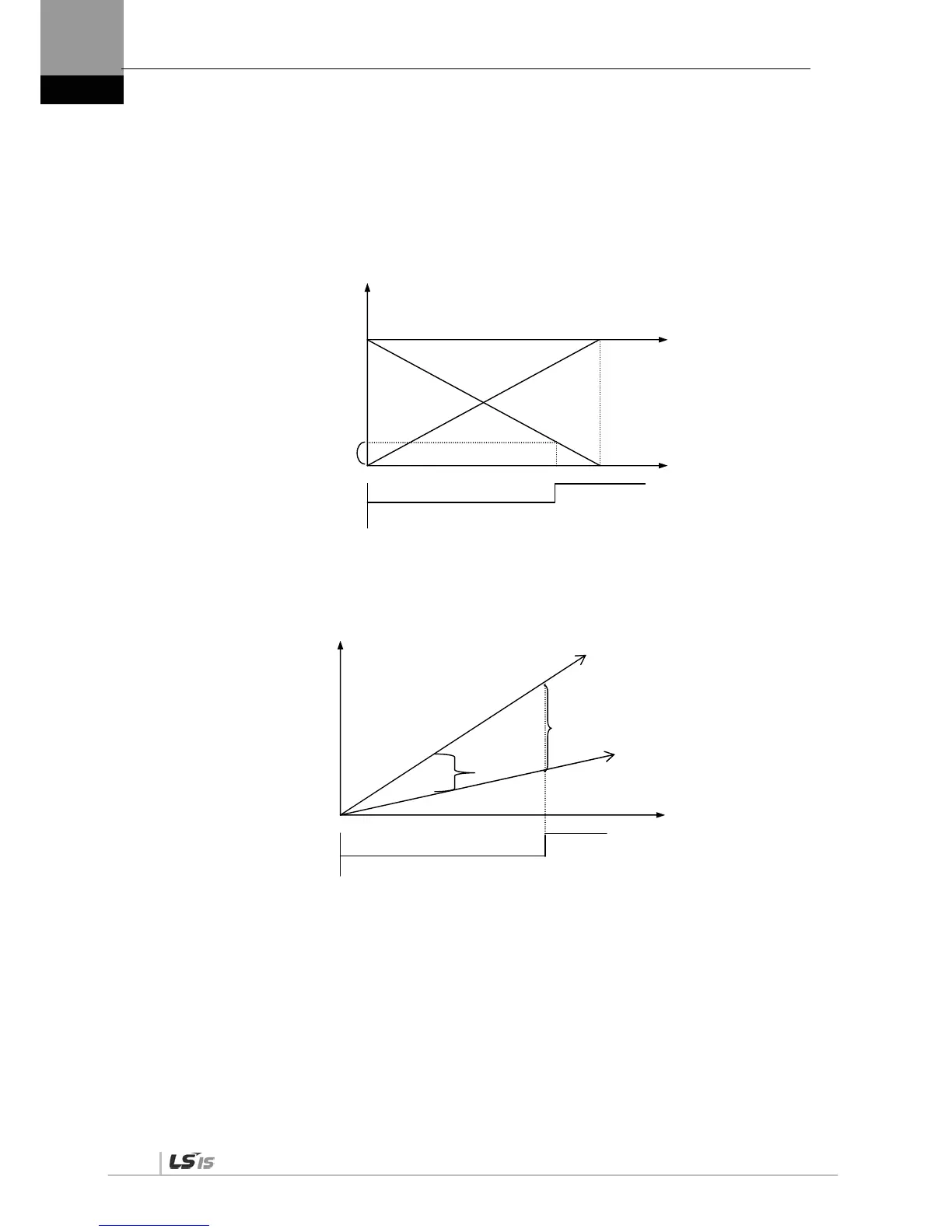
Position reached output range [P2-11]: If the error pulse, which is the difference between the
command position pulse and the follow position pulse, reaches this range, a signal is output to
indicate that the position has been decided.
If you set too great a value, the target position complete output signal might occur during operation
depending on the position command pulse. Therefore, it is important to set an appropriate value.
Position operation follow error range [P4-11]
If the error pulse is greater than the position operation tracking error range, the position tracking
error alarm [AL-51] triggers.
Error
Command pulse counter
Position follow error ran


 To Next Page
 Loading...