Section 4 – REMOTE CONTROL SYSTEM COMPONENTS Mini-Crawler Crane M A E D A
4-94 1/2019 MC405C-3
2. In the OUTRIGGER MODE, this lever
controls extension (setting) and retraction
(stowing) of either only No.1 or all of the
outriggers at once:
• Retraction (stowing): Push the upper end
of the lever.
• Neutral: Release your finger
from the lever.
• Extension (setting): Push the lower end of
the lever.
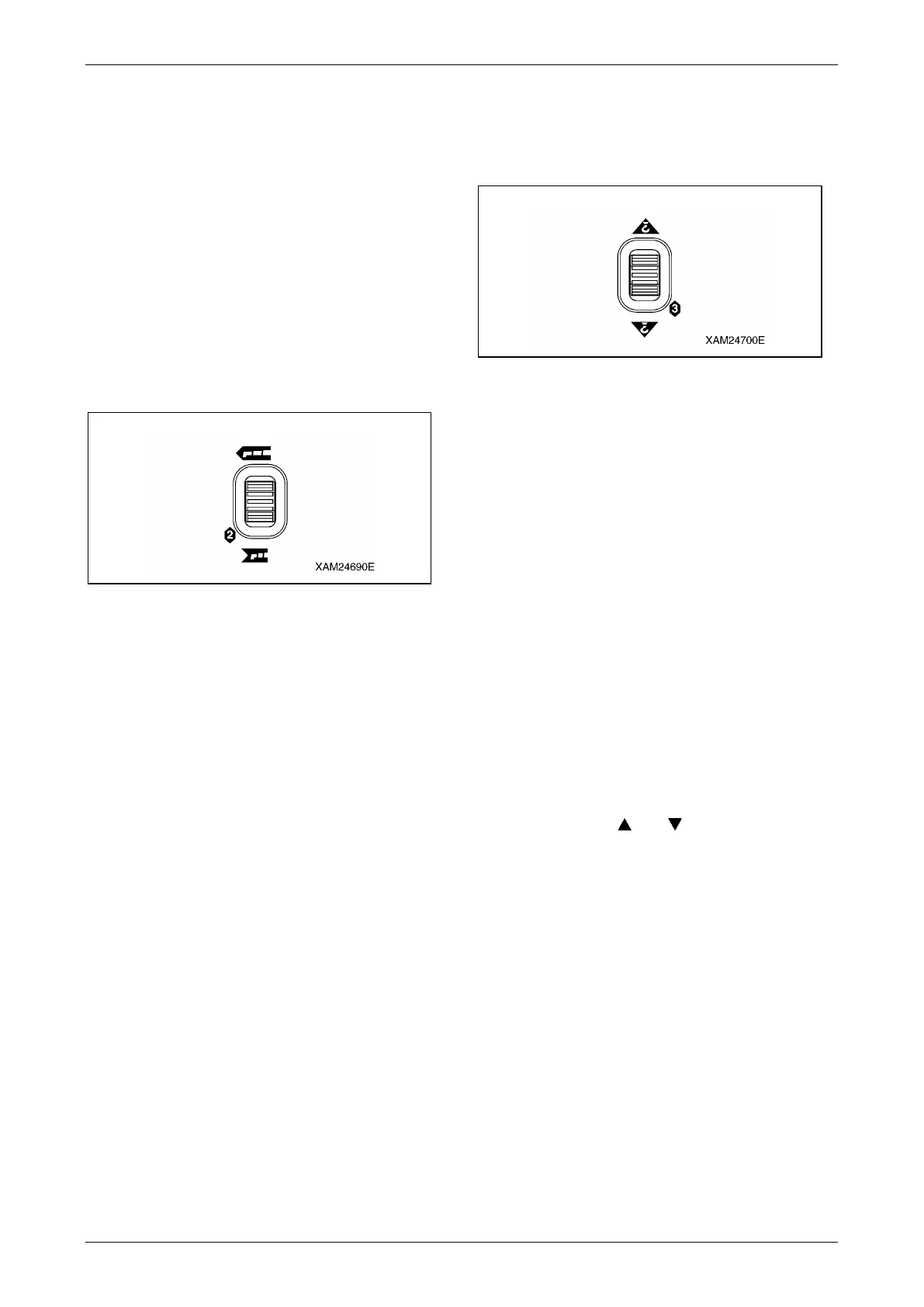
Boom Telescoping/No.2 Outrigger
Operation Lever
This operation lever functions in two ways as
below:
Fig. 4-242
1. In the CRANE MODE, this lever controls the
telescopic boom length:
• Boom extension: Push the upper end
of the lever.
• Neutral: Release your finger
from the lever.
• Boom retraction: Push the lower end of
the lever.
2. In the OUTRIGGER MODE, this lever
controls extension (setting) and retraction
(stowing) of either only No.2 or all of the
outriggers at once:
• Retraction (stowing): Push the upper end
of the lever.
• Neutral: Release your finger
from the lever.
• Extension (setting): Push the lower end of
the lever.
Hook Raising and Lowering/No.3 Outrigger
Operation Lever
This operation lever functions in three ways as
below:
Fig. 4-243
1. In the CRANE MODE, this lever controls
raising and lowering the hook:
• Hook raising: Push the upper end
of the lever.
• Neutral: Release your finger
from the lever.
• Hook Lowering: Push the lower end of
the lever.
2. In the OUTRIGGER MODE, this lever
controls extension (setting) and retraction
(stowing) of either only No.3 or all of the
outriggers at once:
• Retraction (Stowing): Push the upper end
of the lever.
• Neutral: Release your finger
from the lever.
• Extension (setting): Push the lower end of
the lever.
3. In the A MODE, this lever is used as a
cursor key by " and ".



 To Next Page