185
[Error indications]
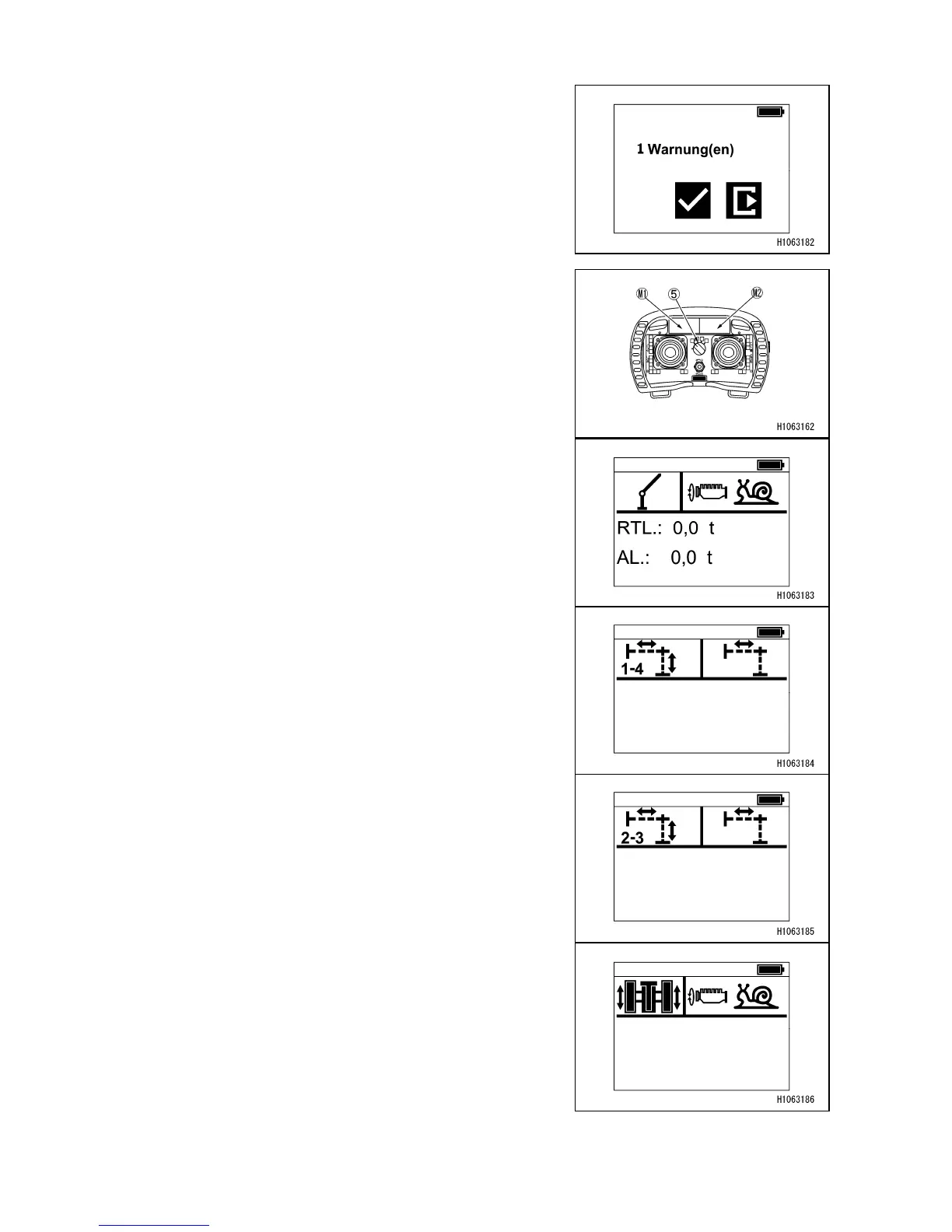
If an error is detected, an error is displayed on the
right display.
The details of the error can be checked from the radio
controller menu inside the setting menu.
[Crane menu]
Pressing the operation mode selector switch (5) will
automatically display the screen on the right-side monitor
(M2), according to the operation to be performed.
The left-side monitor (M1) always displays the engine
speed.
• Crane (white)
RTL: Displays the Rated Total Load
AL: Displays the Actual Load
• Outrigger (F) (blue)
• Outrigger (R) (orange)
• Travel (red)



 To Next Page