280
[Checking operation of outrigger interlock]
1. Install all four outriggers.
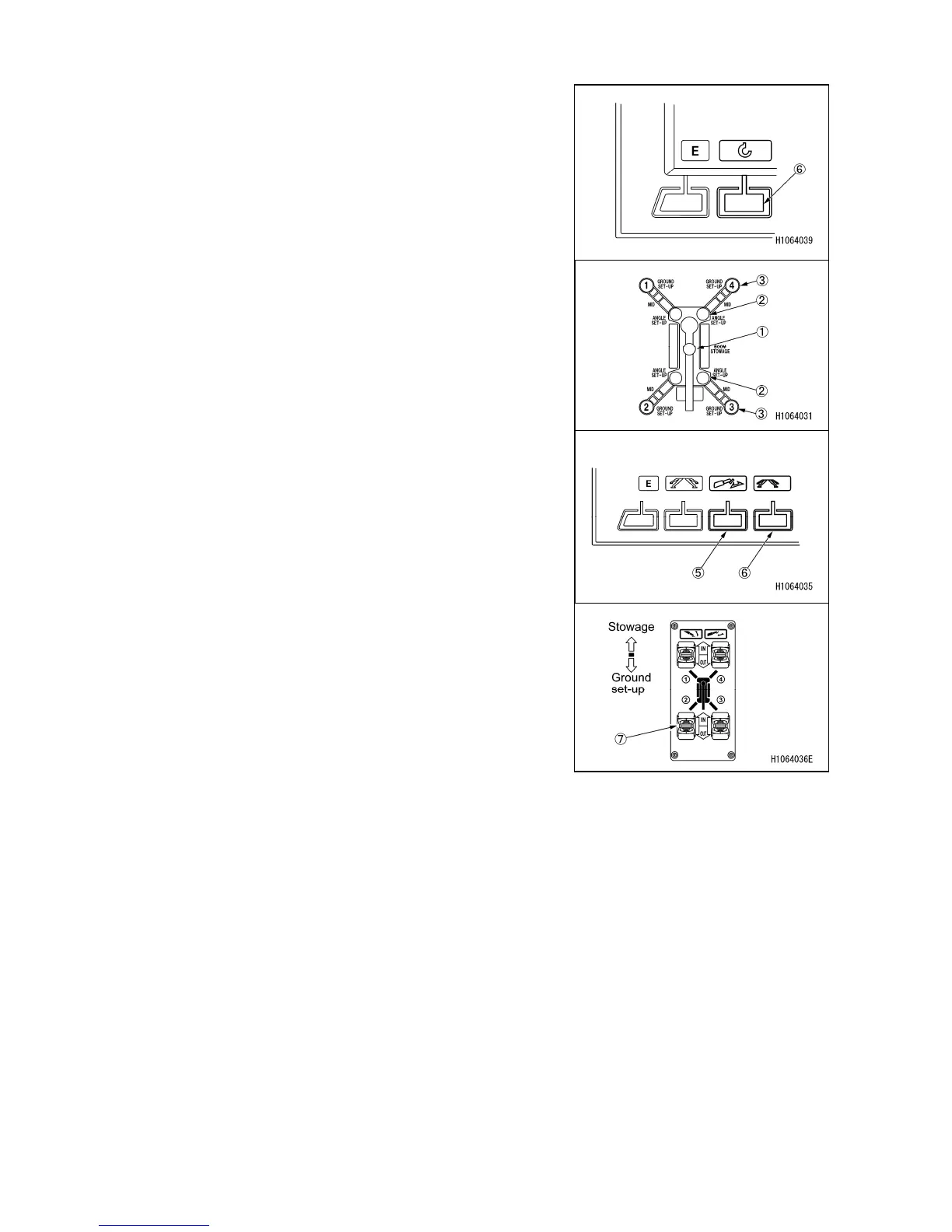
2. Press the mode switch (6) of the monitor or touch the
screen to enter the “crane mode”.
3. Move the operation lever on the right to the right
direction (rise) and raise the boom until the crane stowage
position lamp (1) of the monitor turns off.
4. Press the mode switch of the monitor or touch the
screen to enter the “outrigger mode”.
5. Press the mode switch (5) of the monitor or touch the
screen to enter the “contact” mode.
6. Press the mode switch (6) of the monitor or touch the
screen to enter the “manual” mode.
7. Turn the outrigger contact switch (7) on the outrigger
control panel to “In” position and make sure the
outrigger does not operate.



 To Next Page