79
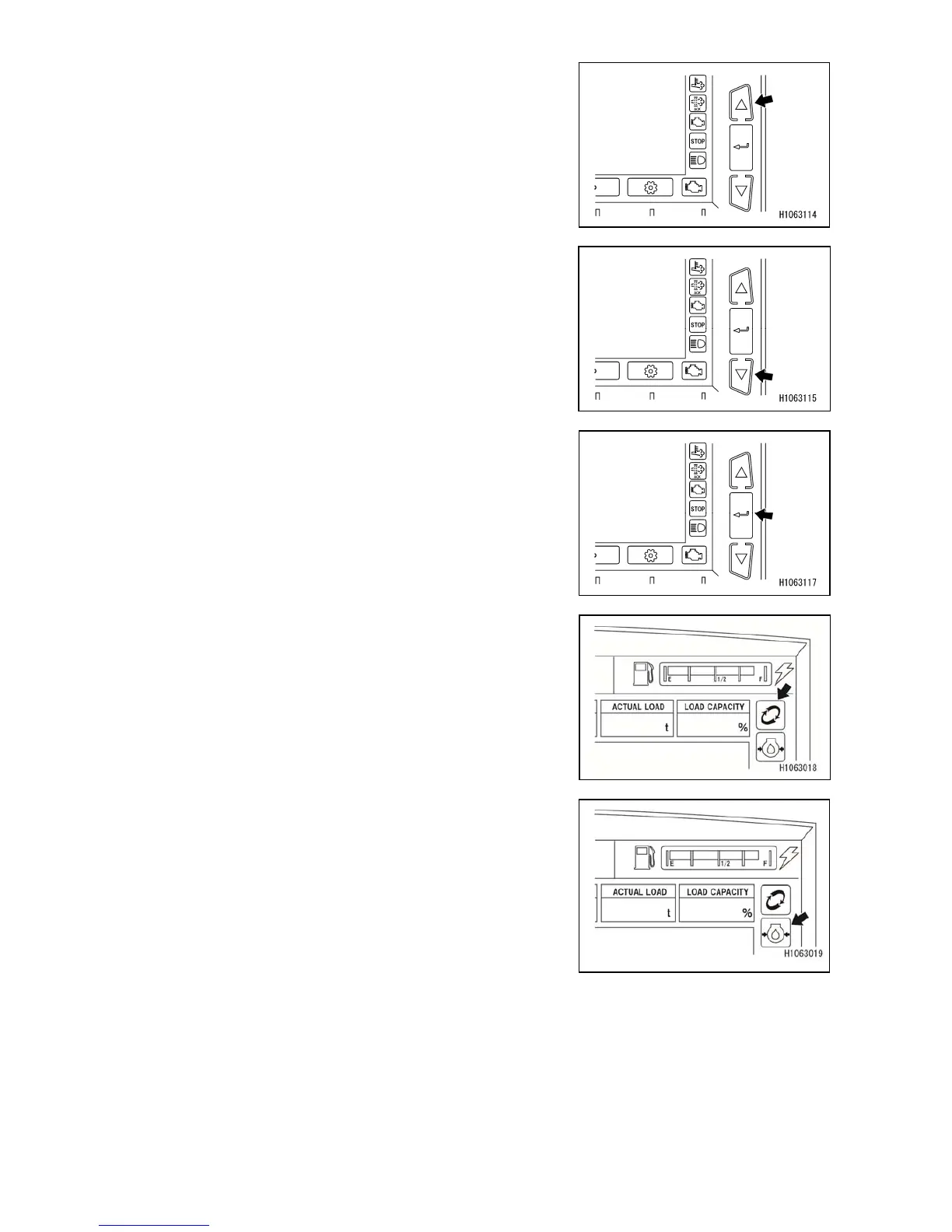
[9] Pop-up select switch (up)
Use this switch to select a desired function on the
currently displayed pop-up screen.
[10] Pop-up select switch (down)
Use this switch to select a desired function on the
currently displayed pop-up screen.
[11] Enter switch
Use this switch to select a desired function on the currently
displayed pop-up screen.
[12] Replacement remainder
Appears when consumables have reached the time for
replacement.
See “OPERATION 1.2.1 [5] MONITOR DISPLAY (USER
INITIAL MODE) [8] Consumables” for the details of
consumables.
[13] Engine oil pressure
Indicates a drop in engine oil pressure.
If the oil pressure is normal, the monitor lights up when the
starter switch is set to the “ON” position and goes out as
engine speed increases after engine start.
If the monitor lights up during operation, engine oil
pressure is dropping.
Stop the operation immediately, and check the engine oil
filter for clogging and the engine lubricant quantity.



 To Next Page