85
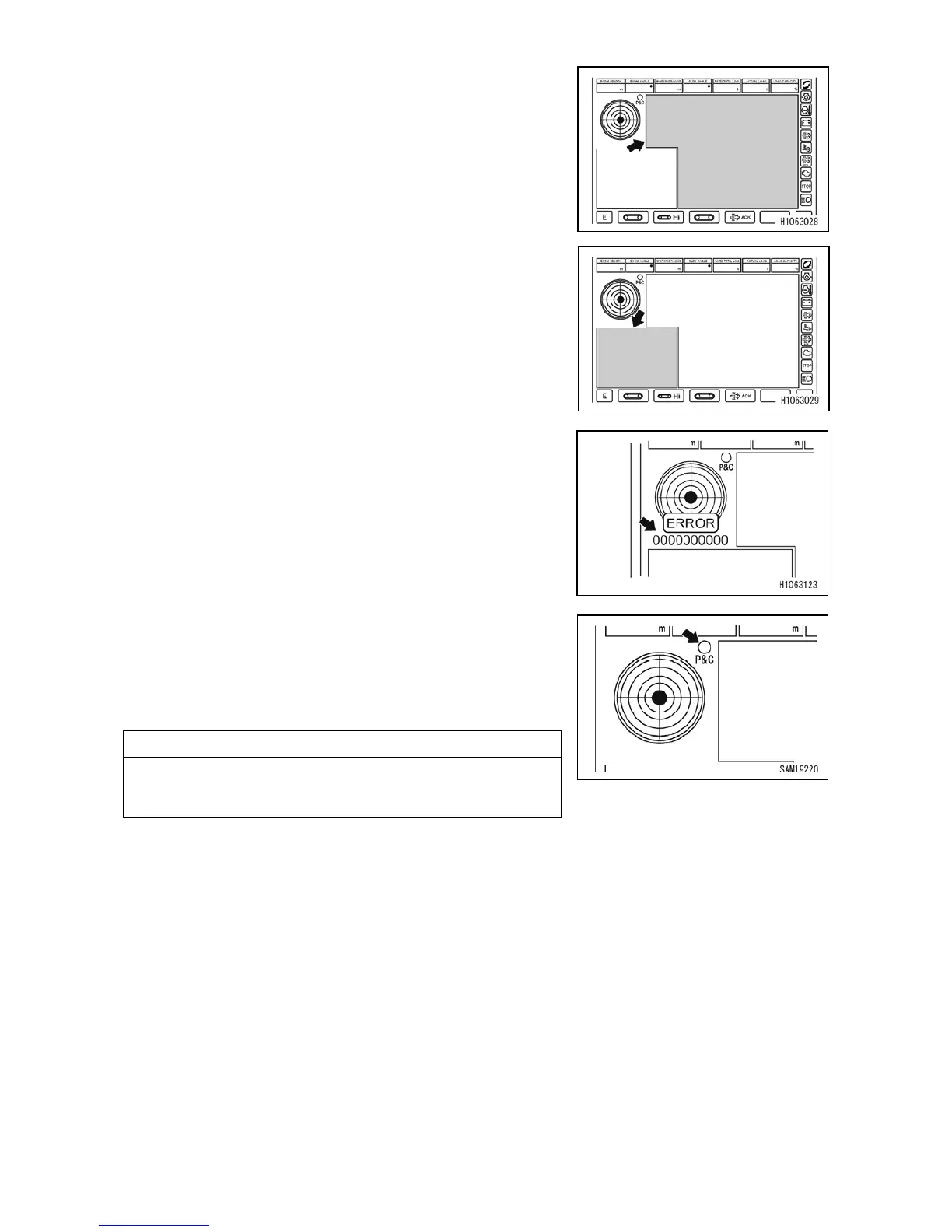
[10] Front view camera monitor
Displays the view ahead of the machine. To display the
view at the left side of the machine, touch the screen.
[11] Left side-view camera monitor
Displays the left side-view of the machine. To display the
view ahead of the machine, touch the screen.
[12] Error codes
If the machine encounters an error, an error code appears
in this area.
If an error code appears, contact us or our sales service
agent.
For details about the error codes, refer to “OPERATION
11.7 LIST OF ERROR CODES”.
[13] Pick & Carry position
Illuminates in yellow when the machine is in Pick & Carry
posture.
For conditions of Pick & Carry posture, read the section
“OPERATION 2.26 PICK & CARRY OPERATION”.
NOTES
This may not illuminate when lifting a load, even the crane
is in Pick & Carry posture. However this is not a faulty
condition.



 To Next Page