7-4 (E)
7. Operation Method
LH71A / LH72
Applied functions of the preset mode
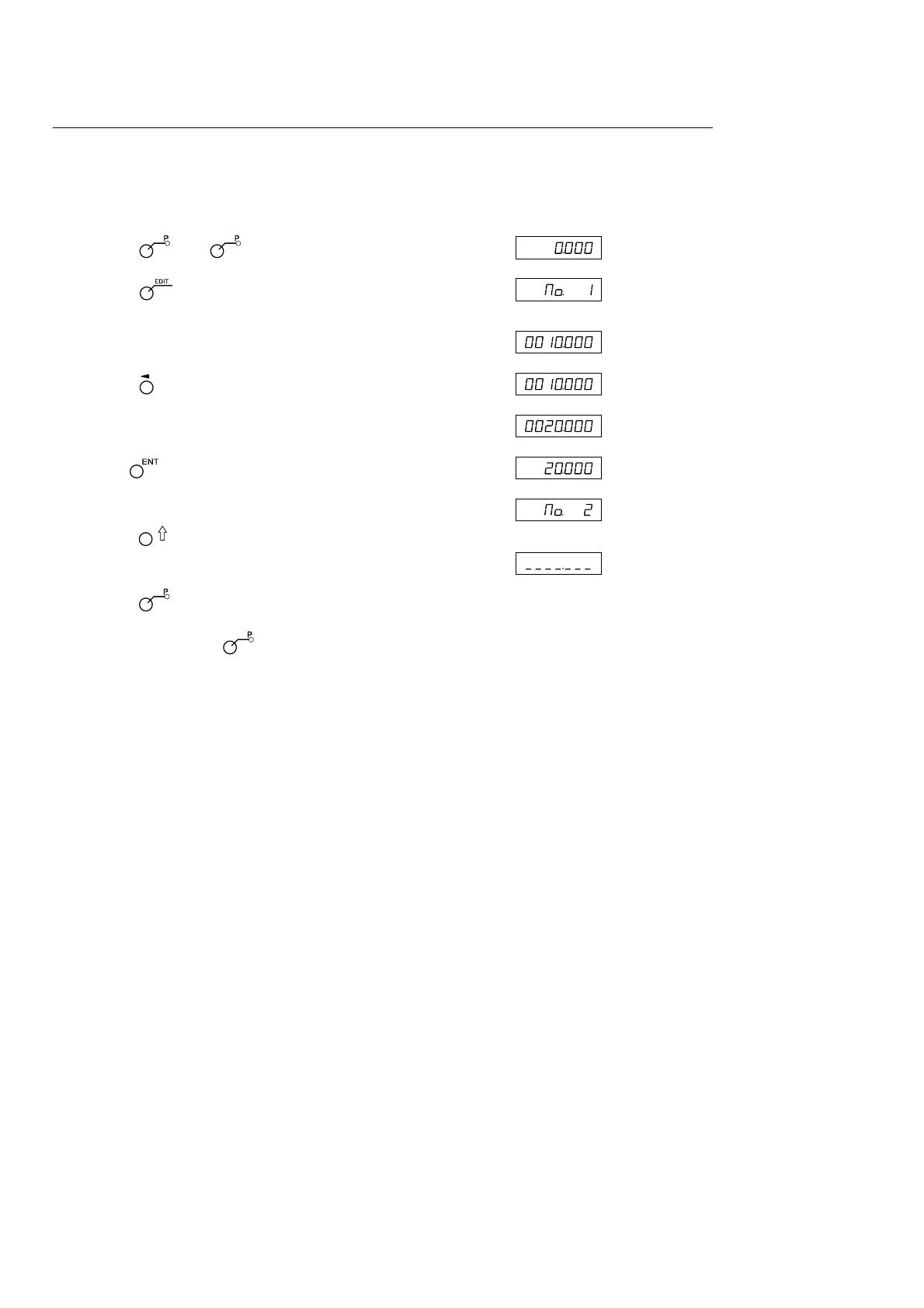
You can edit a preset value while leaving the current value displayed.
<Editing a preset value> Display
1 Press the key. ( lamp lights up)
2 Press the key.
↓
3 Press the key corresponding to the axis to be edited.
4 Use the numeric key to enter the value.
5 Use the key to finalize the setting.
6 <Editing the next preset value (max 3 values for each axis)>
Press the key. ↓
Perform step 4 and beyond.
<Completing editing work>
Press the key.
The system exits the preset mode, and the current values are
displayed once again. ( lamp goes out)
∗ When you want to use an edited preset value, carry out
<Calling a preset value>.
(Current value
display)
(Example:
20.000)



 To Next Page