8-10 (E)
8. Applied Functions
LH71A / LH72
8-2-3. Playback Program Function
The contents actually moved are stored as a program.
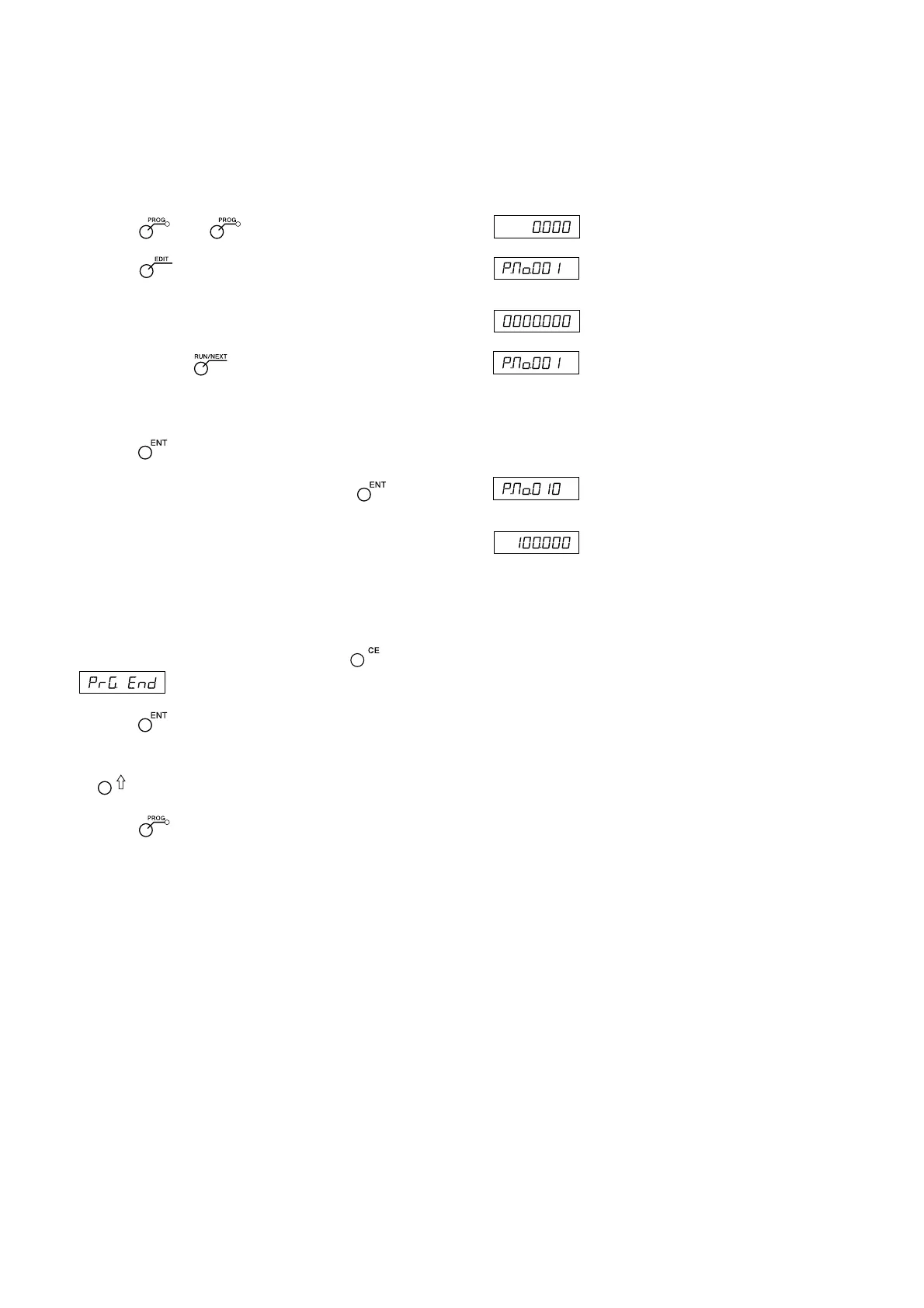
Display
1 Press the key. ( lamp lights up)
2 Press the key. (EDIT lamp flashes)
↓
3 After pressing the key, enter the step No. that you want to
store using the numeric key.
(RUN lamp flashes/EDIT lamp lights)
4 Press the key.
5 Move the measuring unit, and then press the key.
The displacement will be stored, and the next step No. will be ↓
displayed.
6 Repeat step 5 until the completion of machining.
(max 150 steps for each axis)
7 After all machining is completed, press the key.
is displayed.
8 Press the key.
The system exits the playback mode.
∗ Next, if you want to store another program, press the
key to display the step No., and then repeat step 5.
9 Press the key.
The system exits the program mode.
(Current value
display)
(Example:
100 mm
displacement)
(Current value
display)
(Example:
P.No. 10)



 To Next Page