(E) 11-1
LH71A / LH72
When the unit does not work properly, check the following before calling Magnescale Co., Ltd. Representative
for service.
11. Troubleshooting
When the cause of the above is known, take appropriate measures.
If you think that something is wrong, check the software version, then contact the service center to inquire
about examining if the measuring unit has overrun or another problem has occurred.
How to make sure software version number
• Power ON → → Press the key → Display version number
** *
(
** **
: version)
• Press the any key, then go back display to .
LL
LL
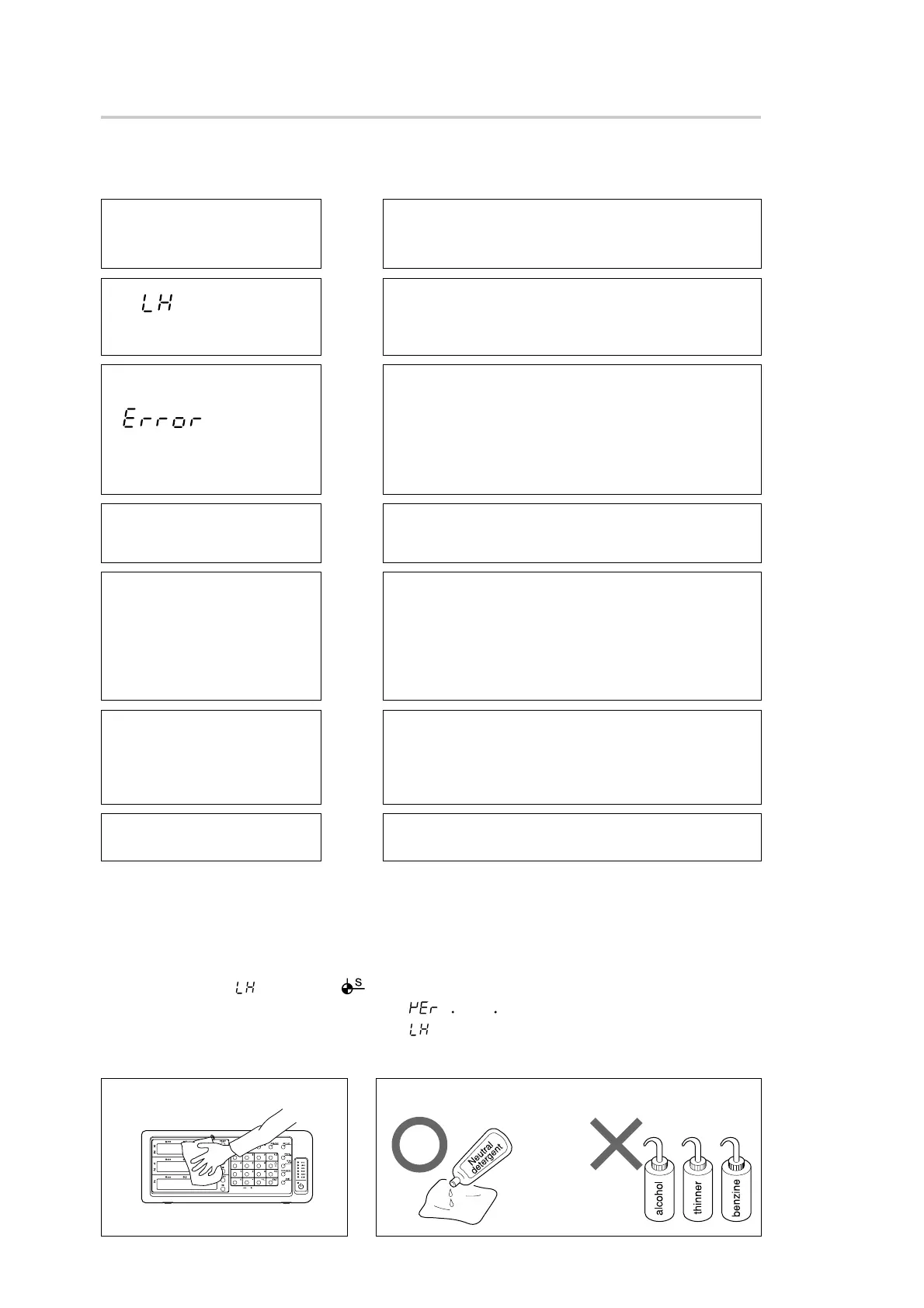
L Cleaning
To clean the display and casing:
Use dry cotton cloth
To remove heavy dirt:
Use diluted
neutral detergent
H
• Check to see if the reference point detection position is correct.
• Check to see if the reference point detection direction is correct.
Cannot detect reference
point
H
• Check to see if the unit occasionally miscounts.
• Check for any mechanical trouble that may affect accuracy.
(Any trouble due to machine adjustment, deflection or play.)
• Check to see if the temperature difference between the measuring
unit, machine and workpiece is great.
Accuracy cannot be
obtained
H
• Disconnect the AC adaptor, and then reconnect after 1 to 2 minutes.
• Check to see if the measuring unit signal connector is loosely coupled.
• Check for poor grounding due to rust or breakage.
• Check the power voltage is in the specified range. (To keep power
voltage within the specified range, use an automatic AC voltage regu-
lator.)
• Check that the grounding is made correctly.
Erroneous counting
H
• Disconnect the AC adaptor, and then reconnect after 1 to 2 minutes.
• Check to see if the measuring unit signal connector is loosely coupled.
(Replace with a normal axis.)
No counting
H
• Check the measuring unit signal connector is secured by screws.
• Check the conduit cable is not damaged or disconnected.
• Check to see if the measuring unit has moved faster than the maxi-
mum response speed.
• Check for high level noises. (Replace with a normal axis.)
• Disconnect the AC adaptor, and then reconnect after 1 to 2 minutes.
• Perform resetting operation.
is displayed.
(Alarm)
H
• Check the connection and continuity of the power cable.
• Check for high level noises. (Replace with a normal axis.)
• Disconnect the AC adaptor, and then reconnect after 1 to 2 minutes.
• Perform resetting operation.
is displayed.
(Alarm)
H
• Disconnect the AC adaptor, and then reconnect after 1 to 2 minutes.
• Check the connection and continuity of the power cable.
• Check for the proper range of power voltage.
The power cannot be
turned on.
(Unstable power connection)



 To Next Page