8-8 (E)
8. Applied Functions
LH71A / LH72
Application (LH71A-2, LH71A-3)
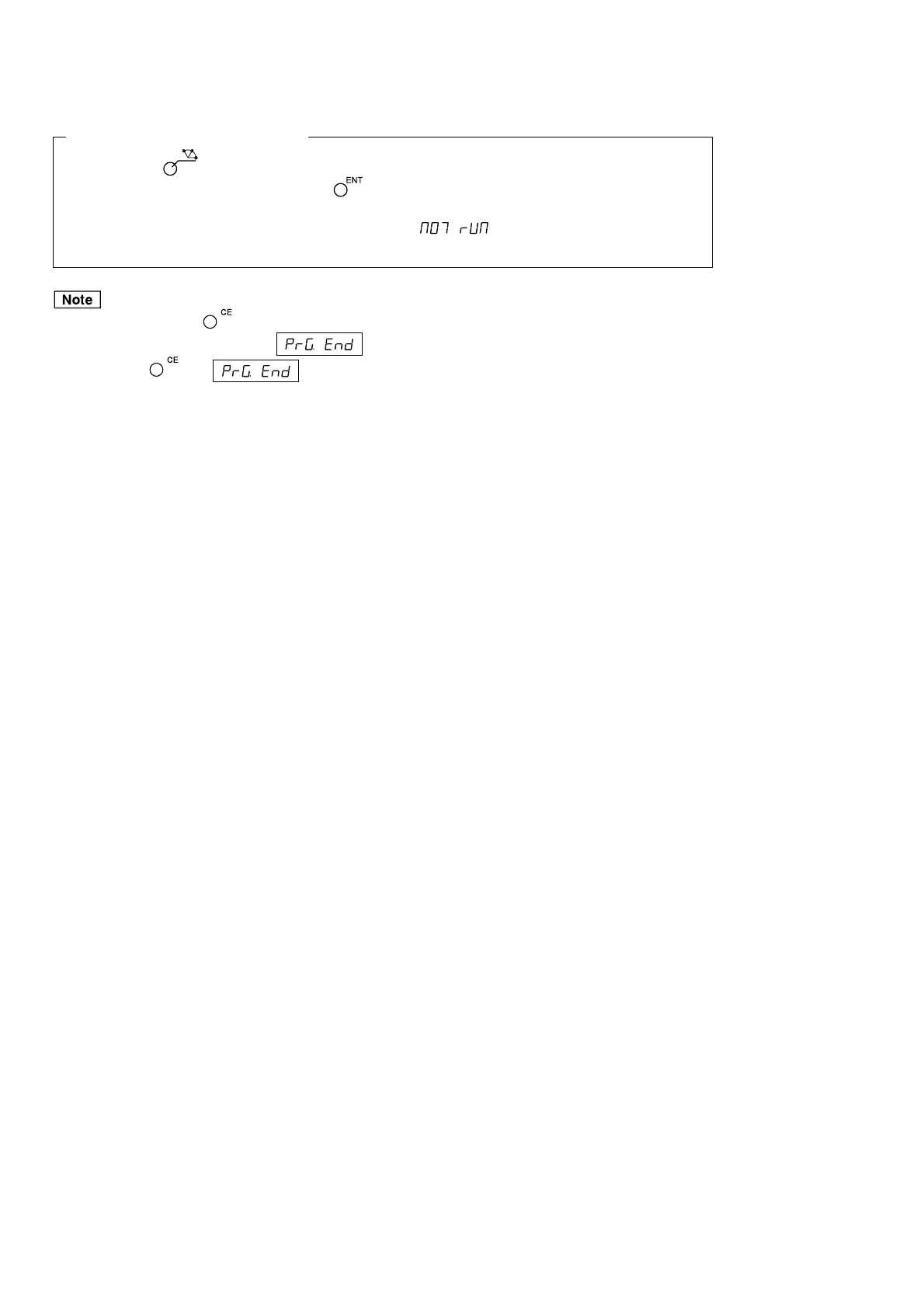
If you press the
key instead of entering a numerical value, the BOLT, LINE and ARC lamps will
flash in that sequence. If you then press the
key, you can incorporate BOLT, LINE and ARC while
the program is running. The parameters that are used during program execution are those that have been
input in advance. If the parameters have not been input, will be displayed during program
execution.
• Unless you press the key, the entered program will not be finalized.
In step 9, be sure to confirm that is displayed. If you ended the program input without
pressing the key, which indicates the end of the executed program will not be
displayed.
• To enter another program, go to the next step and enter in the same way.
• You cannot insert a new program into an existing program.
If it is necessary to add a new program, either re-input the existing program, or input a dummy step
(displacement zero) in advance. This will enable you to add bolt hole circles and other steps later on.



 To Next Page