be displayed, e.g. weather at the destina-
tion.
i
Alternatively you can call up this function
using the touchpad (
Y page 25).
X
To exit Drive Information: press the con-
troller.
X
Press the % button.
Route flight
X
Call up the navigation menu (Y page 105).
X
Turn the controller until Route Flight is
brought to the front.
X
Press the controller.
The route will then be flown along from a
helicopter view.
i
Alternatively you can call up this function
using the touchpad (
Y page 25).
X
To exit the route flight: press the control-
ler.
X
Press the % button.
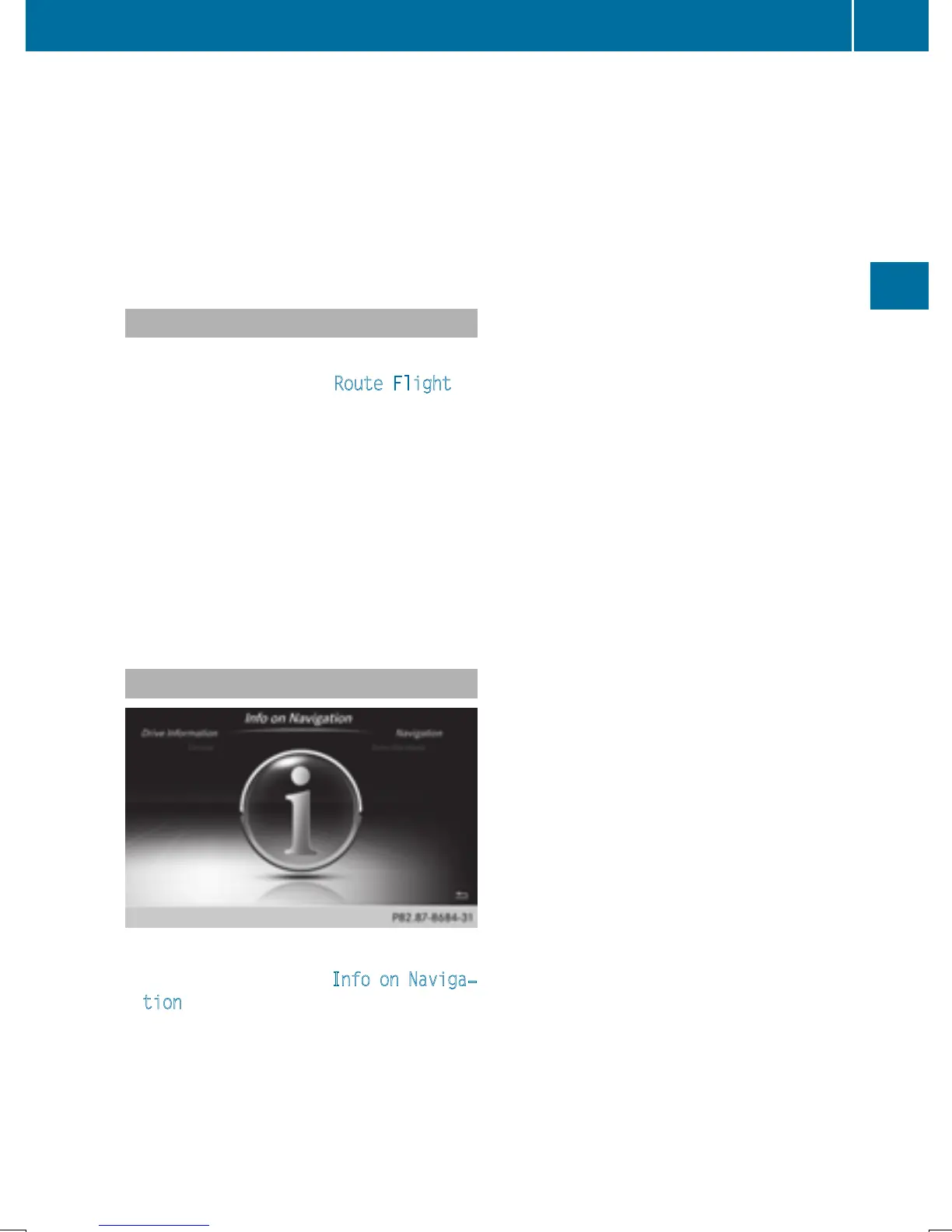
Info on navigation
X
Call up the navigation menu (Y page 105).
X
Turn the controller until Info on Naviga‐
tion is brought to the front.
X
Press the controller.
The Digital Operator's Manual is opened at
the section on navigation.
i
Alternatively you can call up this function
using the touchpad (
Y page 25).
Navigation functions
107
Navigation
Z







 To Next Page