Using the touchpad
You determine the first letter of the contact
you are looking for with the first character you
enter.
X
Draw the letter on the touchpad surface.
The first contact with the selected first
character is highlighted in the phone book.
Further information on handwriting recog-
nition on the touchpad (
Y page 27).
X
Draw additional letters on the touchpad
surface one after another.
X
To complete the search and return to the
phone book: press the touchpad.
X
To select and call the contact: glide up or
down and press.
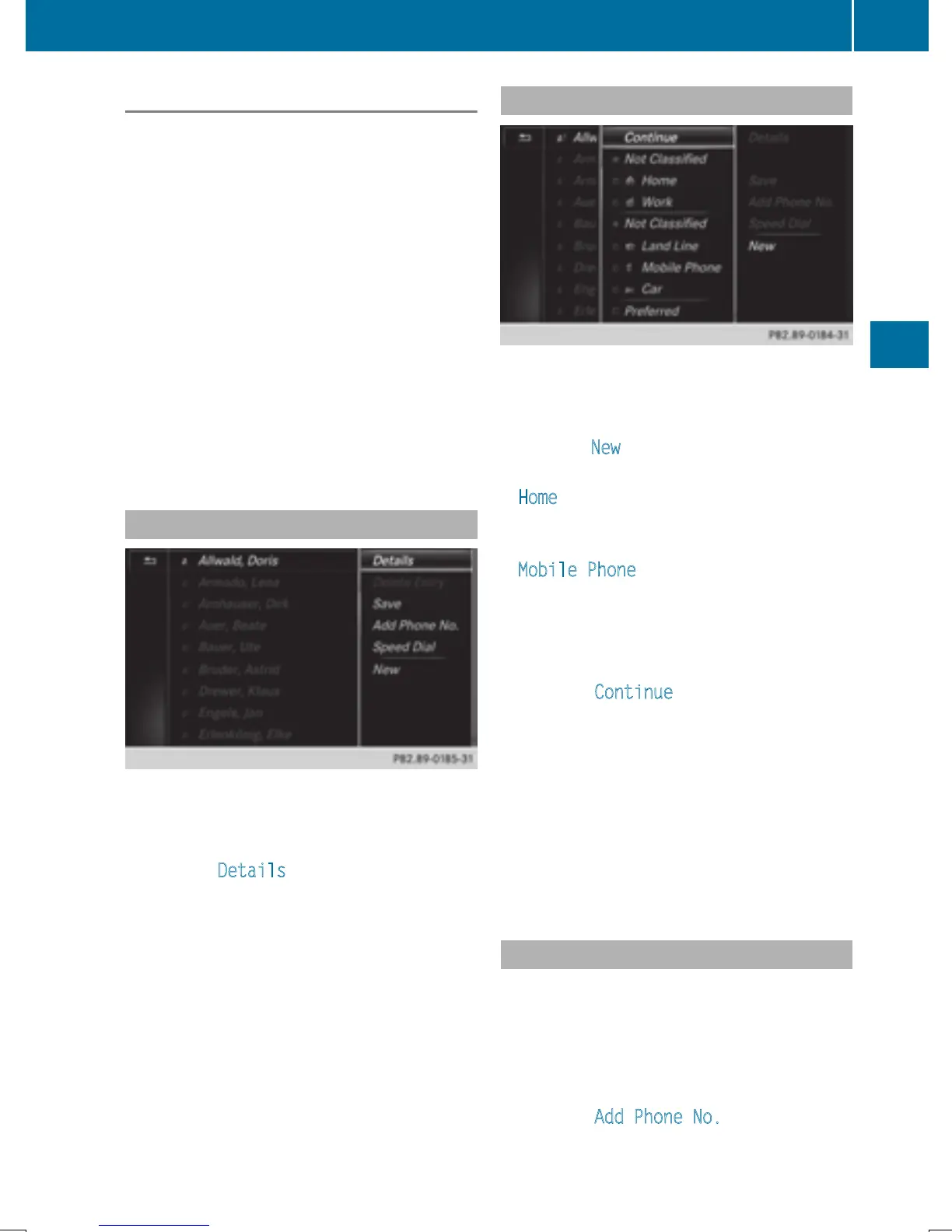
Displaying the details of a contact
X
To highlight a contact in the phone book:
turn the controller.
X
To select G: slide 9 the controller.
X
To select Details: turn and press the con-
troller.
The detailed view appears.
Closing the detailed display:
X
To select %: slide 8 the controller.
Adding a new contact
X
Slide 5 the controller repeatedly in the
phone book until the selection list appears.
X
To select G: slide 9 the controller.
X
To select New: turn and press the controller.
X
To select a category for the number, e.g.
Home
: turn the controller and press to con-
firm.
X
To select a telephone category, e.g.
Mobile Phone
: turn the controller and
press to confirm.
If you have marked a number as preferred,
it appears at the top of the list and is high-
lighted.
X
To select Continue: turn and press the
controller.
The input menu with input lines is dis-
played.
X
Enter characters using the controller
(
Y page 32) or the touchpad (Y page 27).
X
To finish and save an entry: select ¬.
The contact is created in the phone book
and in the address book.
Adding information to a contact
You can add a telephone number to an exist-
ing contact.
X
To highlight a contact in the phone book:
turn the controller.
X
To select G: slide 9 the controller.
X
To select Add Phone No.: turn and press
the controller.
Phone book
125
Telephone
Z







 To Next Page