list will only show names or phone num-
bers.
Displaying details from a list entry
Abbreviated list entries can also be shown in
full.
X
To show the main function bar: slide 5
the controller.
X
To select Phone: turn and press the con-
troller.
The telephone menu is displayed.
X
To switch to the menu bar: slide 6 the
controller.
X
To select Call Lists: turn and press the
controller.
X
To select Calls Received or Calls
Dialed: turn and press the controller.
The relevant list is displayed.
X
To highlight the desired entry: turn the con-
troller.
X
To select G: slide 9 the controller.
X
To select Details: turn and press the con-
troller.
The details are displayed.
X
To go back to the list: slide 8 the con-
troller repeatedly until the list is highligh-
ted.
Saving telephone numbers
Adding new entries to the address book
X
To show the main function bar: slide 5
the controller.
X
To select Phone: turn and press the con-
troller.
The telephone menu is displayed.
X
To switch to the menu bar: slide 6 the
controller.
X
To select Call Lists: turn and press the
controller.
X
To select Calls Received or Calls
Dialed: turn and press the controller.
The relevant list is displayed.
X
To highlight the desired telephone number:
turn the controller.
X
To select G: slide 9 the controller.
X
To select Save: turn and press the control-
ler.
X
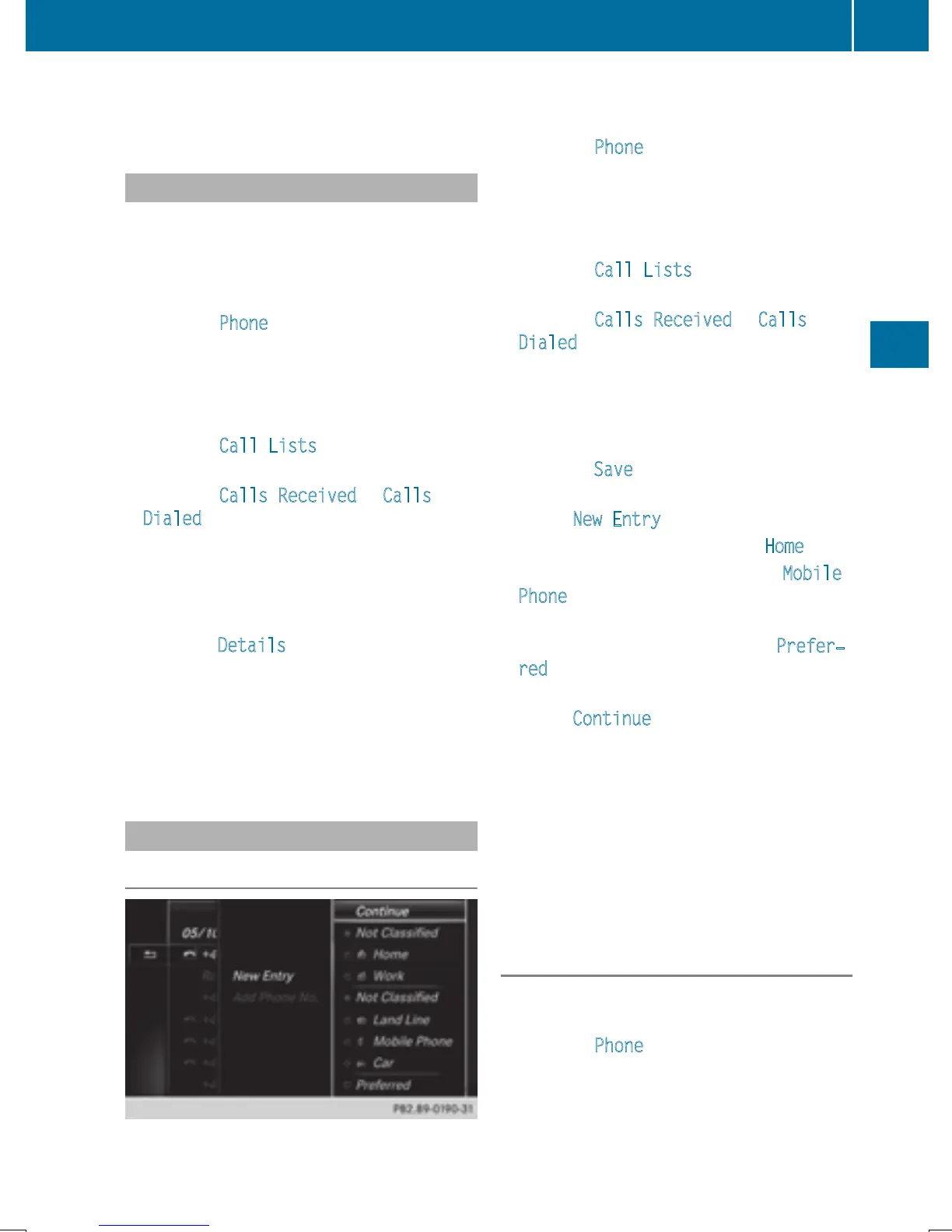
Select New Entry.
X
Select a number category, e.g. Home.
X
Select a telephone category, e.g. Mobile
Phone.
The selected category is marked with #.
If you have marked a number as Prefer‐
red, it is shown at the top of the list and is
highlighted.
X
Select Continue.
The entry field for the name of the new con-
tact is displayed. The entry field for the
telephone number is filled in automatically.
X
Enter characters using the controller
(
Y page 32) or the touchpad (Y page 27).
X
To finish and save an entry: select ¬.
The new contact has been created.
Adding information to an address book
entry
X
To show the main function bar: slide 5
the controller.
X
To select Phone: turn and press the con-
troller.
The telephone menu is displayed.
X
To switch to the menu bar: slide 6 the
controller.
Call lists
135
Telephone
Z


 To Next Page
 Loading...




