You can save the imported destinations and
routes as personal POIs and routes
(
Y page 79).
When importing routes, please note:
R
The Mercedes-Benz Apps may generate a
route based on a different map from the
one used by COMAND. Points on the route
may therefore be situated off the digital
roads. For this reason an imported route
commenced in COMAND may deviate from
the original route from the Mercedes-Benz
Apps.
R
The Mercedes-Benz Apps minimize the
number of route points offered. For this
reason an imported route commenced in
COMAND may deviate from the original
route from the Mercedes-Benz Apps.
Selecting and editing personal POIs
and routes
Selecting
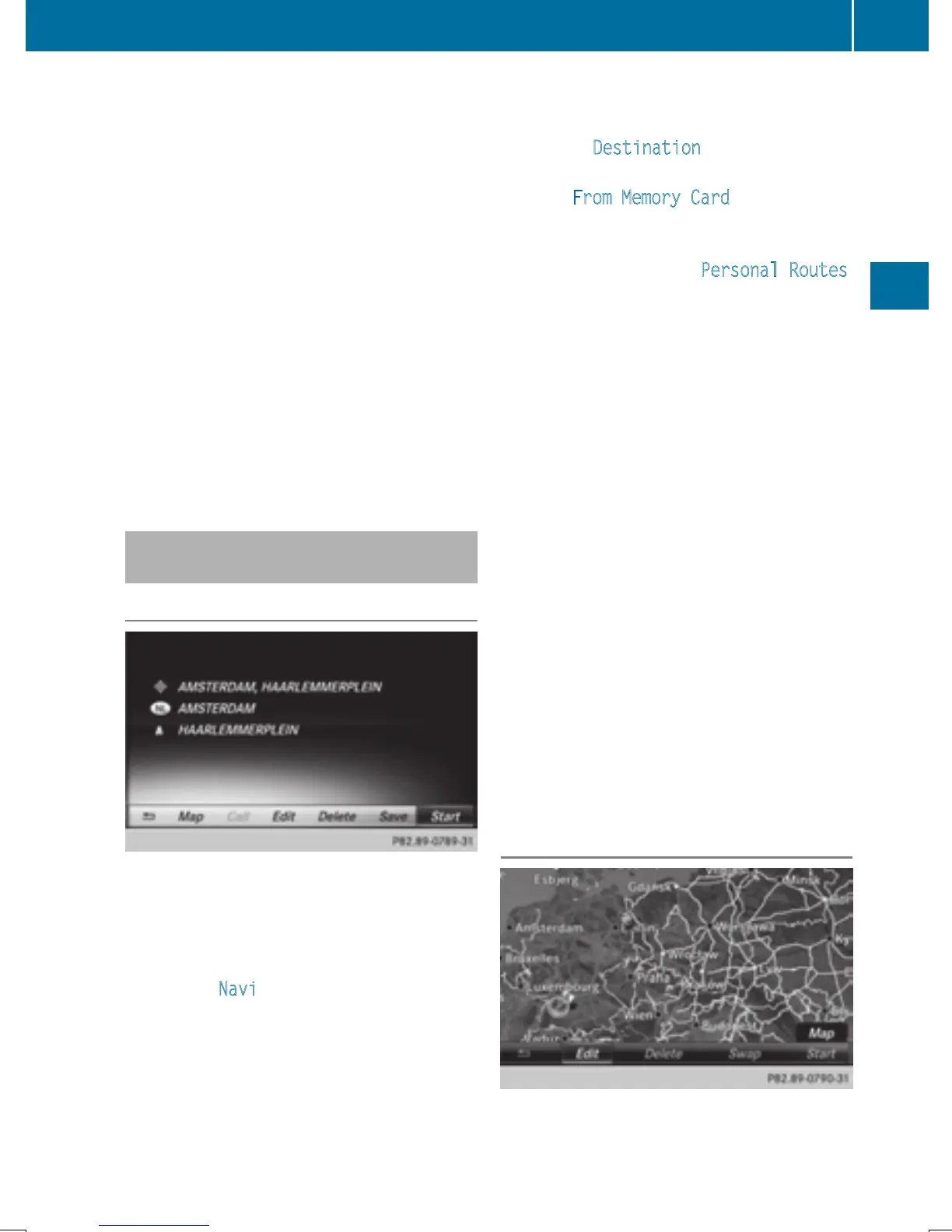
The example shows a personal POI.
X
Insert the SD memory card (Y page 184).
X
To switch to navigation mode: slide 5
the controller.
X
To select Navi: turn and press the control-
ler.
The map displays the current vehicle posi-
tion or the navigation menu appears.
X
If the navigation menu appears, press the
controller.
The map shows the vehicle's current posi-
tion.
X
To show the menu: slide 6 the control-
ler.
X
To select Destination: turn and press the
controller.
X
Select From Memory Card.
The menu displays the categories available
on the SD memory card.
X
To select a category or Personal Routes:
turn and press the controller.
The available personal POIs or route entries
are displayed.
X
Select personal POI or personal route.
The address of the personal POI appears or
the personal route is displayed in the map.
If a large number of entries are stored, a reg-
ister for quick selection appears. Personal
POIs and routes can be saved and sorted with
different character sets (e. g. Latin, Cyrillic,
Arabic).
X
To select a register: slide 9 the con-
troller.
X
To select a character: turn and press the
controller.
X
To select a character set for sorting:
slide 9 the controller to select B.
X
Press the controller.
The available character sets are displayed.
The # dot indicates the current setting.
X
Turn and press the controller.
Editing
The example shows a personal route.
X
Select personal POI or personal route
(
Y page 81).
Personal POIs and routes
81
Navigation
Z


 To Next Page
 Loading...




