Memory functions
Quick save:
X
Set the desired channel in satellite radio
mode.
X
Press and hold the controller until the pre-
set list appears.
X
To select the preset number: turn and press
the controller.
A tone confirms that the storing process
was successful.
Saving a channel using the edit function:
X
In satellite radio mode, slide 6 the con-
troller.
X
To select Preset: turn and press the con-
troller.
X
To select Edit Station Preset: turn and
press the controller.
The list of saved channels appears.
X
To select the preset: turn the controller and
press for about 2 seconds.
The newly saved station overwrites the
existing preset.
i
There are 100 presets available.
Music and sports alerts
General notes
This function makes it possible to store a pro-
gram alert for your favorite artists, tracks or
sporting events.
You can store up to 30 music and sports
alerts (favorites).
Music alerts can only be saved whilst a track
is being played. You can also specify sports
alerts via the menu option. The system then
continuously searches through all the chan-
nels. If a match is found with a saved mes-
sage, you will be informed. A window appears
with the respective information.
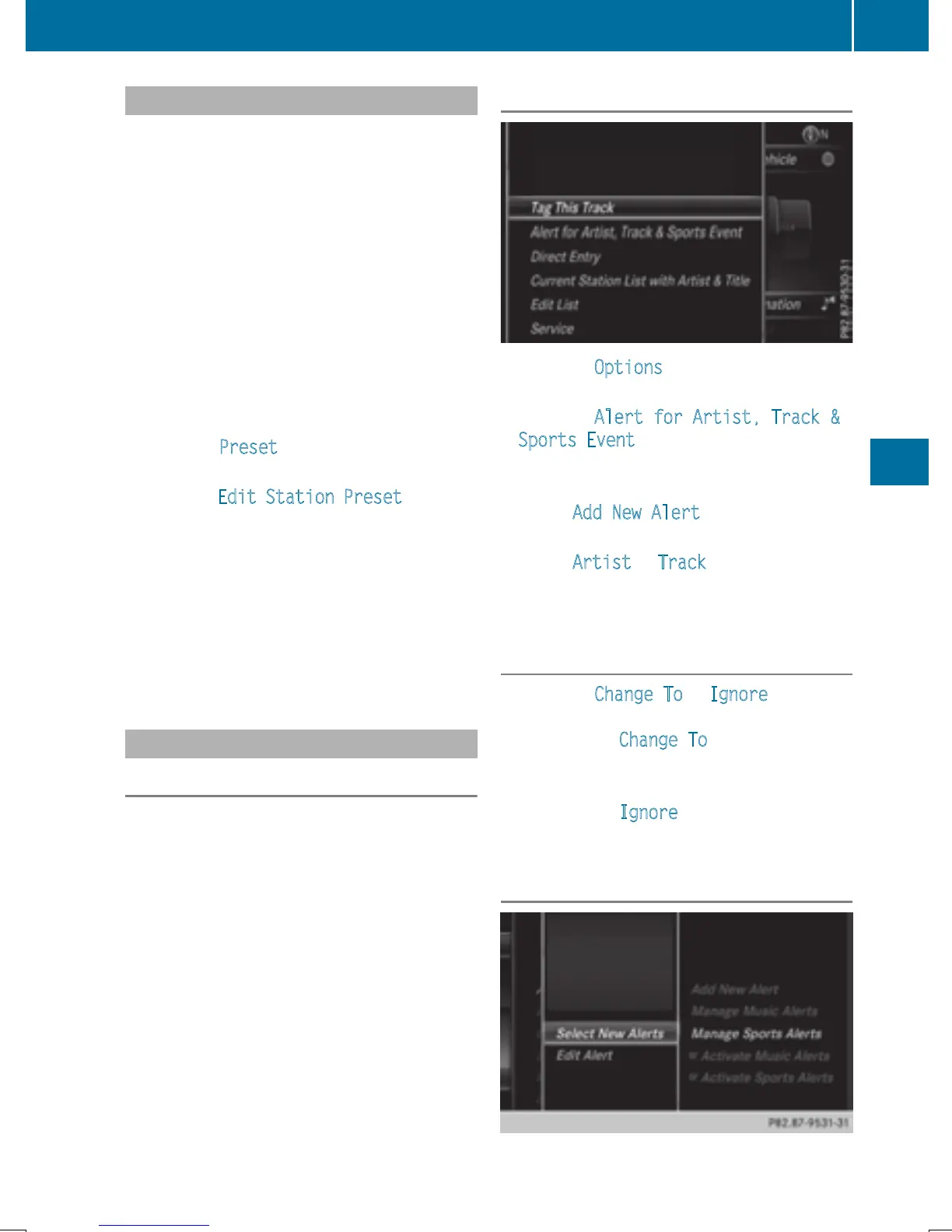
Setting a music alert
X
To select Options in the radio menu bar:
turn and press the controller.
X
To select Alert for Artist, Track &
Sports Event: turn and press the control-
ler.
A menu appears.
X
Select Add New Alert.
A window with a prompt appears.
X
Select Artist or Track.
The alert is set for the current artist or
track.
The music alert window appears
X
To select Change To or Ignore: turn and
press the controller.
If you select Change To
, the channel is
changed and the favorite artist or track is
played.
If you select Ignore
, the current channel
will continue playing.
Setting a sports alert
Satellite radio
175
Radio







 To Next Page