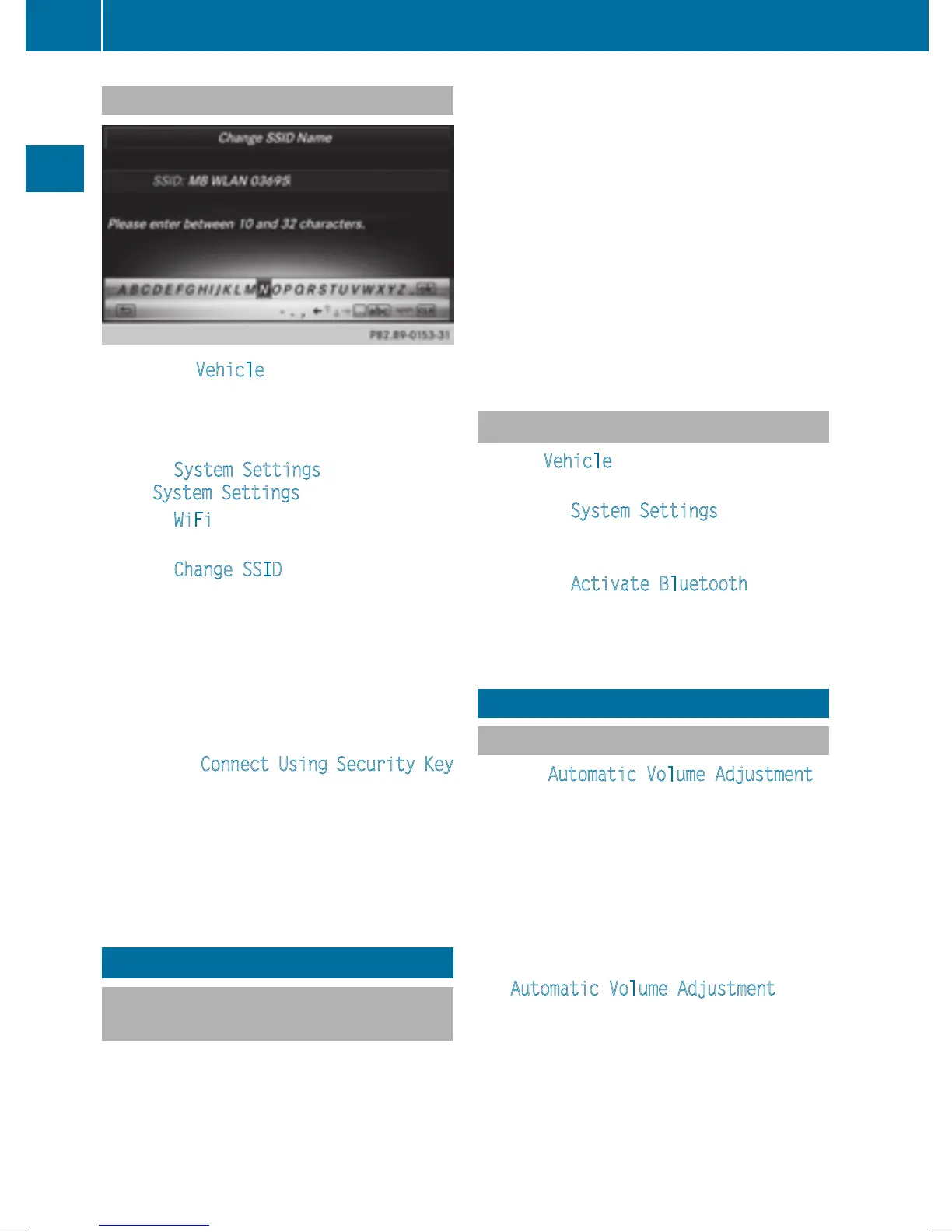
Changing the name of the SSID
X
To select Vehicle from the main function
bar: turn and press the controller.
X
To switch to the menu bar: slide 6 the
controller.
X
Select System Settings.
The System Settings
menu is displayed.
X
Select WiFi.
The WiFi menu appears.
X
Select Change SSID.
A dialog for entering the SSID appears.
X
Enter the new SSID.
X
Select ¬.
X
Press the controller.
From now on, when establishing a connec-
tion, the vehicle will be shown with the new
SSID both on the device to be connected
and in the Connect
Using Security Key
menu.
i
Device connections established using the
previous SSID will no longer work after the
SSID is changed. You have to reconnect
these devices (
Y page 42).
Bluetooth
®
settings
General information about Blue-
tooth
®
Bluetooth
®
-capable devices, e.g. mobile
phones, have to comply with a certain profile
in order to be connected to COMAND. Every
Bluetooth
®
device has its own specific Blue-
tooth
®
name.
Bluetooth
®
technology is a standard for
short-range wireless data transmissions up to
approximately 10 meters. You can use Blue-
tooth
®
to connect your mobile phone to
COMAND to, for example:
R
use the hands-free system
R
establish an Internet connection
R
listen to music using Bluetooth
®
Audio
R
exchange vCards
Bluetooth
®
is a registered trademark of Blue-
tooth Special Interest Group (SIG) Inc.
Activating/deactivating Bluetooth
®
X
Press Vehicle in the main function bar.
The vehicle menu is displayed.
X
To select System Settings: slide 6,
turn and press the controller.
A menu appears.
X
To select Activate Bluetooth: turn and
press the controller.
This switches Bluetooth
®
on O or off ª.
Automatic volume adjustment
General information
With the Automatic Volume Adjustment
function, the volumes of different audio sour-
ces are adjusted for each other, to compen-
sate for relative differences in volume.
For example: changing from a relatively
quiet to a relatively loud radio station. The
volume for both stations sounds the same.
Manual readjustment of the volume is not
required.
The Automatic Volume Adjustment
func-
tion is deactivated ª when the vehicle leaves
the factory. Using this function, the dynamic
range of the music is slightly reduced. To
make the most of the audiophile sound qual-
ity, it is recommended to leave it off.
44
Automatic volume adjustment
System settings


 To Next Page
 Loading...




